Is Disk Drill Safe To Use? Full Review And Security Check (2026)
Losing important files can feel catastrophic, especially when they include business documents, personal photos, or critical system data. In 2026, data recovery software remains one of the most sought-after solutions for accidental deletions and drive failures. Among the most recognizable names in this space is Disk Drill. But with increasing concerns around privacy, malware, and software integrity, many users are asking a valid question: Is Disk Drill safe to use?
TLDR: Disk Drill is generally safe to use when downloaded from its official website. It does not contain malware and is developed by a reputable company with a long-standing presence in the data recovery industry. However, like any data recovery software, it requires deep access to your storage devices, which means users should understand its permissions and best usage practices. For most home and professional users, Disk Drill is considered secure and legitimate in 2026.
What Is Disk Drill?
Disk Drill is a data recovery application developed by CleverFiles. It is available for both Windows and macOS and is designed to recover deleted or lost files from:
- Internal hard drives (HDD and SSD)
- External drives
- USB flash drives
- SD cards
- Formatted or corrupted partitions
It supports hundreds of file types, including documents, images, videos, and audio files. In addition to recovery features, Disk Drill offers data protection tools like Recovery Vault and drive backup options.
Is Disk Drill Legitimate?
Disk Drill is developed by CleverFiles, a company operating since 2009. Over the years, it has built a substantial reputation in the data recovery market. The software is regularly updated, digitally signed, and distributed through its official website and recognized app platforms.
Key legitimacy indicators include:
- Digitally signed installer packages
- Long-standing user base worldwide
- Transparent pricing structure
- Clear privacy policy and terms of service
- Absence of bundled adware in official downloads
When obtained directly from the official source, Disk Drill does not contain spyware or hidden malware components based on independent security scans and user reports.
Security Permissions: Why Disk Drill Needs Deep Access
One common concern is the level of system access Disk Drill requests during installation. These permissions can appear alarming, especially on macOS where users must grant full disk access.
However, this access is necessary because:
- Data recovery requires low-level disk scanning
- The software must bypass normal file system indexing
- It needs to read hidden or lost file fragments
Without elevated permissions, Disk Drill would not function properly. In 2026, operating systems display these requests transparently, giving users the opportunity to approve or deny them.
Important: Always download Disk Drill from the official CleverFiles website. Third-party download portals increase the risk of modified installers.
Does Disk Drill Collect Personal Data?
According to its privacy policy, Disk Drill collects limited data, primarily for:
- License verification
- Crash diagnostics
- Optional analytics
The software does not upload recovered files to external servers. Scanning and recovery processes occur locally on your device. Users handling sensitive information should still review current privacy terms before installation, but as of 2026, there are no widespread reports of improper data harvesting.
Antivirus and Malware Scan Results
Independent testing platforms and antivirus scans consistently show the official Disk Drill installer as clean. Security tools such as Windows Defender, Bitdefender, and Malwarebytes generally categorize it as safe software.
Occasionally, some antivirus programs may flag it due to:
- Low-level disk access behavior
- Data recovery techniques resembling forensic tools
These are typically false positives rather than genuine threats.
Performance and System Impact
Security isn’t just about malware—it’s also about system stability. Intensive disk scanning can stress hardware, especially on older drives.
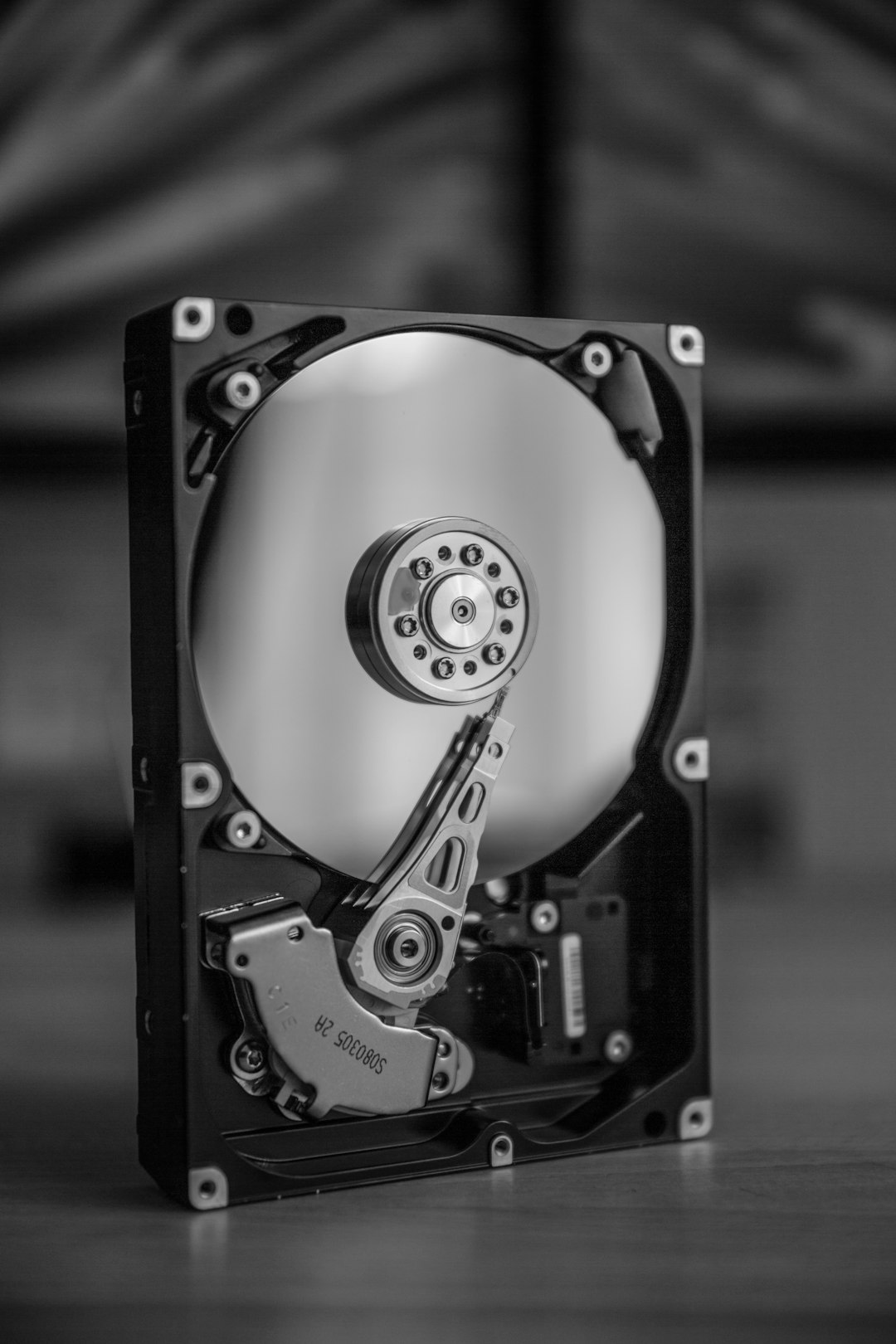
During deep scans, you may notice:
- High CPU usage
- Increased disk activity
- Temporary system slowdown
This is normal behavior during sector-by-sector scans. Disk Drill does not continuously run in the background unless you enable its protection features.
Free vs Pro Version: Safety Differences
Both the free and paid versions use the same core engine. The difference lies in recovery limits and advanced features.
| Feature | Free Version | Pro Version |
|---|---|---|
| Malware-Free Installer | Yes | Yes |
| Deep Scan Technology | Yes | Yes |
| Recovery Limit (Windows) | Up to 500MB | Unlimited |
| Data Protection Tools | Limited | Full Access |
| Technical Support | Basic | Priority |
From a safety standpoint, both versions are equally secure when downloaded from legitimate sources.
How Disk Drill Compares to Other Recovery Tools
To better evaluate safety, it helps to compare Disk Drill with other popular data recovery programs available in 2026.
| Software | Developer Reputation | Malware History | Requires Deep Access |
|---|---|---|---|
| Disk Drill | Established since 2009 | No verified incidents | Yes |
| Recuva | Established developer | No major incidents | Yes |
| EaseUS Data Recovery | Large international company | No verified malware | Yes |
The need for elevated permissions is standard across data recovery software. Disk Drill does not appear less secure than its competitors.
Potential Risks and Limitations
While Disk Drill itself is safe, certain risks are inherent to data recovery:
- Overwriting Data: Installing the software on the same drive you are trying to recover can permanently overwrite lost files.
- Damaged SSD Risks: SSD drives with TRIM enabled may permanently erase data before recovery is possible.
- Hardware Failure: Physically failing drives may worsen during intensive scans.
For critical business data or mechanically failing drives, professional data recovery services remain the safest option.
Best Practices for Using Disk Drill Safely
To maximize security and minimize risk:
- Download only from the official CleverFiles website
- Install on a separate drive if possible
- Avoid recovering files back to the same partition
- Run an antivirus scan on the installer before executing
- Back up important data regularly to avoid emergency recovery situations

User Reviews and Industry Reputation (2026)
As of 2026, user reviews for Disk Drill remain largely positive. Most praise centers around:
- User-friendly interface
- Effective deep scan capability
- Preview features before recovery
Negative reviews typically involve pricing concerns or limited results due to overwritten data—not security breaches.
Final Verdict: Is Disk Drill Safe To Use?
Based on installation integrity, developer reputation, independent security scans, and real-world usage, Disk Drill is safe to use in 2026 when downloaded from official sources. It does not function as spyware, does not secretly extract personal files, and operates locally on your machine.
That said, users must understand that data recovery software requires elevated permissions and high system access. This behavior is normal for its function and not an indicator of malicious intent.
For home users, students, photographers, and small businesses, Disk Drill represents a legitimate and secure solution for accidental data loss. As always, the strongest security strategy is prevention—maintain routine backups so recovery software becomes a last resort rather than a necessity.