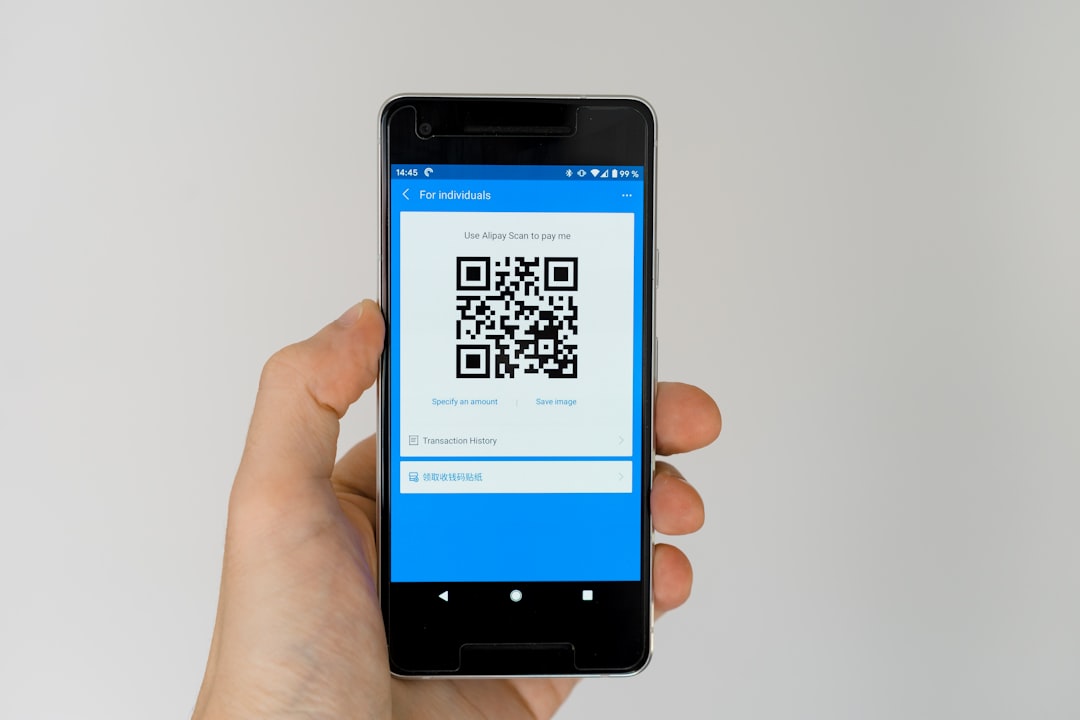
11 Features to Look for in a Dynamic QR Code Platform Before Launching Your Next Campaign
Dynamic QR codes have become a practical bridge between offline attention and online action. Whether a team is promoting a product launch, collecting event registrations, distributing coupons, or tracking print advertising, the platform behind the code can determine how effective the campaign becomes. Before launching the next campaign, marketers, agencies, and business owners should evaluate more than just whether a QR code can be generated quickly. They should look for a platform that supports flexibility, measurement, branding, security, and long-term campaign management.
TLDR: A strong dynamic QR code platform should offer editable destinations, detailed analytics, customization, integrations, security, and reliable performance. It should help teams track campaign results, protect user data, and update content without reprinting materials. The best choice is a platform that supports both current campaign goals and future marketing needs.
Why the Right Dynamic QR Code Platform Matters
Unlike static QR codes, dynamic QR codes allow the destination URL or content to be changed after the code has been printed or shared. This makes them especially valuable for campaigns involving packaging, brochures, posters, business cards, direct mail, menus, and outdoor advertising. If a landing page changes, a promotion expires, or a team wants to test a different offer, the QR code can remain the same while the destination is updated in the platform.
However, not all platforms offer the same level of control. Some are basic generators with limited tracking, while others function as full campaign management systems. The following 11 features are worth reviewing before any organization commits to a platform for its next campaign.
1. Editable Destination URLs
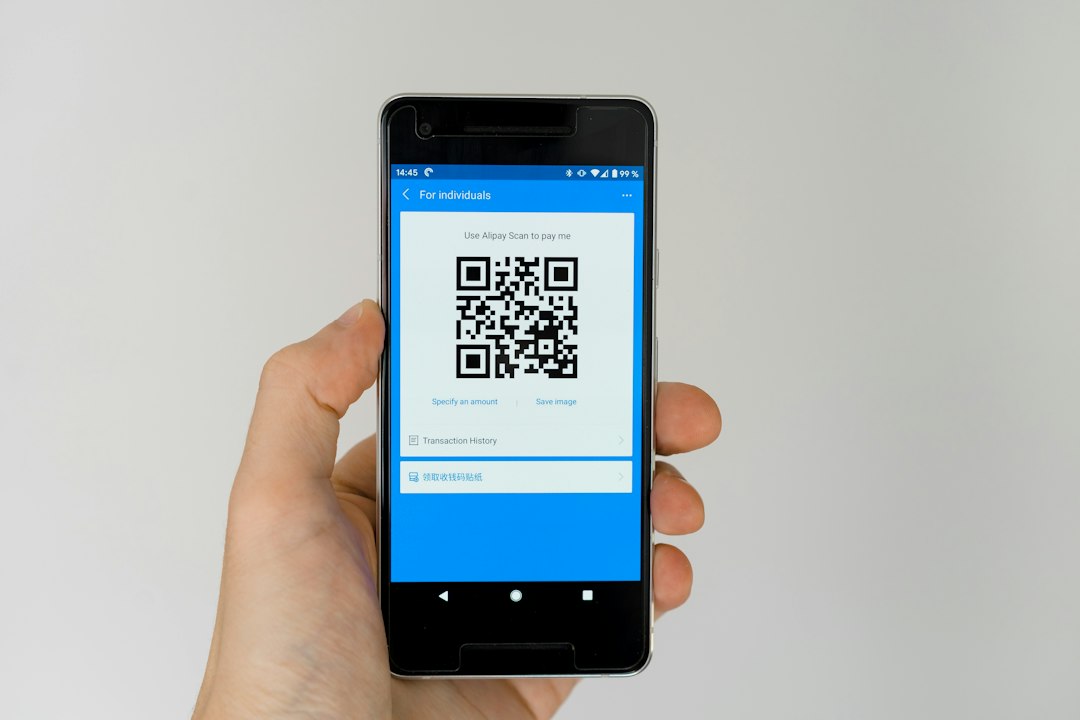
The most important feature of a dynamic QR code platform is the ability to edit the destination after the code has been created. This allows a campaign manager to update links without changing the printed QR code itself. For example, a restaurant can update a seasonal menu, a retailer can switch from one promotion to another, and an event organizer can redirect attendees from a registration page to a post-event survey.
This flexibility reduces waste, prevents reprinting costs, and gives teams more confidence when launching offline materials. A reliable platform should make URL editing simple, immediate, and available from an intuitive dashboard.
2. Detailed Scan Analytics
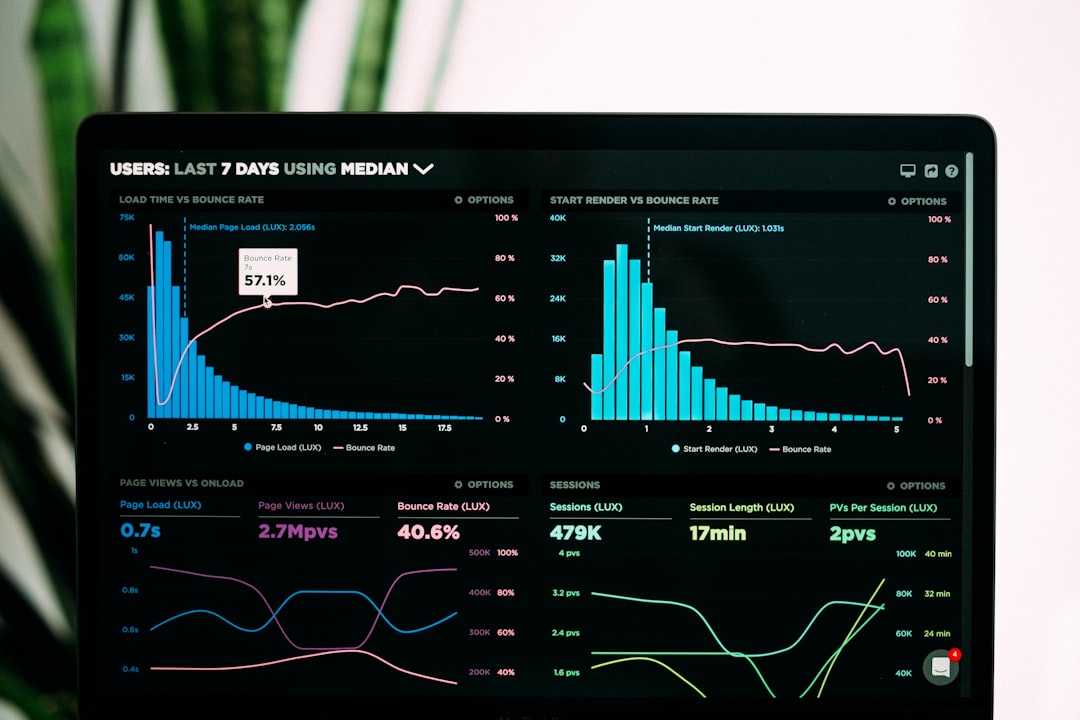
A QR campaign should do more than send users to a page; it should also provide insight into how audiences behave. Strong platforms include scan analytics that show when, where, and how often codes are scanned.
Useful metrics may include:
- Total scans and unique scans
- Scan location by city, region, or country
- Device type, such as iOS or Android
- Time and date of each scan
- Campaign performance across multiple QR codes
These insights help marketers measure which print placements, product labels, ads, or event materials are driving engagement. Without analytics, a QR code is simply a shortcut. With analytics, it becomes a measurable campaign asset.
3. Custom Branding and Design Options
QR codes no longer need to look plain or generic. A good platform should offer design features that allow teams to match the code to their brand identity. This can include custom colors, logo placement, frame styles, call-to-action text, and unique shapes.
However, design should never compromise scannability. The platform should provide guidance or automatic validation to ensure the code remains easy for smartphone cameras to read. A well-branded QR code can build trust, improve visual appeal, and encourage more scans, especially when it includes a clear prompt such as “Scan to claim offer” or “Scan for product details.”
4. Campaign Organization and Code Management
As campaigns grow, teams may need to manage dozens or even hundreds of QR codes. A dynamic QR code platform should include tools for organizing codes by campaign, client, location, product, or department.
Helpful management features include folders, tags, search tools, naming conventions, and user notes. These features may seem minor at first, but they become essential when a company runs multiple campaigns across print ads, packaging, trade shows, retail displays, and email materials. Clear organization prevents confusion and helps teams quickly identify which QR code is connected to which campaign.
5. Multiple QR Code Content Types
While URL redirection is the most common use case, a versatile platform should support a variety of content types. Different campaigns may require different user experiences, and the platform should make it easy to create the right type of code for each situation.
Common content types include:
- Website URLs
- PDF downloads
- Digital business cards
- App store links
- WiFi access
- Coupons and offers
- Event registration pages
- Social media profiles
- Feedback forms
- Location maps
A platform with multiple content options allows a team to expand its QR strategy beyond simple links and create richer customer experiences.

6. Integration With Marketing and Analytics Tools
Modern campaigns rarely exist in isolation. A QR code platform becomes more valuable when it integrates with the tools a marketing team already uses. Integration with analytics platforms, customer relationship management systems, email marketing tools, and advertising dashboards can help connect QR engagement to broader customer journeys.
For example, URL parameters can be added to track scans in web analytics software. Some platforms may also support webhook connections or API access, allowing businesses to send scan data into internal systems. These integrations help teams understand not only that someone scanned a code, but also what happened next.
7. Security and Data Privacy Controls
Security should be a serious consideration, especially when QR codes are used in finance, healthcare, education, government, or large consumer campaigns. A trustworthy platform should provide secure redirects, encrypted connections, privacy-conscious analytics, and clear data handling policies.
Teams should look for features such as:
- HTTPS support for secure destination links
- User permissions for team access control
- Two-factor authentication for account protection
- Compliance support where relevant
- Transparent data policies explaining how scan data is stored
Security also protects brand reputation. If a QR code redirects users to a suspicious or broken page, trust can be damaged quickly. A reliable platform should make safety and privacy part of its core offering.
8. Bulk Creation and Export Options
For small campaigns, creating one QR code at a time may be acceptable. For larger campaigns, bulk generation can save significant time. A strong platform should allow users to create multiple QR codes at once, often through spreadsheet uploads or batch tools.
This is especially useful for product packaging, inventory labels, event badges, retail locations, and personalized direct mail. Export options are equally important. The platform should provide high-quality files in formats suitable for print and digital use, such as PNG, SVG, EPS, or PDF. Print-ready exports help ensure QR codes remain crisp, clear, and scannable at different sizes.
9. Reliability, Speed, and Uptime
Because dynamic QR codes rely on platform-based redirection, reliability is critical. When someone scans the code, the redirect should load quickly and consistently. Slow redirects or service downtime can cause users to abandon the experience before reaching the campaign page.
Before choosing a platform, an organization should consider its uptime record, infrastructure quality, and support availability. For major campaigns, especially those tied to events, media placements, or product launches, downtime can mean lost leads, missed sales, and poor customer experiences. A dependable platform should be built for consistent performance at scale.
10. Team Collaboration and Permission Settings
Many campaigns involve more than one person. Designers, marketers, managers, clients, and analysts may all need access to QR code assets or reports. A platform with collaboration features can reduce bottlenecks and improve workflow.
Important collaboration tools include multiple user accounts, role-based permissions, approval workflows, shared folders, and activity logs. These features allow teams to control who can create, edit, view, or delete QR codes. For agencies, permission settings are also useful when managing separate client campaigns within the same platform.
11. Retargeting, A/B Testing, and Advanced Campaign Features
Advanced platforms may offer features that go beyond basic QR code creation. These can include retargeting pixel support, A/B testing, geo-based redirection, time-based redirection, password protection, and scan limits. Such features give marketers more control over the user journey.
For instance, a retailer could send users in different cities to different store pages. An event organizer could redirect scans to a live agenda during the event and a feedback form afterward. A brand could test two landing pages to see which one drives more sign-ups. These advanced capabilities can turn a QR campaign into a flexible, data-driven marketing channel.
Additional Considerations Before Launch
Beyond platform features, campaign planning also matters. A team should define the goal of the QR code before producing it. The goal may be to increase sales, collect leads, educate customers, encourage app downloads, or improve event engagement. Once the goal is clear, the landing page should be optimized for mobile users, since most QR scans happen on smartphones.
The call to action should also be visible and specific. A QR code placed on a poster with no explanation may receive fewer scans than one paired with a benefit-driven message. Instead of simply saying “Scan me,” a campaign might say “Scan to get 20% off,” “Scan for installation instructions,” or “Scan to reserve a seat.”
Testing is another essential step. The QR code should be tested on multiple devices, at different distances, in different lighting conditions, and on the final printed material if possible. This helps identify issues before the campaign goes live.
How to Choose the Best Platform for Campaign Goals
The best dynamic QR code platform depends on the organization’s campaign size, budget, technical needs, and reporting requirements. A small business may prioritize simplicity, branded codes, and basic analytics. An agency may need client folders, bulk creation, team permissions, and white-label reporting. An enterprise may require API access, compliance features, security controls, and guaranteed uptime.
Before subscribing, teams should compare platforms based on real campaign needs rather than choosing the first generator they find. They should consider whether the platform can support future growth, not just the immediate campaign. If a brand plans to use QR codes regularly, investing in a more capable platform can save time and reduce risk over the long term.
Conclusion
A dynamic QR code platform is more than a code generator. It is a campaign management tool that can influence user experience, measurement accuracy, operational efficiency, and brand trust. The right platform should make it easy to update destinations, customize designs, track results, protect data, collaborate with teams, and scale campaigns when needed.
Before launching the next campaign, decision-makers should review these 11 features carefully. A thoughtful choice can help ensure that every scan leads to a meaningful interaction and every campaign produces useful insights.
FAQ
What is a dynamic QR code?
A dynamic QR code is a QR code that allows the destination or content to be changed after the code has been created. This means printed materials do not need to be redesigned or reprinted when a link changes.
How is a dynamic QR code different from a static QR code?
A static QR code contains fixed information that cannot be edited after creation. A dynamic QR code uses a redirect system, allowing the owner to update the destination and often track scan analytics.
Why are analytics important in a QR code campaign?
Analytics help teams understand how many people scanned the code, where scans happened, what devices were used, and when engagement was highest. This information supports better campaign decisions.
Can dynamic QR codes be used on printed materials?
Yes. Dynamic QR codes are especially useful for printed materials because the destination can be updated without changing the printed code.
Are custom QR codes still scannable?
Custom QR codes can be scannable if they are designed correctly. Colors, logos, and frames should not interfere with contrast or the code’s essential pattern.
What should a landing page include for a QR campaign?
The landing page should be mobile-friendly, fast-loading, relevant to the call to action, and easy to navigate. It should deliver exactly what the scan promised.
Is security important for QR code platforms?
Yes. A secure platform helps protect users, campaign data, and brand reputation. Teams should look for HTTPS support, permission controls, and clear privacy policies.
Can QR codes be used for A/B testing?
Some dynamic QR code platforms support A/B testing or rotating destinations. This allows marketers to compare landing pages, offers, or messages.
What file format is best for printing QR codes?
Vector formats such as SVG, EPS, or PDF are often best for print because they remain sharp at different sizes. High-resolution PNG files may also work for many uses.
How should a team test a QR code before launch?
The team should scan the code with multiple devices, test it from different distances, check the printed version, and confirm that the destination works properly on mobile.