15 Voice Generator Tools That Help You Create Professional Audio Without Recording
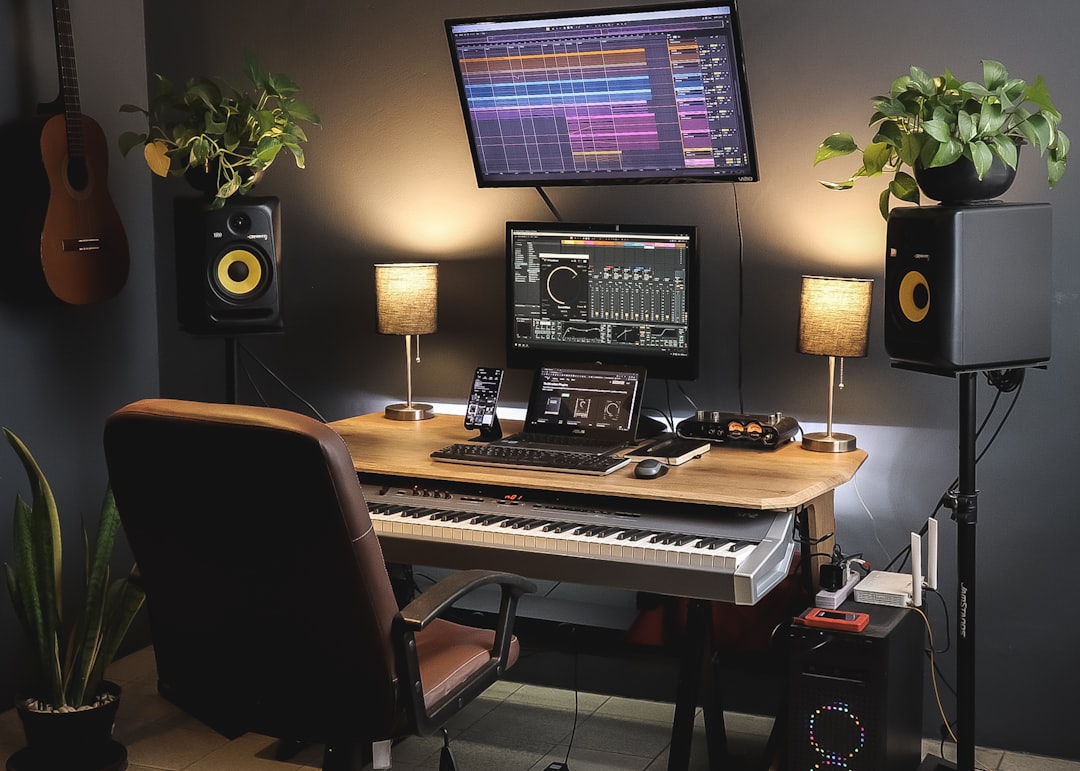
Professional audio no longer requires a studio, microphone, soundproof room, or trained voice actor for every project. Modern voice generator tools can convert written text into polished narration for training videos, advertisements, podcasts, product explainers, audiobooks, customer support content, and social media. The best platforms now offer natural pacing, multilingual voices, commercial licenses, pronunciation controls, and editing features that make synthetic speech suitable for serious business use.
TLDR: Voice generator tools help teams create professional audio from text without recording their own voice or hiring talent for every project. The strongest options combine realistic voices, licensing clarity, editing controls, and export formats suitable for commercial use. Tools such as ElevenLabs, Murf, WellSaid Labs, PlayHT, Amazon Polly, and Microsoft Azure AI Speech serve different needs, from creative narration to enterprise-scale automation. Always review usage rights, voice cloning consent rules, and data privacy terms before publishing.
What to Look for in a Reliable Voice Generator
Before choosing a platform, it is important to evaluate more than how realistic the demo sounds. A professional tool should provide consistent pronunciation, clear licensing, stable exports, and controls for speed, pauses, emphasis, and tone. If your organization works across regions, multilingual support and accent options may be essential. For regulated industries, privacy documentation, enterprise contracts, and secure data handling should be treated as mandatory rather than optional.
- Voice quality: Natural rhythm, believable emotion, and minimal robotic artifacts.
- Commercial rights: Clear permission to use generated audio in paid or public projects.
- Editing control: Ability to adjust pacing, pronunciation, pauses, and speaker style.
- Scalability: Batch processing, APIs, and team collaboration features.
- Ethical safeguards: Consent-based voice cloning and transparent usage policies.

15 Voice Generator Tools Worth Considering
1. ElevenLabs
ElevenLabs is widely recognized for expressive, natural-sounding AI voices. It is especially useful for narration, character dialogue, audiobooks, and video voiceovers. The platform supports voice design, multilingual generation, and voice cloning, but users should pay close attention to consent and licensing requirements. For creators who need emotional range and realism, it is one of the strongest options available.
2. Murf
Murf is built for business users who need voiceovers for presentations, e-learning, ads, and explainer videos. Its interface is easy to understand, with options to adjust pitch, speed, emphasis, and pauses. Murf also offers a built-in studio environment, making it practical for teams that want to combine scripts, timing, and generated voice in one place.
3. WellSaid Labs
WellSaid Labs focuses on professional-grade voice production for corporate training, marketing, and product content. Its voices are polished and consistent, which makes it a dependable choice for brand communications. The platform is particularly attractive to organizations that care about governance, team workflows, and predictable output quality.
4. PlayHT
PlayHT offers a large library of AI voices and supports multiple languages and accents. It is suitable for podcasts, educational material, YouTube narration, and accessibility use cases. The platform also includes API access, which makes it useful for businesses that need to generate audio automatically at scale.
5. Speechify
Speechify is known for text-to-speech tools that turn written content into listenable audio. It is often used for productivity, accessibility, and content consumption, but it also offers voice generation features for creators. Its main advantage is simplicity: users can quickly transform documents, web pages, or scripts into clear spoken audio.
6. Descript
Descript is more than a voice generator; it is an audio and video editing platform with AI voice capabilities. Its text-based editing workflow is valuable for podcasters, educators, and video producers. The platform’s voice features can help replace small sections of audio, create narration, or speed up post-production, especially when combined with its transcription and editing tools.
7. LOVO
LOVO, through its Genny platform, provides AI voices for marketing, entertainment, learning, and social media content. It includes a voice library, script tools, and video-related features. For users who want a creator-friendly environment with a broad selection of voices, LOVO is a practical option.
8. Listnr
Listnr is designed for generating voiceovers, audio articles, podcasts, and embedded audio content. It supports many languages and voices, making it useful for publishers and marketers who need to repurpose written content. Its podcast-oriented features are particularly helpful for users who want to distribute generated audio efficiently.

9. Resemble AI
Resemble AI emphasizes custom voices, real-time speech generation, and voice cloning. It is used in gaming, virtual assistants, interactive media, and branded voice experiences. Because the platform can create highly specific voice models, organizations should implement strict approval processes and confirm that all cloned voices are authorized.
10. Microsoft Azure AI Speech
Microsoft Azure AI Speech is a strong enterprise option for developers and organizations that require scalable text-to-speech. It supports neural voices, custom voice models, speech translation, and integration with other Azure services. For companies already using Microsoft infrastructure, it can be a reliable and secure choice.
11. Google Cloud Text-to-Speech
Google Cloud Text-to-Speech provides high-quality neural voices and extensive language support. It is best suited for developers, SaaS platforms, accessibility tools, and businesses that need automated voice output through an API. Its strength lies in scalability, documentation, and integration with broader Google Cloud services.
12. Amazon Polly
Amazon Polly is a mature text-to-speech service from AWS. It supports neural voices, multiple languages, speech marks, and real-time audio generation. Polly is commonly used in apps, call center systems, learning platforms, and content automation pipelines. Its pricing model and AWS integration make it appealing for businesses with technical teams.
13. IBM Watson Text to Speech
IBM Watson Text to Speech offers enterprise-focused speech synthesis with language and voice customization options. It is appropriate for customer service, accessibility, and business applications where reliability matters. IBM’s broader AI and cloud ecosystem may be useful for organizations that already depend on Watson services.
14. NaturalReader
NaturalReader is a straightforward tool for turning documents, PDFs, and written text into spoken audio. It is popular in education, accessibility, and personal productivity, but it also has commercial options. While it may not offer the same production depth as some studio-style tools, it is dependable for clear and practical narration.
15. VEED
VEED combines online video editing with text-to-speech and AI voiceover features. It is useful for creators who want to generate narration and place it directly into videos without switching platforms. For social media teams, trainers, and small businesses, this integrated workflow can save significant editing time.
How to Use Voice Generators Professionally
A voice generator is only as effective as the script and production process behind it. Write for the ear, not the page. Short sentences, clear transitions, and natural phrasing produce better audio than dense paragraphs. It is also wise to test several voices before committing, because a voice that sounds impressive in a demo may not fit your brand, subject, or audience.
- Prepare the script: Remove unnecessary words and mark where pauses should occur.
- Choose the right voice: Match tone, accent, age, and energy to the content.
- Adjust delivery: Fine-tune speed, emphasis, and pronunciation.
- Export in the right format: Use WAV for high-quality production or MP3 for smaller files.
- Review carefully: Listen for mispronunciations, awkward pacing, or unnatural emphasis.
Ethical, Legal, and Quality Considerations
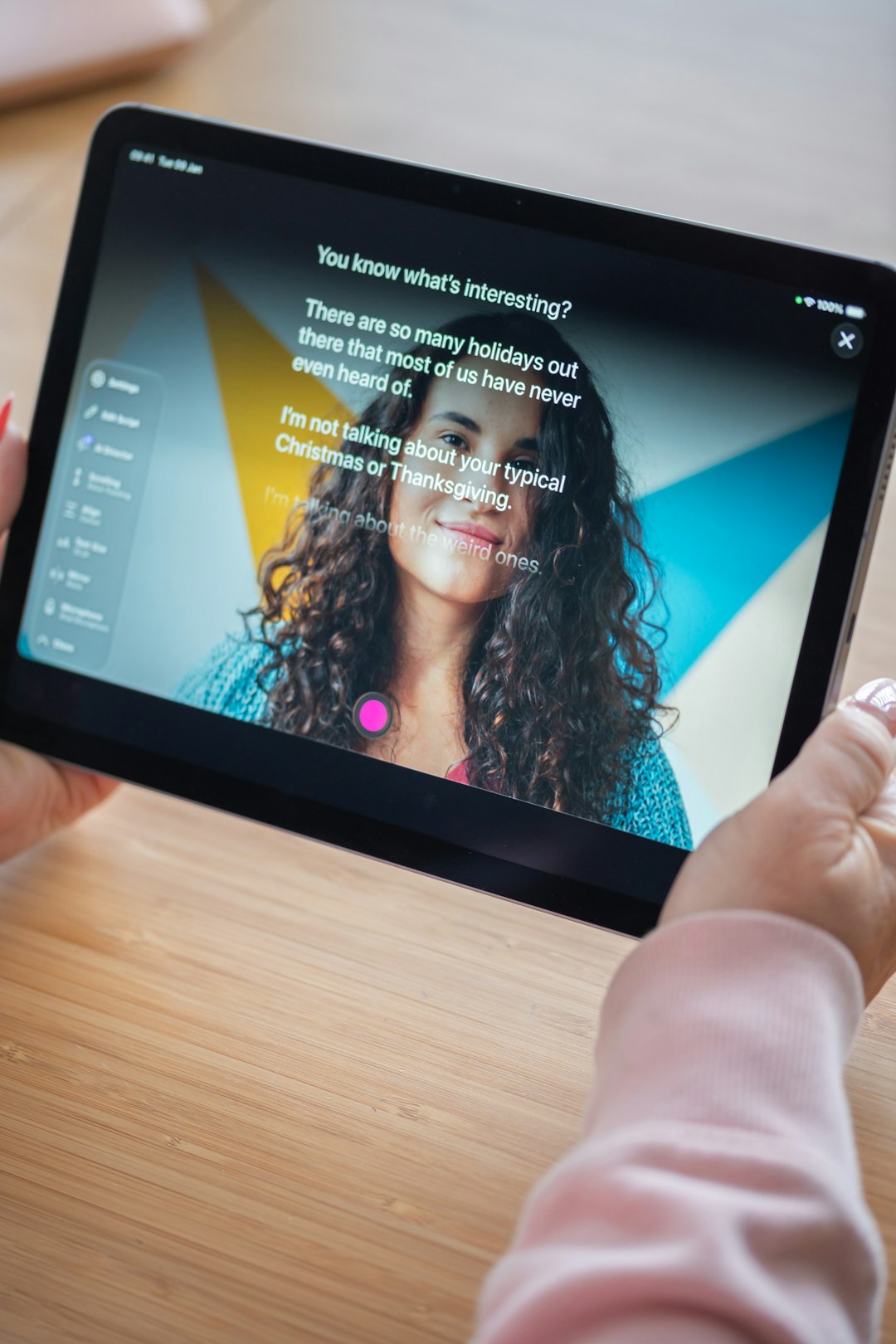
Professional use of AI-generated voices requires caution. If a tool offers voice cloning, never clone a person’s voice without documented permission. Synthetic audio should not be used to mislead audiences, impersonate individuals, or create false endorsements. In some contexts, it may be appropriate to disclose that a voice is AI-generated, especially in journalism, education, customer service, or public information.
Licensing also matters. Some tools allow commercial use only on paid plans, while others restrict certain industries, advertising formats, or redistribution methods. If the audio will appear in broadcast campaigns, paid courses, software products, or client work, review the terms carefully. For enterprise use, involve legal, security, and procurement teams before adopting a platform.
Which Tool Is Best?
There is no single best voice generator for every situation. ElevenLabs and PlayHT are strong for realistic narration and creative projects. Murf and WellSaid Labs are excellent for business voiceovers and training content. Amazon Polly, Google Cloud Text-to-Speech, and Microsoft Azure AI Speech are better suited to developers and organizations that need automation, APIs, and scale.
For the best results, compare tools using your own script rather than relying only on public demos. Listen on headphones and speakers, test difficult words, and confirm that the final audio remains clear after compression or video upload. A trustworthy voice generator should not only sound good once; it should produce reliable, repeatable results across many projects.
Voice generator tools can significantly reduce production time and cost while expanding access to professional audio. Used responsibly, they help businesses, educators, publishers, and creators produce clear narration without recording from scratch. The right choice depends on your workflow, budget, technical needs, and standards for quality and compliance.