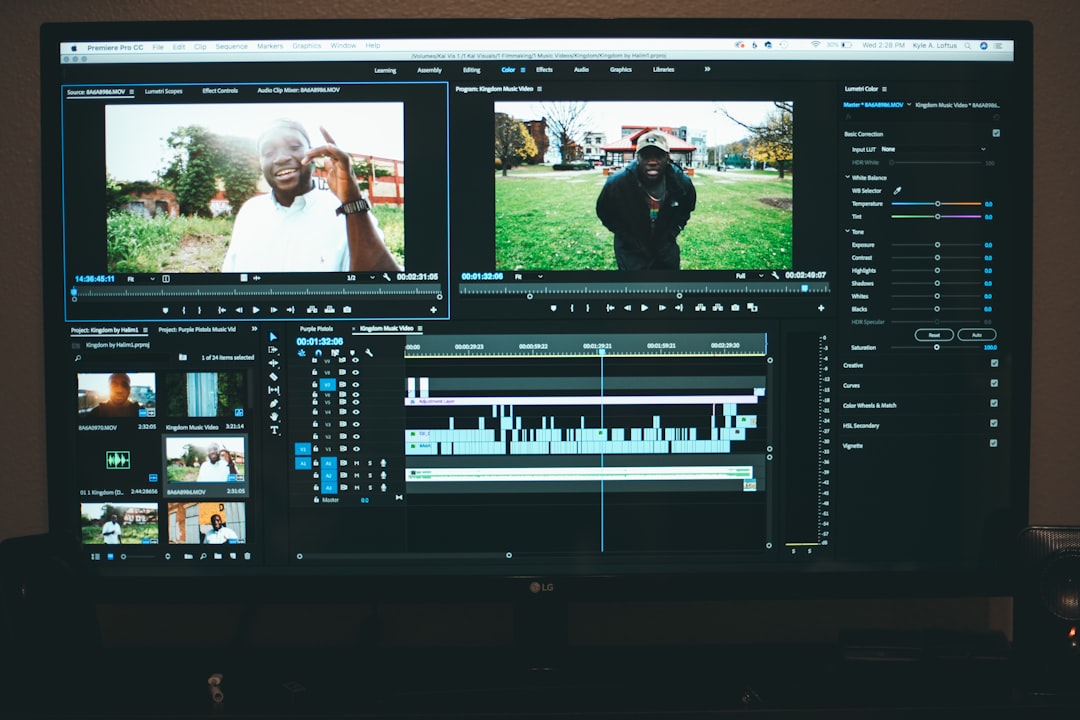
3 Video Editing SaaS Platforms For Editing Content Online
Video content has become the backbone of modern communication. From short-form social media clips and YouTube tutorials to marketing campaigns and online courses, video is now one of the most effective ways to reach audiences. The good news? You no longer need expensive desktop software or a high-powered computer to create professional edits. Video editing Software-as-a-Service (SaaS) platforms allow creators to edit directly in the browser, collaborate in real time, and export high-quality content with ease.
TLDR: Online video editing SaaS platforms make professional editing accessible without downloading complex software. Platforms like WeVideo, Kapwing, and Clipchamp offer cloud-based tools, templates, and collaboration features for creators of all skill levels. They are ideal for marketers, educators, small businesses, and social content creators. Choosing the right one depends on your workflow, collaboration needs, and preferred level of creative control.
Why Choose Online Video Editing Platforms?
Before diving into specific platforms, it’s important to understand why online editing has gained so much traction. Traditional desktop editing software can be powerful, but it often comes with:
- Steep learning curves
- High system requirements
- Large upfront costs
- Limited collaboration functionality
In contrast, cloud-based video editors provide accessibility and flexibility. You can log in from virtually any device, store projects in the cloud, and work collaboratively with team members across locations.
Key benefits include:
- No installation required
- Automatic updates and backups
- Built-in assets like stock footage, music, and templates
- Team collaboration in real time
Let’s explore three of the most reliable and feature-rich SaaS platforms for editing content online.
1. WeVideo
WeVideo is one of the pioneers in online video editing. Built specifically with cloud functionality in mind, it’s known for its user-friendly interface and strong collaboration tools. It’s particularly popular among educators, marketers, and small businesses.
Core Features
- Drag-and-drop timeline editing
- Green screen functionality
- Royalty-free stock library
- Screen and webcam recording
- Brand kit customization
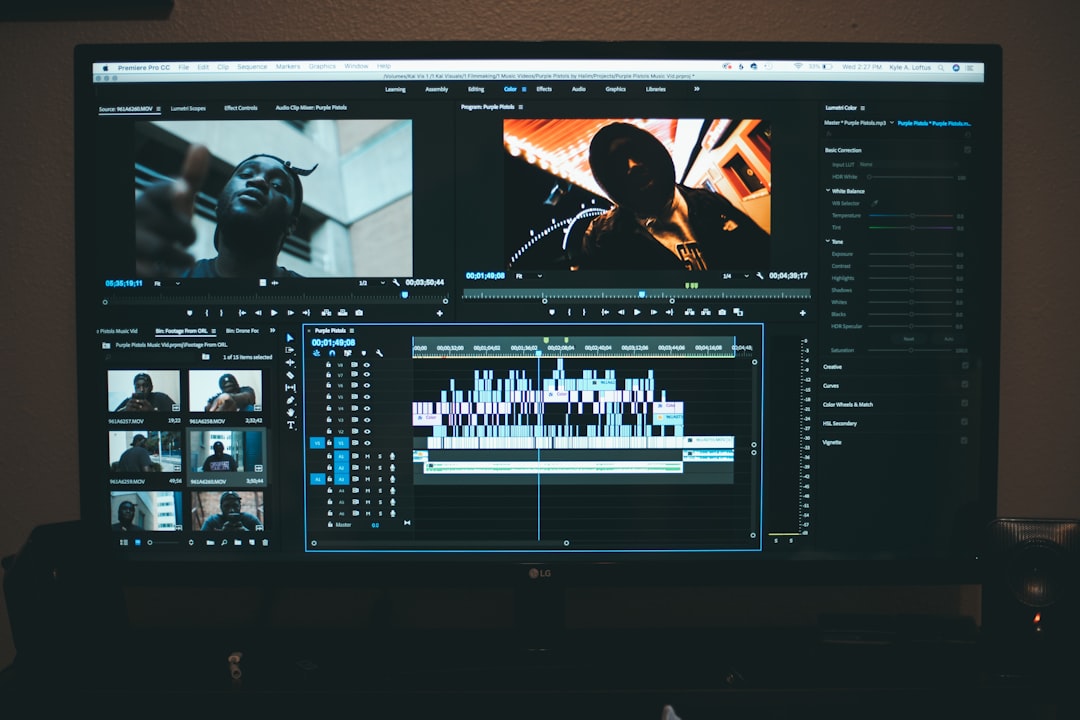
One of WeVideo’s strengths is its intuitive timeline editor. Unlike some browser-based editors that oversimplify editing tools, WeVideo strikes a balance between accessibility and depth. Users can manage multiple video and audio tracks, add transitions, adjust color settings, and incorporate motion titles.
Collaboration is another standout feature. Teams can share projects and assets, making it easy to streamline workflows across departments. For educational institutions, WeVideo provides classroom management features and privacy controls.
Best For
- Educational video projects
- Small marketing teams
- Social media content creation
- Internal corporate communications
If you want a platform that balances ease of use with powerful editing tools, WeVideo is a strong contender.
2. Kapwing
Kapwing has rapidly gained popularity, especially among social media creators. Its clean interface and focus on meme-style, short-form, and viral content make it a favorite for digital marketers and creators who want fast turnaround times.

Core Features
- Automatic subtitle generation
- AI-powered tools for resizing and clipping
- Templates for TikTok, Instagram, and YouTube
- Collaborative workspace
- Built-in repurposing tools
One of Kapwing’s standout capabilities is its auto-subtitle generation. With video increasingly consumed on mute, captions are essential. Kapwing uses AI to automatically transcribe and sync subtitles, saving hours of manual work.
The platform is also optimized for multi-platform publishing. With a few clicks, you can resize a video from landscape (YouTube) to vertical (TikTok or Instagram Reels) without manually reformatting everything.
Its collaborative editing environment feels very similar to cloud document editors. Multiple people can comment, edit, and suggest changes within a project. This feature is especially useful for distributed teams or agencies managing multiple client accounts.
Best For
- Short-form social content
- Fast-paced marketing campaigns
- Creators focusing on viral trends
- Teams collaborating remotely
If your workflow revolves around speed, subtitles, and social platform optimization, Kapwing offers a streamlined experience tailored to those needs.
3. Clipchamp
Clipchamp has become a popular browser-based editor thanks to its balance between simplicity and professional-grade features. Designed for accessibility, it provides a smooth editing experience without overwhelming users.

Core Features
- Template-based editing
- Stock video, audio, and images
- Text-to-speech generator
- Screen recording tools
- Customizable aspect ratios
Clipchamp is especially effective for those who prefer starting with templates. These pre-built designs speed up the creation process for promotional videos, explainers, and social media posts.
The platform also includes a text-to-speech feature, allowing creators to generate voiceovers directly within their project. This eliminates the need for external voice recording tools.
Clipchamp’s performance is optimized to reduce lag, even with layered edits. Its clean layout makes it approachable for beginners while offering enough advanced options—such as filters, transitions, and color adjustments—to keep experienced editors satisfied.
Best For
- Small businesses creating promotional content
- Beginners learning video editing
- YouTube content creators
- Corporate training videos
For creators seeking an easy learning curve with polished results, Clipchamp stands out as a practical choice.
How to Choose the Right Platform
While all three platforms offer cloud-based convenience, choosing the right one depends on your specific needs. Consider the following factors:
1. Content Type
- Long-form YouTube content: Look for strong timeline editing (WeVideo, Clipchamp).
- Short-form viral content: Optimize with easy resizing and captions (Kapwing).
- Educational or team-based projects: Focus on collaboration tools (WeVideo).
2. Collaboration Needs
If you frequently work with teams, choose a platform with real-time comments, shared assets, and version controls. Kapwing and WeVideo are particularly strong in this area.
3. Built-In Assets
Stock media libraries can save time and money. All three platforms provide built-in resources, but asset depth may vary depending on subscription tiers.
4. Learning Curve
If you’re new to editing, templates and guided workflows are invaluable. Clipchamp and Kapwing are particularly beginner-friendly.
The Future of Online Video Editing
The future of video editing SaaS platforms is heavily influenced by artificial intelligence and automation. Features such as:
- Automatic video clipping
- AI background removal
- Intelligent audio cleanup
- Emotion-based content recommendations
are becoming increasingly common. Instead of manually handling every frame, creators can rely on smart tools to accelerate production. This not only speeds up workflows but also democratizes high-quality production for individuals and small businesses.
Additionally, the push toward remote work and distributed teams continues to drive demand for browser-based collaboration tools. Expect more advanced team dashboards, asset management systems, and real-time editing capabilities in the near future.
Final Thoughts
Online video editing has evolved far beyond basic trimming tools. Today’s SaaS platforms deliver powerful capabilities once reserved for expensive, high-end desktop software. WeVideo excels in collaborative and educational environments. Kapwing thrives in the fast-moving world of social media content. Clipchamp provides an approachable yet feature-rich solution for beginners and professionals alike.
Ultimately, the best choice depends on your creative goals, team structure, and preferred workflow. What’s clear, however, is that video editing in the cloud is no longer just a convenient alternative—it’s becoming the standard. With the right platform, you can turn ideas into polished visual stories from anywhere in the world, all within your browser.
Buy Tadalafil 5mg: TadaStream – Buy Tadalafil 20mg