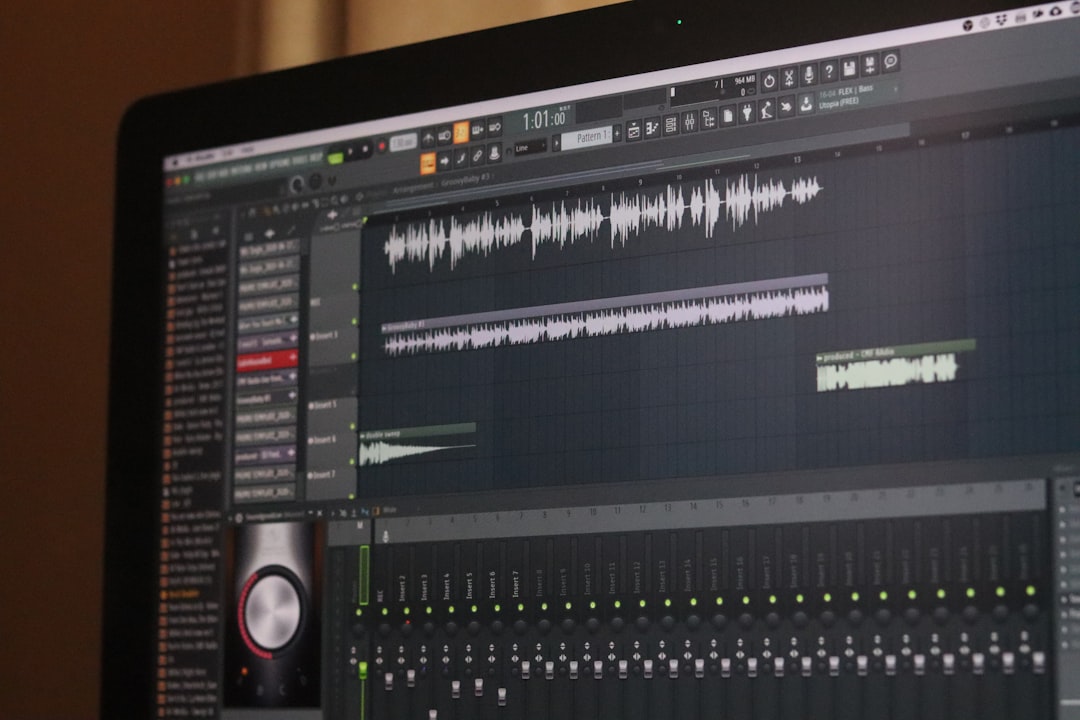
5 Audio Editing Tools For Sound Enhancement
High-quality audio is no longer optional in today’s content-driven world. Whether you are producing a podcast, editing a film, recording music, or preparing corporate training materials, clear and professionally enhanced sound directly impacts how your message is perceived. Background noise, uneven levels, distortion, and poor tonal balance can quickly undermine otherwise excellent content. Fortunately, modern audio editing tools provide powerful sound enhancement capabilities that were once limited to expensive studio environments.
TLDR: Professional sound enhancement depends on using the right audio editing software. Tools like Adobe Audition, iZotope RX, Audacity, Logic Pro, and Avid Pro Tools offer reliable solutions for noise reduction, equalization, restoration, and mastering. Each program serves different experience levels and production needs, from beginners to broadcast professionals. Choosing the right tool depends on your workflow, budget, and the complexity of your projects.
Below are five trusted audio editing tools widely recognized for their sound enhancement capabilities. Each offers distinct strengths, and understanding their advantages will help you make an informed decision.
1. Adobe Audition
Adobe Audition has long been considered a serious and versatile audio workstation for professionals in broadcasting, podcasting, film, and multimedia production. Its clean interface and deep feature set make it suitable for both detailed restoration work and multitrack mixing.

Key sound enhancement features:
- Advanced Noise Reduction: Adaptive noise reduction removes hiss and consistent background sounds.
- Spectral Frequency Display: Allows precise visual editing of unwanted frequencies.
- Parametric Equalizer: Enables accurate tonal shaping for voice and music.
- Compression and Limiting Tools: Improves dynamic consistency and loudness control.
One of its strongest capabilities is the spectral editing mode, where users can visually isolate noises such as coughs, clicks, or hum, and eliminate them without damaging surrounding audio. This precision makes Audition particularly effective for dialogue-heavy projects.
Adobe Audition integrates seamlessly with video editing workflows, which is especially beneficial for filmmakers and content creators working within larger production environments.
2. iZotope RX
When it comes to audio restoration and repair, iZotope RX is widely regarded as the industry standard. Used extensively in film post-production and forensic audio applications, RX excels in rescuing problematic recordings.
Why professionals trust iZotope RX:
- Dialogue Isolate: Separates voice from background noise using advanced machine learning.
- De-click and De-crackle: Removes mouth noises, vinyl crackle, and digital artifacts.
- De-reverb: Reduces room echo from poorly recorded environments.
- Spectral Repair: Fixes gaps and interruptions with minimal degradation.
RX is not primarily a creative mixing tool; it is a specialized surgical instrument for repairing flawed audio. For example, recordings made in untreated rooms or noisy outdoor settings can be significantly improved using its intelligent algorithms.
For sound engineers working in film, television, or documentary production, RX often becomes an indispensable component of the editing process.
3. Audacity
Audacity stands out as a reliable and accessible option for beginners and budget-conscious creators. Despite being free and open-source, it provides a substantial set of sound enhancement tools suitable for podcasting, voiceovers, and basic music production.
Core enhancement capabilities include:
- Noise Reduction Effect: Removes constant background noise such as fan hum.
- Equalization and Filtering: Adjusts frequency balance to enhance clarity.
- Compression: Balances volume variations in speech recordings.
- Normalization: Optimizes overall loudness levels.
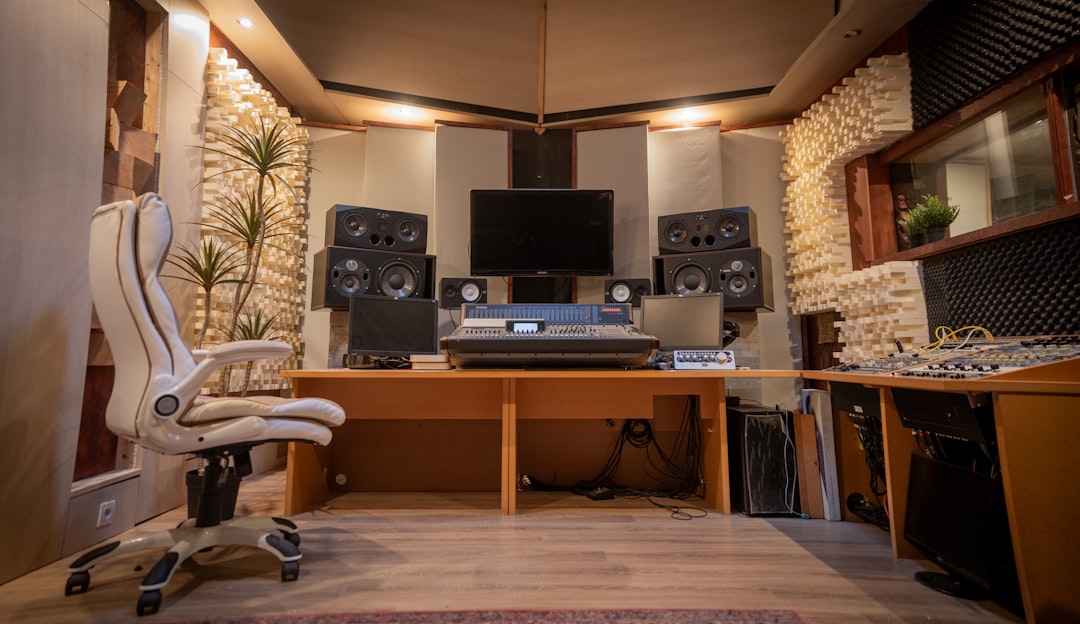
While it does not offer the sophisticated spectral repair tools found in premium software, Audacity is dependable for straightforward editing tasks. The interface is simple, making it ideal for users who need effective sound cleanup without steep learning curves.
Its expansive plugin support also allows users to extend functionality as their needs evolve.
4. Logic Pro
Logic Pro is often associated with music production, but its sound enhancement tools are robust enough for high-level mixing and mastering. Built for macOS, it delivers a polished, professional workspace for creative and technical audio work alike.
Notable sound enhancement tools:
- Channel EQ: Provides detailed frequency sculpting.
- Multipressor: Enables multiband compression control.
- Noise Gate: Eliminates low-level unwanted sounds.
- Space Designer Reverb: Adds realistic spatial depth.
Logic Pro’s strength lies in its integration of enhancement tools within a powerful mixing ecosystem. Users can combine EQ, compression, and stereo imaging seamlessly to create professional-grade polished audio.
For music producers, Logic Pro offers both technical correction tools and creative sound design features, making it highly versatile.
5. Avid Pro Tools
Avid Pro Tools is frequently described as the gold standard in professional audio production. Found in major recording studios and post-production houses worldwide, it provides exceptional control and precision.
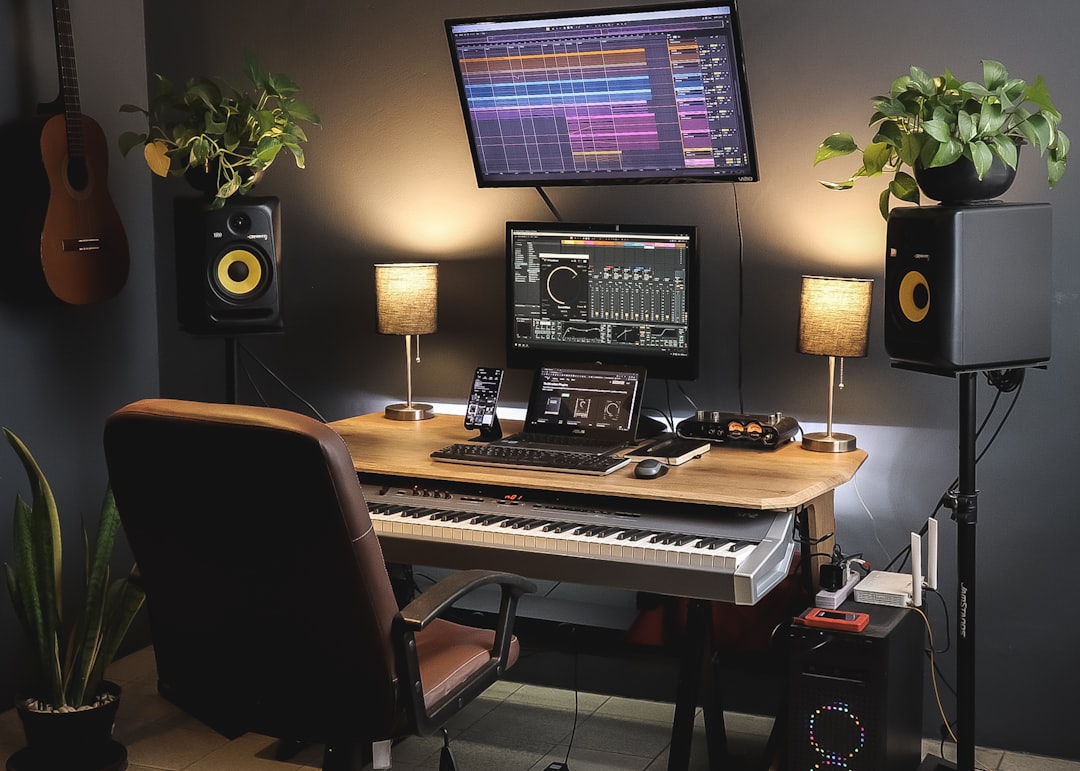
Sound enhancement strengths include:
- Elastic Audio: Adjusts timing and pitch without degrading sound quality.
- Clip Gain Editing: Fine-tunes levels before applying processing.
- High-end Plugin Support: Compatible with industry-leading processors.
- Advanced Automation: Enables precise dynamic changes throughout a track.
Pro Tools is particularly powerful in environments that require broadcast-level standards. Its editing tools allow engineers to maintain strict loudness compliance and sonic consistency across complex projects.
While it requires a greater learning investment, the software offers unmatched depth for professionals who need reliability and scalability.
Choosing the Right Tool for Your Needs
Selecting the right audio editing tool depends on several factors:
- Project Complexity: Basic podcasts require different tools than cinematic post-production.
- Technical Skill Level: Beginners benefit from intuitive interfaces; professionals may prioritize precision and flexibility.
- Budget: Free options are suitable for simple enhancement tasks, while premium tools offer greater control.
- Workflow Integration: Consider compatibility with your video editor, DAW, or broadcast requirements.
For example, a solo podcaster might find Audacity sufficient for leveling and noise removal. A documentary filmmaker could rely on Adobe Audition and iZotope RX for dialogue clarity. Meanwhile, a recording studio engineer may require the advanced mixing environment of Pro Tools.
Best Practices for Sound Enhancement
Regardless of the software you choose, effective sound enhancement follows fundamental principles:
- Start with Clean Recordings: Even the best software cannot fully restore severely corrupted audio.
- Use Equalization Carefully: Subtle adjustments often produce more natural results.
- Avoid Over-Compression: Excessive dynamic control can make audio sound flat and artificial.
- Monitor at Consistent Levels: Work in controlled listening environments to maintain accuracy.
Enhancement should focus on improving clarity and presence without introducing artifacts. A disciplined approach ensures that audio remains authentic and comfortable for listeners.
Conclusion
Professional sound enhancement is a combination of technical precision, appropriate software, and careful listening. Tools like Adobe Audition, iZotope RX, Audacity, Logic Pro, and Avid Pro Tools provide reliable solutions for improving audio quality across various production scenarios.
From eliminating background noise to refining tonal balance and preparing tracks for broadcast, these applications empower creators to deliver clear, impactful sound. By selecting the tool that aligns with your workflow and production goals, you position your content for greater credibility, engagement, and long-term success.
In an era where audiences expect professional audio standards, investing in the right editing platform is not merely a technical choice—it is a strategic one.