
6 Best Kodi Add-ons for Organizing Personal Media: Jellyfin, Plex, Emby, and Other Options
Jellyfin, PlexKodiConnect, and Emby for Kodi Next Gen are the best Kodi add-ons for people who already run a home media server. Kodi remains a strong personal media player because it can scan local files, read metadata, and use add-ons from official and community repositories; its add-on system is documented by the Kodi project itself [source: Kodi Wiki]. If your movies, TV shows, music, and family videos are spread across drives, a good add-on can save hours of cleanup.
TLDR: Use Jellyfin for Kodi if you want a free, open-source media server with strong privacy. Use PlexKodiConnect if your household already uses Plex on phones, smart TVs, and tablets. For example, a 4 TB drive with 600 movies and 80 TV seasons can take a while to scan, but server-based add-ons keep watch history and artwork cleaner across devices. If you only use Kodi on one box, metadata scrapers and Library Auto Update may be enough.
Image not found in postmeta1. Jellyfin for Kodi
Best for: privacy-focused users and open-source fans.
Jellyfin for Kodi connects Kodi to a Jellyfin server and presents your server library inside Kodi. It is a smart choice if you do not want paid tiers, account lock-ins, or remote service dependence. Your watched status, collections, posters, and episode progress can sync across devices.
The setup is not painful, but it is not instant either. Expect to spend 10 to 20 minutes getting server paths, users, and library sync right. It drives me crazy that one bad folder name can still cause wrong metadata, but that is true for almost every media system.
2. PlexKodiConnect
Best for: Plex users who want Kodi’s interface.
PlexKodiConnect links your Plex library to Kodi’s native library. That matters. Your movies and shows feel like normal Kodi items, not a separate app bolted on top. It can sync artwork, collections, watch states, and resume points.
This add-on is often better than the basic Plex add-on for users who care about Kodi skins and library views. The catch is the first sync. A large Plex server can take time, especially with heavy artwork. On a big library, do not be shocked if the first run takes 30 minutes or more.
3. Emby for Kodi Next Gen
Best for: homes already using Emby Server.
Emby for Kodi Next Gen works much like the Jellyfin and Plex options. It turns Emby into the main database while Kodi handles playback and the living-room interface. It is polished and stable when your Emby server is already well organized.
Emby is a strong pick for mixed households. One person can watch on Kodi. Another can use a phone or smart TV. Watch history stays in sync. Some features may depend on Emby Premiere, so check your needs before building your whole setup around it.

4. Universal Movie Scraper
Best for: local movie folders stored directly in Kodi.
Universal Movie Scraper helps Kodi identify films, posters, actors, plots, ratings, and release years. It is useful when you do not run Plex, Jellyfin, or Emby. You point Kodi at a movie folder, choose the scraper, and let it build the library.
This is simple and effective, but filenames matter. A file named movie final 1080p new copy.mkv is asking for trouble. A cleaner name like Heat (1995).mkv gives Kodi a much better chance. That tiny habit saves real time.
5. The TVDB or TMDb TV Show Scraper
Best for: organizing TV episodes and season artwork.
TV shows are harder than movies. Specials, split seasons, anime ordering, and region differences can all cause mismatches. A dedicated TV scraper such as The TVDB or TMDb TV Shows helps Kodi match episodes with the right titles and posters.
The file structure matters here even more. Use simple folders such as Show Name / Season 01 / Show Name S01E01.mkv. It feels old-fashioned, but it works. Messy episode names can add minutes of manual fixing per season. Nobody wants that on a Sunday night.
6. Library Auto Update
Best for: people who add new media often.
Library Auto Update keeps Kodi from feeling stale. It can scan your video or music folders on a schedule, so new files appear without a manual refresh. This is handy if your downloads, rips, or home videos land in the same folders each week.
Use it carefully. Scanning too often can slow low-powered boxes such as older Raspberry Pi units or cheap Android TV devices. A scan every few hours is usually fine. Every 10 minutes is overkill for most homes.
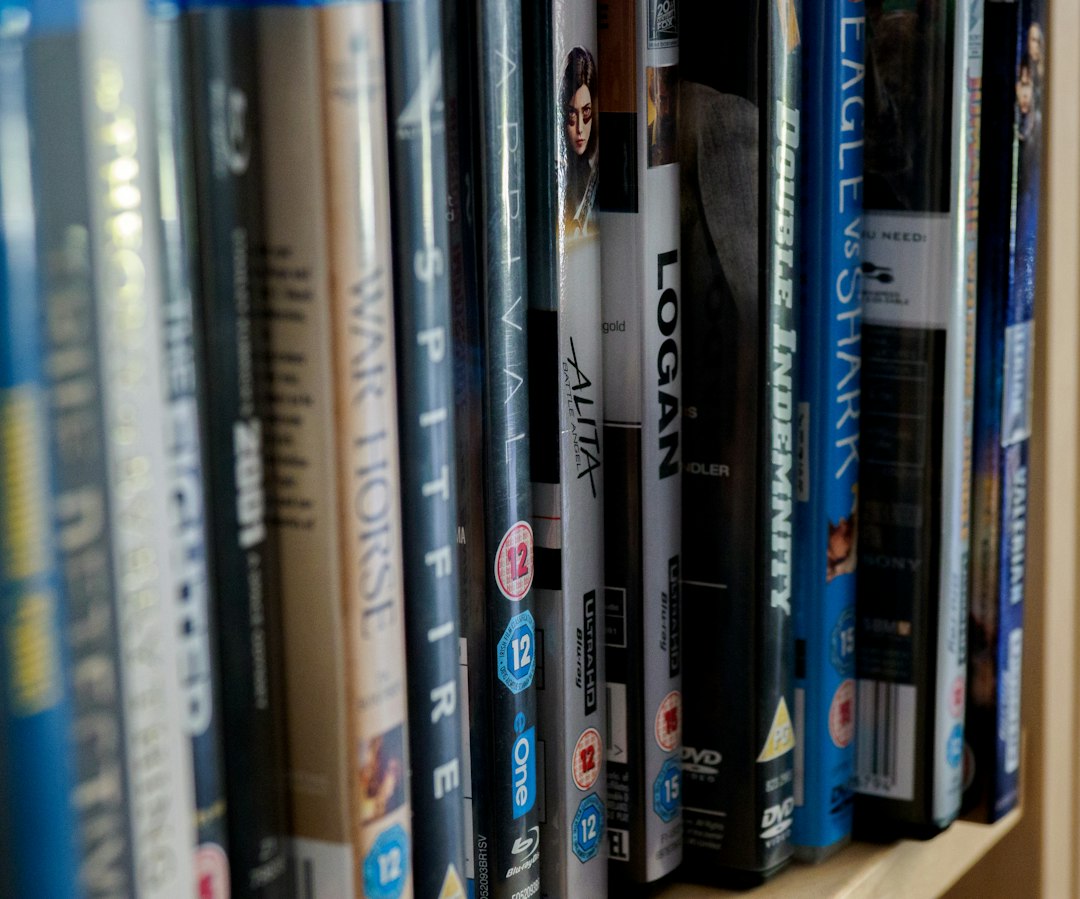
How to choose the right option
- Pick Jellyfin for Kodi if you want free server software and strong local control.
- Pick PlexKodiConnect if Plex is already the center of your media setup.
- Pick Emby for Kodi Next Gen if you like Emby’s server tools and user profiles.
- Pick scrapers if Kodi is your only media device.
- Pick Library Auto Update if you add files often and hate manual scans.
Practical setup tips
Use clean file names. Keep one folder for movies and one for TV. Back up your Kodi profile before testing several add-ons. Also, avoid installing random add-ons from unknown sources. Personal media tools should not need shady repositories or strange permissions.
For most users, the best path is clear. If you have a media server, connect Kodi to it with Jellyfin, PlexKodiConnect, or Emby. If you only use one Kodi box, use strong scrapers and automate scans. Either way, good naming and steady metadata rules matter more than any single add-on.