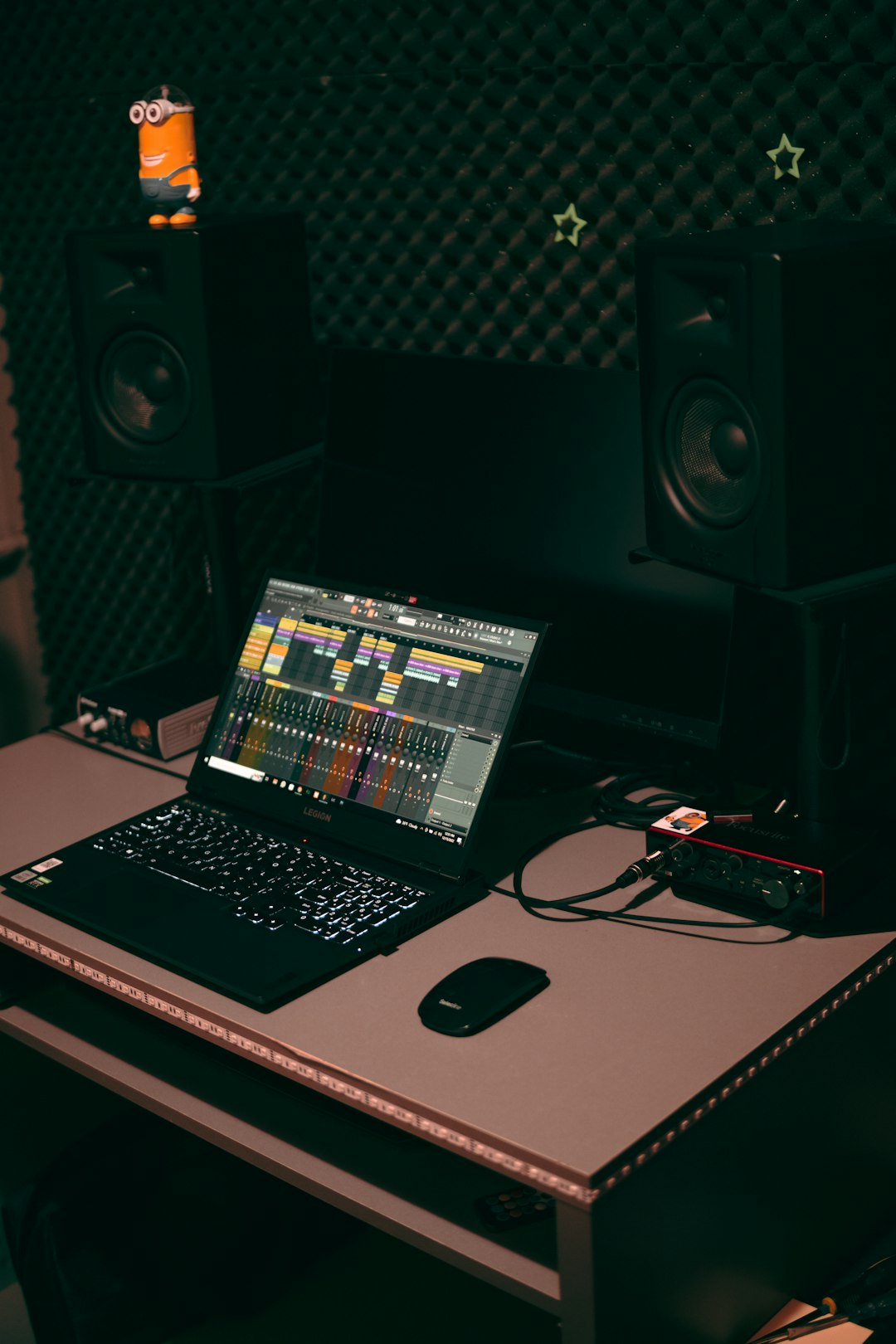
7 Music Production Tools For Creating Audio Tracks
Music production has evolved dramatically over the last two decades, transforming bedrooms into recording studios and laptops into full creative workstations. Whether you are an aspiring beatmaker, a podcast creator, a film composer, or a seasoned producer, the right tools can dramatically shape the quality and efficiency of your workflow. Today’s music production landscape offers a vast array of software and digital tools designed to help you compose, record, edit, mix, and master professional-grade audio tracks.
TLDR: Modern music production relies on powerful digital tools that help you create, edit, and polish audio tracks with precision. From Digital Audio Workstations (DAWs) to virtual instruments and mastering plugins, the right setup can dramatically improve both sound quality and workflow. This guide covers seven essential music production tools that form the backbone of most professional studios. Whether you’re a beginner or experienced producer, understanding these tools will elevate your creative output.
1. Digital Audio Workstations (DAWs)
A Digital Audio Workstation (DAW) is the heart of any modern music production setup. It is the software platform where you record, edit, arrange, mix, and master audio tracks. Without a DAW, producing music digitally would be nearly impossible.
Popular DAWs include:
- Ableton Live – Known for live performance and electronic production.
- Logic Pro – A powerful choice for Mac users with extensive built-in sounds.
- FL Studio – Popular among beatmakers and hip-hop producers.
- Pro Tools – Industry standard for professional studios.
- Studio One – Streamlined workflow and intuitive interface.
A DAW allows you to layer multiple audio and MIDI tracks, apply effects, automate volume changes, and structure full compositions. Most DAWs also come with built-in instruments, audio effects, and mixing tools. Choosing the right DAW often depends on your workflow preferences rather than sound quality—since most professional DAWs can achieve similar sonic results.
Tip: Focus on mastering one DAW before experimenting with others. Deep familiarity leads to faster creative execution.
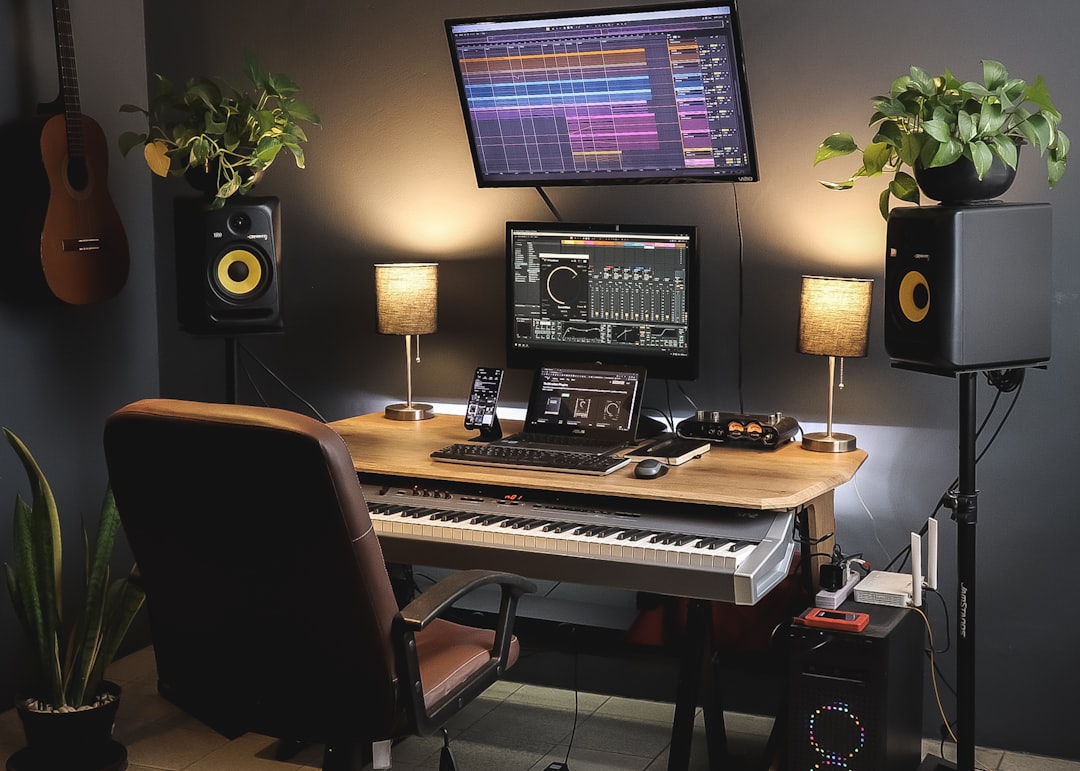
2. Virtual Instruments (VSTs and Software Synths)
Virtual instruments, commonly referred to as VSTs (Virtual Studio Technology instruments), replicate the sound of real instruments or create entirely new electronic textures. These tools are essential for producers who want access to pianos, orchestras, synthesizers, drum machines, and more—without owning physical instruments.
There are two primary types:
- Sample-based instruments – Use recorded sounds (e.g., pianos, strings, drums).
- Synthesizers – Generate sounds electronically through oscillators and filters.
High-quality virtual instruments can replicate the nuance of live performances with impressive realism. Meanwhile, synthesizers allow producers to sculpt sounds from scratch, offering limitless creative potential.
Common uses include:
- Creating drum patterns and beats
- Designing basslines and leads
- Layering cinematic textures
- Composing orchestral arrangements
For producers working in genres such as electronic, hip-hop, pop, and film scoring, virtual instruments are indispensable components of the production toolkit.
3. MIDI Controllers
While you can program notes manually with a mouse, nothing matches the expressive control of a MIDI controller. These devices allow you to physically play and control virtual instruments in real time.
MIDI controllers come in various formats:
- Keyboard controllers – Piano-style interfaces for melodies and chords.
- Pad controllers – Ideal for triggering drum samples and loops.
- Control surfaces – Offer tactile sliders and knobs for mixing.
MIDI doesn’t record sound itself—it sends performance data like note pitch, velocity, and timing to your DAW. This flexibility allows you to modify performances after recording, change instruments, or adjust expression without re-recording.
Using a MIDI controller often makes music production more intuitive and musical, bridging the gap between traditional instrument performance and digital composition.
4. Audio Interfaces
An audio interface acts as the bridge between your instruments, microphones, and computer. It converts analog audio signals into digital data and vice versa. While computers have built-in sound cards, dedicated audio interfaces provide significantly better sound quality and lower latency.
Key features to consider:
- Number of inputs and outputs – Important for recording multiple sources.
- Preamps – Enhance microphone signals with clarity and warmth.
- Phantom power – Necessary for condenser microphones.
- Low latency performance – Ensures smooth monitoring during recording.
For vocalists and instrumentalists, a quality audio interface ensures recordings are clean, detailed, and noise-free. Even a compact interface with two inputs can be sufficient for small studios.
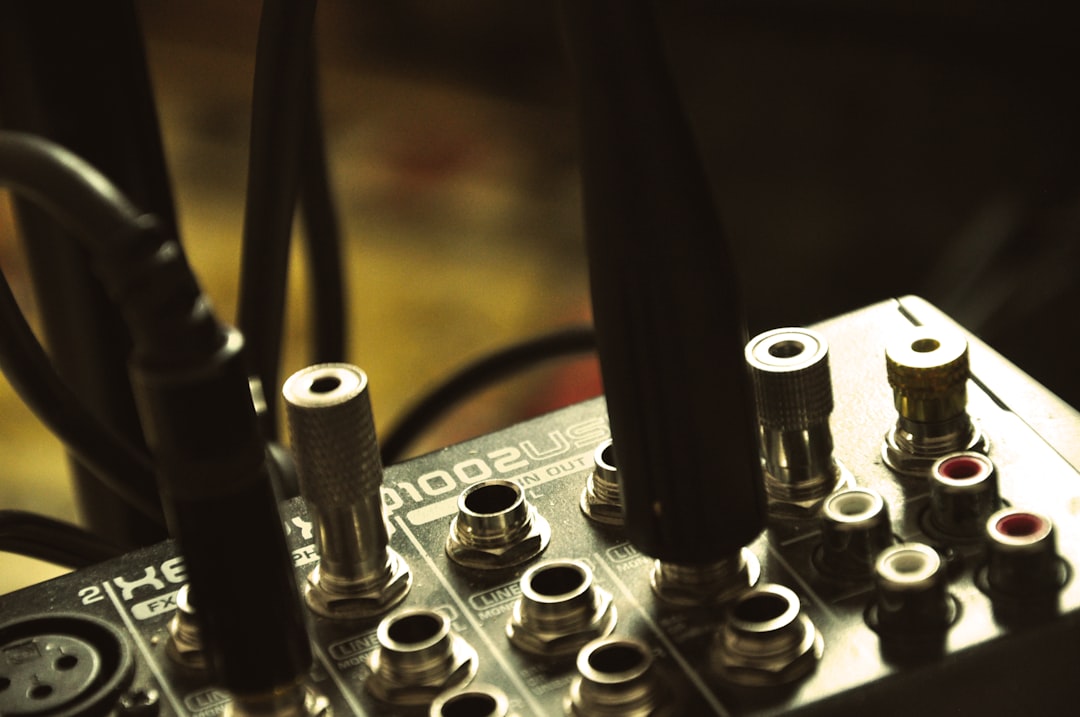
5. Studio Monitor Speakers and Headphones
Accurate listening is crucial for producing balanced mixes. Studio monitors are specialized speakers designed to provide a flat, transparent sound response. This neutrality helps producers make objective mixing decisions.
Unlike consumer speakers, which often enhance bass or treble frequencies, studio monitors reveal flaws in a mix—such as muddiness or harshness—that might otherwise go unnoticed.
In addition to monitors, studio headphones are essential for:
- Detailed editing
- Recording sessions without speaker bleed
- Producing music in untreated rooms
Many producers use both monitors and headphones to cross-check mixes across different listening environments. Learning how your monitoring system translates to car speakers, earbuds, and club systems is part of the craft.
6. Audio Effects Plugins
No track feels complete without careful use of audio effects plugins. These tools shape the tone, depth, and spatial character of sounds.
Core effects include:
- Equalization (EQ) – Adjusts frequency balance.
- Compression – Controls dynamic range.
- Reverb – Simulates acoustic space.
- Delay – Creates echoes.
- Saturation – Adds warmth and harmonic distortion.
Plugins allow you to sculpt individual tracks and glue entire mixes together. For example, subtle compression can make vocals sit evenly in a mix, while reverb adds dimension and atmosphere.
Advanced tools also offer:
- Multiband processing
- Stereo imaging control
- Transient shaping
- Pitch correction
Understanding how and when to use effects separates amateur mixes from professional productions. The key is subtlety—overprocessing often leads to muddy or fatiguing results.
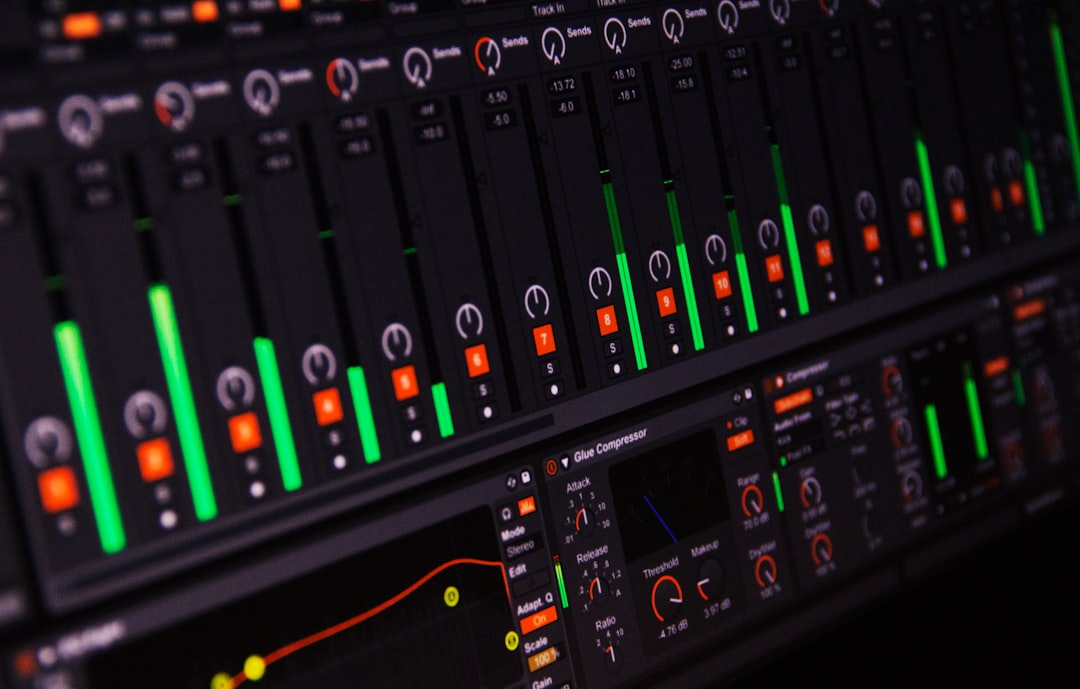
7. Mastering Tools and Plugins
The final stage of music production is mastering. This process prepares your track for distribution by enhancing loudness, clarity, and overall polish.
Mastering tools typically include:
- Limiters – Increase volume while preventing clipping.
- Multiband compressors – Control frequency-specific dynamics.
- Stereo enhancers – Widen or tighten the stereo image.
- Loudness meters – Ensure compliance with streaming platform standards.
Modern streaming platforms use loudness normalization, making it important to strike a balance between competitive volume and dynamic integrity. A well-mastered track sounds clear, balanced, and powerful across various playback systems.
While professional mastering engineers offer a fresh perspective and specialized listening environments, many independent artists use mastering plugins to produce impressive results from home studios.
Bringing It All Together
Music production is both a technical process and an artistic journey. Each of these seven tools plays a distinct role:
- DAWs serve as your creative headquarters.
- Virtual instruments expand your sonic palette.
- MIDI controllers add human expression.
- Audio interfaces ensure clean recordings.
- Studio monitors and headphones guide accurate decisions.
- Effects plugins shape and refine your sound.
- Mastering tools prepare tracks for release.
Together, they form a comprehensive ecosystem that empowers musicians to transform raw ideas into polished audio productions. Technology continues to advance, offering increasingly accessible tools for creators at every level. However, while gear and software are important, the most valuable asset remains your creative vision.
Ultimately, the best results come from learning your tools deeply, experimenting boldly, and trusting your ears. Master the fundamentals, stay curious, and your music production setup—no matter how simple or advanced—can become a powerful engine for sonic innovation.