AI Employees vs Traditional Automation: What Can Digital Workers From Artisan, Lindy, and Other Platforms Actually Do?
AI employees are not magic coworkers; they are software agents that can read, write, decide within limits, and operate business tools with supervision. Compared with traditional automation, they handle messier work. That means emails, lead research, meeting notes, CRM updates, support drafts, and follow-ups. They are useful when tasks involve judgment, language, and scattered information, but they still need clear guardrails.
TLDR: Digital workers from platforms such as Artisan, Lindy, and similar tools can automate multi-step office work that classic rules-based automation struggles with. For example, a small sales team processing 600 inbound leads per month might use an AI worker to qualify leads, draft outreach, update HubSpot, and book calls, cutting manual admin time by 30% to 50%. Traditional automation is still better for stable, repetitive tasks such as moving form data into a spreadsheet. The best setup often combines both: rules for predictable steps, AI for interpretation and communication.
What makes an “AI employee” different?
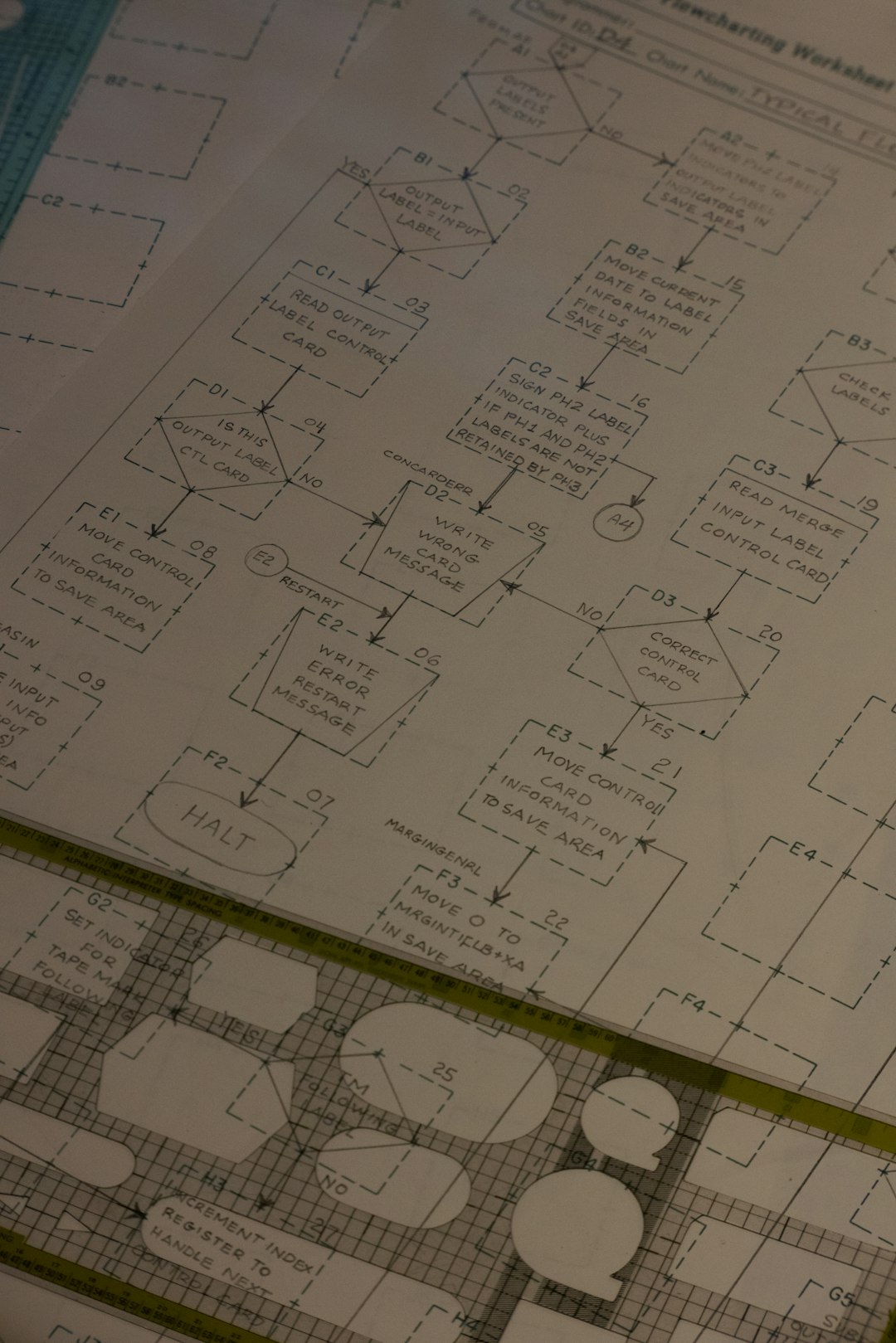
Traditional automation follows fixed instructions. If a form is submitted, send an email. If an invoice is paid, update the accounting system. If a lead reaches a score of 80, assign it to sales. This model is reliable when the process is clean and predictable.
An AI employee, or digital worker, is different. It can interpret text, summarize context, make a limited decision, and choose the next step from a set of approved actions. In practice, that means it can read a messy email, identify intent, search a CRM, draft a response, and create a task for a person.
Platforms such as Artisan market digital workers for sales roles, especially outbound prospecting and follow-up. Lindy focuses more broadly on AI assistants that can handle inbox, calendar, research, operations, and customer tasks. Other platforms, including tools in the agent, workflow, and AI assistant categories, tend to offer similar building blocks: prompts, tool connections, memory, approvals, and workflow triggers.

What can these digital workers actually do?
The useful work falls into a few clear categories. These are not science fiction roles. They are repetitive office tasks with enough variation to annoy humans and break old automation.
- Sales prospecting: An AI worker can find target accounts, read company pages, enrich contact records, draft personalized emails, and schedule follow-ups.
- Lead qualification: It can review form submissions, chat transcripts, email replies, and firmographic data to decide whether a lead is worth human attention.
- CRM hygiene: It can update missing fields, summarize calls, log activity, create reminders, and flag stale opportunities.
- Inbox triage: It can sort emails by urgency, draft replies, extract requests, and assign tasks to the right team member.
- Customer support drafts: It can read a ticket, check a knowledge base, propose an answer, and escalate sensitive cases.
- Research and reporting: It can gather information from approved sources, summarize findings, and produce short internal briefs.
- Recruiting support: It can screen resumes against criteria, draft candidate messages, and prepare interview notes.
These tasks share one trait: they involve language. That is where AI workers earn their keep. They can work with incomplete information better than a rigid workflow can.
Where traditional automation still wins
Traditional automation is not outdated. It is often faster, cheaper, and safer. If a process has clear inputs and outputs, old-style automation is usually the better choice.
For example, sending a receipt after payment does not need an AI agent. Neither does syncing a web form to a mailing list. The same goes for password reset flows, order confirmations, basic data transfers, and standardized approvals.
Use traditional automation when:
- The rules rarely change.
- The data format is consistent.
- The cost of an error is high.
- The action must happen instantly.
- No interpretation is needed.
The catch is that many companies try to force messy work into rigid automation. Then the workflow breaks every time a customer writes something unexpected. That is where AI agents can help, as long as they are not given too much freedom.
How Artisan, Lindy, and similar platforms fit in
Artisan is best known for AI sales workers. Its pitch is close to “hire” an AI business development representative. The practical use case is outbound sales: build lists, research prospects, write messages, and manage follow-up sequences. This can be useful for small teams that need more prospecting output without hiring another junior salesperson.
Lindy takes a broader assistant approach. A Lindy can connect to apps, respond to triggers, process emails, book meetings, update records, and run multi-step workflows. It is less like one job title and more like a configurable assistant for operations, admin, sales, and support.
Other platforms vary. Some focus on browser actions. Some focus on internal data. Some are built for developers. Some are no-code tools for business teams. The serious question is not whether the tool calls itself an “AI employee.” The question is simple: Can it complete the task reliably, with logs, permissions, and human review where needed?

The real strengths: speed, scale, and consistency
Digital workers are strongest when they reduce small pieces of mental labor. A person might spend five minutes reviewing one lead. An AI worker can do that in seconds, then give the person a short recommendation.
In a sales workflow, it might:
- Read a new inbound lead.
- Check company size and industry.
- Search for recent funding or hiring signals.
- Score the account against your criteria.
- Draft a short email.
- Create a CRM note.
- Ask for approval before sending.
That is not replacing the sales team. It is removing low-value prep work. For many teams, that is enough to matter.
The annoying limits nobody should ignore
Honestly, it feels like vendors sometimes understate the setup work. You still need to define fields, permissions, tone, review rules, escalation paths, and failure cases. If your CRM data is a mess, the AI will confidently work with that mess.
Reliability is also uneven. A task that takes a human 12 seconds, such as checking a CRM field, may take an agent 30 to 60 seconds if it has to open tools, interpret records, and confirm the next step. That delay is fine for research. It is painful for real-time service.
Other risks include:
- Incorrect summaries: The AI may miss a detail or compress context too much.
- Overconfident decisions: It may act certain when the source data is weak.
- Tool errors: App permissions, API limits, and changed interfaces can break workflows.
- Brand risk: Bad outreach at scale can make a company look careless.
- Security concerns: Sensitive data should not flow into tools without review.
Where human approval matters
The best digital worker setups use human-in-the-loop controls. Let the AI draft. Let a person approve. Let the AI classify. Let a person handle edge cases. Give the AI permission to update low-risk fields, but require approval before sending external emails or changing financial data.
This is especially critical in sales, support, finance, legal, healthcare, and hiring. The tool can prepare work. The person stays accountable.
How to decide what to automate
Start with one narrow workflow. Do not begin with “replace a role.” Begin with “reduce one repeated task.” A good first project has clear inputs, visible outputs, and low downside if the AI needs correction.
Good first use cases include:
- Drafting follow-up emails after sales calls.
- Summarizing customer tickets before escalation.
- Researching inbound leads before a rep calls.
- Creating CRM notes from meeting transcripts.
- Sorting shared inbox messages by topic and urgency.
Measure the result. Track time saved, error rate, approval rate, and user satisfaction. If an AI worker drafts 100 emails and humans approve 85 with light edits, that is promising. If only 40 are usable, the workflow or prompt needs work.
Bottom line
AI employees are useful, but the name is inflated. They are not independent staff members. They are agentic automation systems that can handle language-heavy tasks across business tools.
Traditional automation remains the right choice for clean, repeatable processes. Digital workers are better for fuzzy work: reading, summarizing, classifying, researching, and drafting. The strongest companies will not treat this as a contest. They will use both, with clear rules and sober expectations.
If you want a practical benchmark, ask this: Would a smart intern be able to do this task after reading a one-page instruction sheet? If yes, an AI worker may help. If the task requires expert judgment, legal accountability, or deep relationship knowledge, keep a human firmly in charge.