
AI Unblur Image Tools That Sharpen Photos Instantly
Blurry photos used to mean missed memories, rejected product shots, or extra hours spent in editing software. Today, AI unblur image tools can sharpen photos almost instantly by analyzing blur patterns, reconstructing lost detail, and improving edges with minimal manual work. These tools are now used by photographers, marketers, online sellers, students, content creators, and everyday users who want clearer images without advanced editing skills.
TLDR: AI unblur image tools use machine learning to detect blur, restore detail, and sharpen photos quickly. They are useful for improving portraits, product images, scanned documents, social media photos, and older pictures. While they cannot perfectly recover every severely blurred image, they often deliver impressive results in seconds. The best outcomes usually come from moderately blurred images with enough visible detail for the AI to analyze.
How AI Unblur Image Tools Work
AI unblur tools rely on trained image enhancement models that have studied large collections of sharp and blurry image pairs. By comparing patterns, the system learns how motion blur, camera shake, poor focus, and compression affect an image. When a new photo is uploaded, the tool estimates what the sharper version should look like and adjusts pixels accordingly.
Unlike traditional sharpening filters, which often increase contrast around edges, AI tools attempt to rebuild missing texture and structure. This can make hair, facial features, text, fabric, product edges, and background details appear clearer. Many tools also combine unblurring with noise reduction, face enhancement, upscaling, and color correction.
Common Types of Blur AI Can Improve
Not every blur is the same. AI enhancement tools generally perform best when the image still contains enough visual information. The most common blur types include:
- Motion blur: Caused by a moving subject or a moving camera during capture.
- Out of focus blur: Occurs when the camera focuses on the wrong area or misses focus entirely.
- Camera shake: Often seen in low light photos taken without a tripod.
- Compression blur: Created when images are heavily compressed for messaging apps, websites, or social platforms.
- Old photo softness: Found in scanned prints, vintage images, and low resolution archives.
AI can often improve all of these, though results vary. A lightly blurred selfie may become crisp and clean, while a photo with extreme motion streaks may only become partially usable.
Why Instant Sharpening Matters
Speed is one of the biggest benefits of modern AI photo sharpening. Traditional editing may require masks, layers, selective sharpening, denoising, and manual retouching. AI tools reduce that workflow to a few clicks. For businesses and individuals handling large image collections, this can save significant time.
For example, an online seller may need product photos that look clean and trustworthy. A real estate assistant may want clearer room images before publication. A social media manager may need to improve event photos quickly. In each case, instant AI sharpening helps transform imperfect images into more polished assets.
Best Use Cases for AI Unblur Tools
AI unblur image tools are especially helpful across several practical situations:
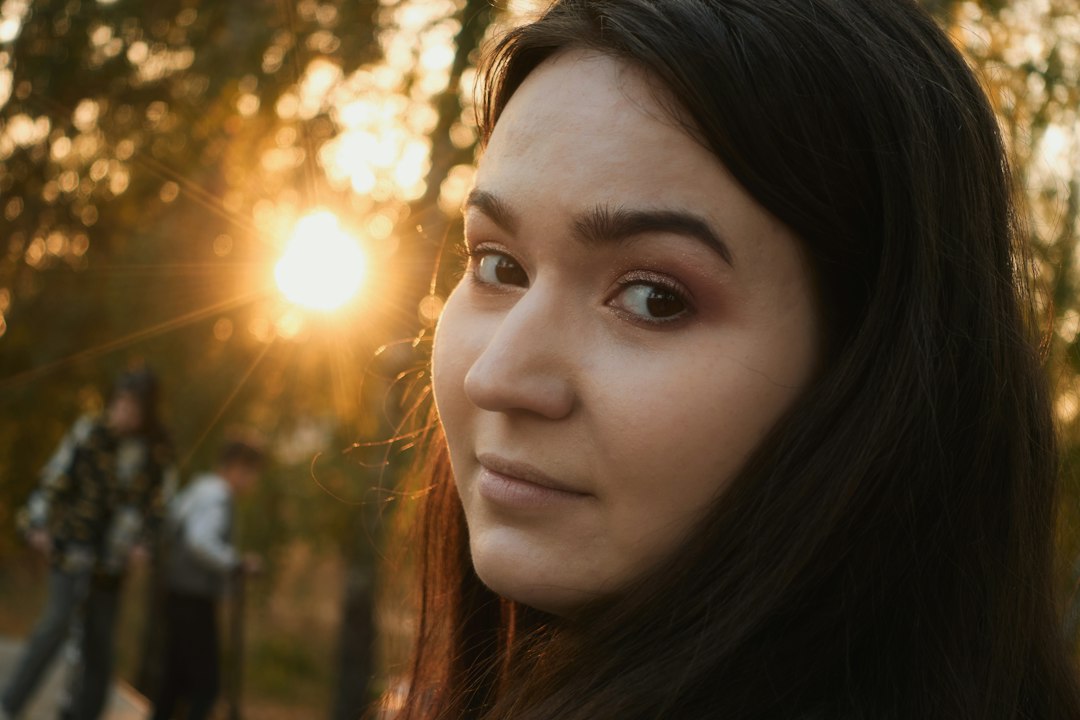
- Portrait enhancement: Faces can be sharpened, skin texture can be clarified, and eyes can appear more defined.
- Product photography: Edges, logos, labels, and surface details can become clearer for ecommerce listings.
- Document improvement: Blurry text in receipts, notes, forms, and scanned pages can sometimes become easier to read.
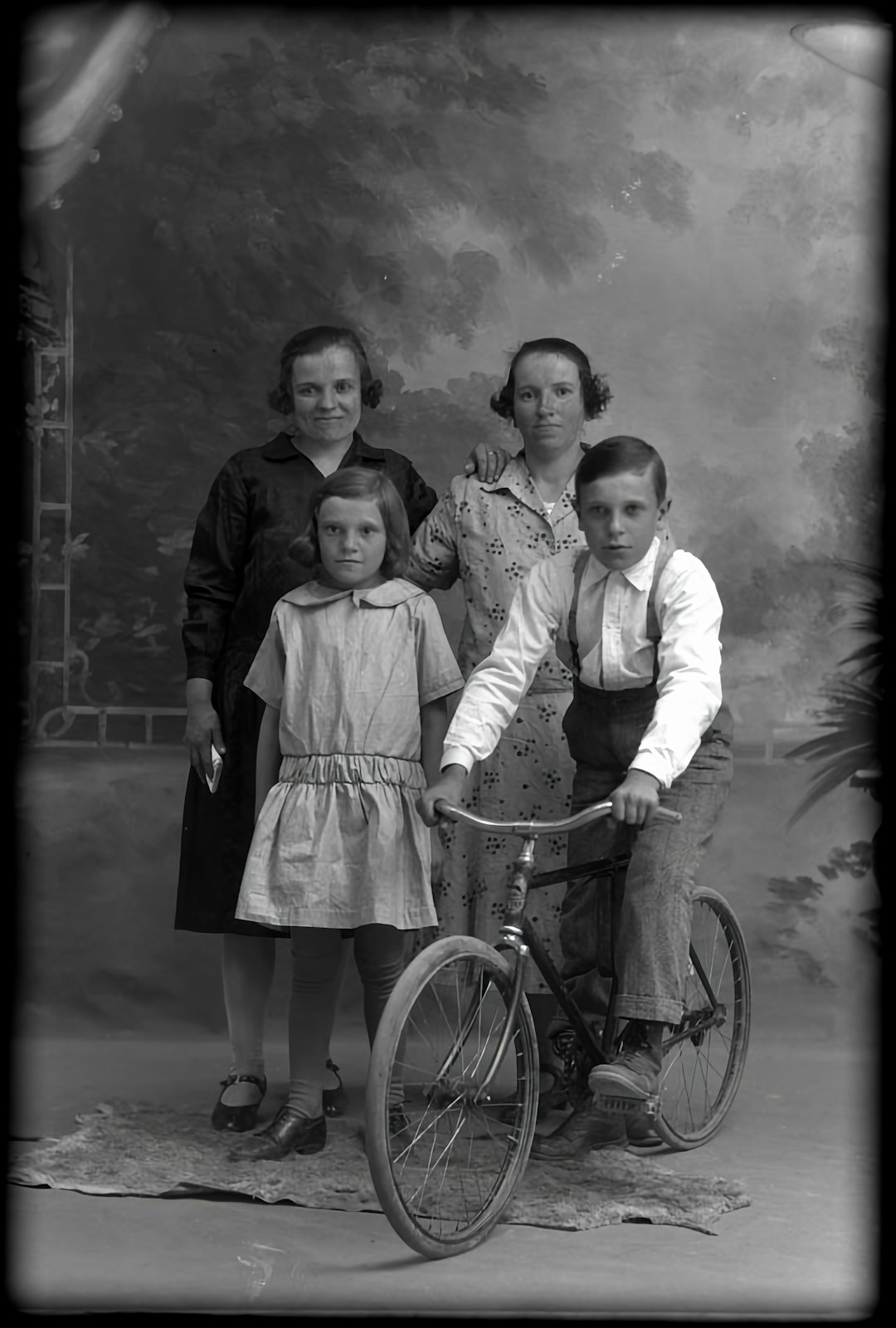
- Old photo restoration: Family images, historical pictures, and faded prints can gain improved clarity.
- Social media content: Soft images can be sharpened before posting to make feeds look more professional.
Key Features to Look For
When comparing AI unblur tools, users often evaluate more than sharpening quality. A strong tool usually includes a combination of speed, ease of use, privacy options, and export quality. Important features include:
- Automatic blur detection that identifies soft areas without manual selection.
- Face enhancement for portraits, selfies, group photos, and profile images.
- Batch processing for improving multiple photos at the same time.
- High resolution export so images remain useful for print, web, or product listings.
- Before and after preview to compare improvements before downloading.
- Privacy controls for sensitive personal, business, or document images.
The best choice depends on the user’s goal. A casual user may prefer a simple one click tool, while a professional editor may want advanced controls and non destructive export options.
Limitations of AI Photo Deblurring
Although AI is powerful, it is not magic. If an image has too little original detail, the tool may generate details that look artificial. Over sharpening can create halos, rough skin texture, unnatural eyes, or strange patterns in backgrounds. Text restoration can also be unreliable if the original letters are too distorted.
Another limitation is authenticity. In fields such as journalism, law, research, and documentation, AI enhanced images should be labeled or used carefully because the system may infer details that were not clearly present in the original. For creative and commercial uses, this is often acceptable, but for evidence based work, transparency matters.
Tips for Better AI Sharpening Results
To get the best results, the original image should be as high quality as possible. Even if the photo is blurry, a larger file with less compression gives the AI more information to work with. Users should avoid repeatedly saving images in low quality formats before enhancement.
It also helps to apply improvements in moderation. A natural looking image is usually better than one that appears overly crisp. Many tools offer intensity sliders, and a medium setting often produces the most realistic result. If the image contains faces, enabling a dedicated face recovery option may improve eyes, lips, hair, and skin detail.
The Future of AI Image Sharpening
AI unblur tools are becoming more accurate as image models improve. Future systems are likely to understand scenes more intelligently, separating faces, text, backgrounds, and objects with greater precision. They may also combine sharpening with lighting correction, object reconstruction, and video deblurring in a single workflow.
As these tools become more accessible, clearer images will no longer require expert editing knowledge. However, responsible use will remain important. AI can enhance a photo, but users should still consider whether visual changes affect accuracy, trust, or context.
Conclusion
AI unblur image tools offer a fast and practical way to sharpen photos that might otherwise be discarded. They are especially valuable for portraits, product shots, social media images, scanned documents, and older photographs. While they cannot perfectly fix every blurry image, they can often produce a cleaner, sharper, and more usable version within seconds. For anyone working with imperfect visuals, AI sharpening has become one of the most convenient image enhancement options available.
FAQ
What is an AI unblur image tool?
An AI unblur image tool is software that uses artificial intelligence to reduce blur, sharpen edges, and restore visible detail in photos.
Can AI completely fix any blurry photo?
No. AI can significantly improve many images, but extremely blurred or low detail photos may not be fully recoverable.
Are AI sharpened photos natural looking?
They can be natural looking when used carefully. Excessive sharpening may create artificial textures, halos, or unrealistic facial details.
Do AI unblur tools work on text and documents?
They can improve some blurry text, especially when letters are still partly visible. However, unreadable text may not be restored accurately.
Is AI photo sharpening useful for old pictures?
Yes. AI tools can make old photos clearer by improving softness, restoring facial detail, and enhancing overall image definition.