
Best Facilities Help Desk Software Compared
Choosing facilities help desk software is a decision that affects how quickly buildings are maintained, how clearly teams communicate, and how well leadership can control operating costs. The best platform is not simply the one with the most features; it is the one that fits your organization’s asset base, service request volume, compliance requirements, and internal workflows.
TLDR: The best facilities help desk software depends on whether your priority is maintenance management, employee service requests, enterprise IT style workflows, or asset lifecycle control. FMX, Limble, MaintainX, UpKeep, eMaint, AkitaBox, ServiceNow, Freshservice, and Zendesk are among the strongest options, but they serve different types of organizations. For most facilities teams, the right choice balances work order management, mobile usability, reporting, preventive maintenance, and integration capability.
What Facilities Help Desk Software Should Do
Facilities help desk software centralizes the process of receiving, assigning, tracking, and closing facility-related requests. These may include HVAC issues, lighting failures, cleaning requests, room setup needs, plumbing problems, safety concerns, access control issues, and preventive maintenance tasks.
A reliable system should make it easy for employees or tenants to submit requests, while giving facilities managers full visibility into workloads, service levels, recurring problems, and asset history. In more mature organizations, the platform also supports compliance documentation, vendor coordination, inventory control, capital planning, and integration with finance or enterprise resource planning systems.
When comparing tools, buyers should look beyond a polished interface. The most important questions are practical: Will technicians use it in the field? Can managers report on response times? Does it support preventive maintenance? Can requesters see status updates without calling the facilities office? These factors determine whether the software improves operations or becomes another administrative burden.

Comparison Criteria
To compare facilities help desk platforms fairly, it is useful to assess them across several core areas:
- Work order management: Request intake, assignment, prioritization, status tracking, and closure documentation.
- Requester experience: Employee portals, tenant portals, email submission, QR codes, and mobile access.
- Preventive maintenance: Scheduling recurring inspections, equipment servicing, and compliance tasks.
- Asset management: Tracking equipment, locations, maintenance history, warranties, and lifecycle data.
- Mobile functionality: Technician apps, offline access, photo uploads, checklists, and push notifications.
- Reporting and analytics: Dashboards for backlog, response times, completion rates, asset costs, and recurring issues.
- Scalability: Suitability for a single building, multi-site operations, campuses, or global enterprises.
- Integrations: Connectivity with email, identity management, building systems, accounting tools, IT service platforms, and collaboration software.
Top Facilities Help Desk Software Compared
| Software | Best For | Main Strength | Potential Limitation |
|---|---|---|---|
| FMX | Schools, municipalities, and mid-sized facilities teams | Easy request management and scheduling | May be less suited to highly complex enterprise environments |
| Limble CMMS | Maintenance-focused facilities teams | Strong mobile work orders and preventive maintenance | Help desk functions are strongest when tied to maintenance workflows |
| MaintainX | Mobile-first maintenance and operations teams | Technician-friendly app and communication tools | Advanced enterprise reporting may require careful setup |
| UpKeep | Small to mid-sized facilities operations | Accessible CMMS features and mobile usability | Complex organizations may need higher-tier plans or integrations |
| eMaint CMMS | Asset-intensive organizations | Configurable maintenance and asset management | Implementation can be more involved than simpler tools |
| AkitaBox | Building portfolio and capital planning teams | Facility data, asset mapping, and condition assessment | May be more than needed for basic ticketing |
| ServiceNow | Large enterprises with mature service management | Powerful workflows and enterprise integrations | Cost and complexity can be significant |
| Freshservice | Organizations aligning facilities and internal service desks | User-friendly service management and automation | Facilities-specific asset depth may be limited compared with CMMS tools |
| Zendesk | Requester support and communication-heavy environments | Excellent ticketing and requester communication | Not a dedicated facilities maintenance platform |
FMX
FMX is a strong choice for organizations that need a straightforward facilities management platform with work orders, preventive maintenance, scheduling, inventory, and reporting. It is frequently used by schools, local governments, religious organizations, and public sector facilities teams because it combines usability with practical operational controls.
Its main advantage is approachability. Requesters can submit issues easily, while managers can route tasks, monitor progress, and review performance without excessive configuration. FMX is particularly useful where facilities teams need to manage not only maintenance requests but also room reservations, transportation requests, or event support.
Best fit: Organizations that want a balanced, easy-to-adopt facilities help desk without enterprise-level complexity.
Limble CMMS
Limble CMMS is best for facilities teams that view the help desk as part of a broader maintenance operation. Its strengths include work order management, preventive maintenance scheduling, asset records, parts tracking, and technician mobility. The interface is clean, and the mobile experience is one of its strongest selling points.
Limble works well for teams responsible for keeping equipment running reliably, especially where asset history and recurring maintenance are important. It is also a strong option for organizations moving away from spreadsheets, email, or paper-based maintenance logs.
Best fit: Facilities departments that need a serious maintenance platform with help desk intake included.
MaintainX
MaintainX is built around mobile work execution. It is well suited to teams whose technicians spend most of their time away from a desk. Work orders, procedures, inspections, photos, comments, and real-time updates are handled efficiently through the mobile app.
For facilities teams, MaintainX is especially useful when communication speed matters. Supervisors can assign work, technicians can document completion, and managers can review trends. It also supports standard operating procedures and checklists, which can improve consistency in recurring tasks.
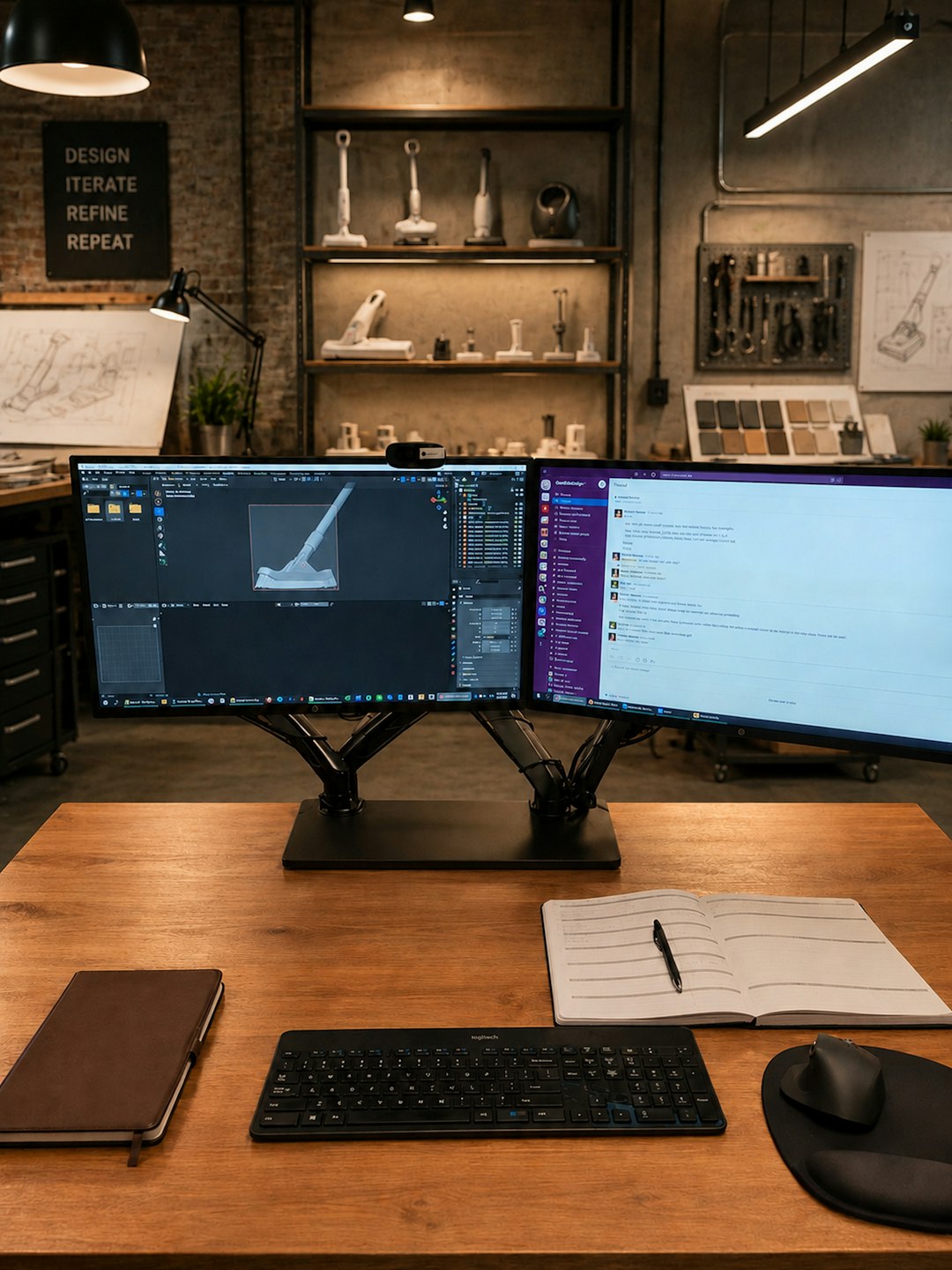
Best fit: Mobile-first facilities and maintenance teams that want fast adoption by field staff.
UpKeep
UpKeep is a widely recognized CMMS platform that supports work orders, preventive maintenance, assets, inventory, and mobile workflows. It is often a practical choice for small and mid-sized organizations that need to professionalize maintenance without implementing a heavy enterprise system.
UpKeep’s value is its combination of accessibility and depth. Requesters can submit issues, technicians can manage work from mobile devices, and managers can track completion rates and maintenance costs. It is not always the most specialized option for complex building portfolios, but it covers the core needs of many facilities teams well.
Best fit: Teams seeking a dependable CMMS-style help desk with relatively quick deployment.
eMaint CMMS
eMaint, from Fluke Reliability, is a mature CMMS designed for organizations with significant asset management and maintenance requirements. It offers substantial configurability, including workflows, dashboards, condition monitoring connections, and detailed asset histories.
For facilities operations in manufacturing, healthcare, utilities, or large campuses, eMaint can provide the structure needed to manage complex maintenance programs. However, this flexibility comes with a need for careful implementation. It may be more system than a small office facilities team requires.
Best fit: Asset-intensive organizations that need configurable maintenance management and strong reliability reporting.
AkitaBox
AkitaBox is distinct because it emphasizes facility condition, asset data, building mapping, and long-term capital planning. It is especially relevant for organizations managing large building portfolios, such as healthcare systems, education institutions, and government entities.
While it can support work order processes, its broader value lies in helping leaders understand what assets exist, where they are located, what condition they are in, and how future maintenance or replacement costs should be planned. This makes it more strategic than a basic help desk tool.
Best fit: Organizations that need facilities data, asset visibility, and capital planning alongside service request management.
ServiceNow
ServiceNow is a major enterprise service management platform. It is not limited to facilities, but it can support facilities workflows through configurable service catalogs, automation, approvals, case management, and integrations with HR, IT, security, and finance systems.
Its strength is scale. Large organizations can use ServiceNow to create a unified employee service experience across departments. A staff member can request a badge, report a broken chair, ask for a laptop, or submit an HR case through a consistent portal. For facilities leaders, this can improve governance and visibility.
The tradeoff is complexity. ServiceNow generally requires experienced administrators, thoughtful process design, and a larger budget than many facilities-only platforms.
Best fit: Large enterprises that want facilities requests integrated into a broader service management environment.
Freshservice
Freshservice is an IT service management platform that can be adapted effectively for internal facilities requests. It provides ticketing, automation, service catalogs, approvals, knowledge base content, and user-friendly portals. For organizations already using Freshservice for IT, extending it to facilities can create a consistent internal support model.
However, Freshservice is not a traditional CMMS. If your facilities team needs detailed equipment maintenance schedules, spare parts management, or asset lifecycle costing, a dedicated CMMS may be stronger. If the primary need is organized request handling and communication, Freshservice can be a credible option.
Best fit: Organizations that want IT and facilities service requests managed in a shared service desk environment.
Zendesk
Zendesk is best known for customer support, but its ticketing, automation, email handling, and knowledge base features can be useful for facilities help desks. It is particularly effective where the main challenge is managing high volumes of requests and keeping requesters informed.
Zendesk is not designed as a facilities maintenance system, so it lacks native depth in preventive maintenance, asset records, and maintenance planning. Still, for property management groups, coworking spaces, or office environments that prioritize communication and responsiveness, it can work well with the right configuration.
Best fit: Teams that need strong ticket communication more than advanced maintenance management.
How to Choose the Right Platform
The best selection process begins with a clear assessment of operational requirements. A small office with occasional repair requests does not need the same system as a hospital campus with regulated equipment, life safety inspections, and hundreds of technicians. Similarly, a school district may prioritize room scheduling and public-facing request intake, while an industrial facility may prioritize uptime and preventive maintenance compliance.
Before purchasing, define the following:
- Request volume: How many tickets are submitted weekly or monthly?
- Asset complexity: Do you need detailed records for HVAC units, electrical systems, elevators, vehicles, or specialized equipment?
- Mobile needs: Will technicians rely on phones or tablets in the field?
- Reporting expectations: What metrics will leadership expect to see?
- Requester access: Will employees, tenants, students, or external users submit requests?
- Integration needs: Must the system connect with accounting, identity management, building automation, or IT service tools?
- Budget and support: Can your team support configuration, training, and ongoing administration?
Recommended Choices by Scenario
- Best overall for straightforward facilities operations: FMX, because it offers a practical balance of usability, work orders, scheduling, and reporting.
- Best for maintenance-heavy teams: Limble CMMS or UpKeep, due to their strong preventive maintenance and asset management capabilities.
- Best for mobile technicians: MaintainX, because of its field-friendly interface and communication tools.
- Best for complex asset environments: eMaint, especially where reliability, compliance, and configurable maintenance structures are important.
- Best for building portfolio strategy: AkitaBox, particularly for organizations focused on facility condition and capital planning.
- Best for large enterprise service management: ServiceNow, when facilities must be integrated with IT, HR, security, and other internal services.
- Best for shared internal service desks: Freshservice, especially if IT and facilities want a common portal.
- Best for communication-focused ticketing: Zendesk, where requester interaction is more important than CMMS depth.
Final Verdict
There is no single best facilities help desk software for every organization. A serious comparison should start with the type of work your facilities team performs every day. If most requests are reactive repairs and room support, a practical platform such as FMX may be ideal. If the priority is equipment reliability, Limble, MaintainX, UpKeep, or eMaint may be stronger. If facilities is part of a broader enterprise service model, ServiceNow or Freshservice may provide better alignment.
The safest approach is to shortlist two or three systems, run demonstrations using real request scenarios, and involve both managers and technicians in the evaluation. Pay close attention to ease of use, reporting, mobile adoption, and implementation support. Facilities help desk software should reduce friction, improve accountability, and provide trustworthy operational data. The right platform will make maintenance more visible, service more consistent, and long-term facilities planning more disciplined.