
Business Card Makers Compared: Finding the Perfect Fit for Your Brand
Even in a world of LinkedIn profiles, QR codes, and digital portfolios, the business card remains a surprisingly powerful branding tool. A well-designed card can communicate professionalism, personality, and trust in the few seconds it takes someone to glance at it. The challenge is choosing the right business card maker: not just the cheapest option, but the one that fits your brand, timeline, design confidence, and print expectations.
TLDR: If you want the easiest design experience, Canva and Adobe Express are strong choices. If premium paper and memorable finishes matter most, Moo stands out. For budget-friendly bulk printing, Vistaprint, GotPrint, and Staples are practical options. The best business card maker is the one that balances design flexibility, print quality, price, and brand fit.
What Makes a Business Card Maker Worth Using?
Before comparing individual services, it helps to define what actually matters. A good business card maker should do more than place your name and logo on a rectangle. It should help you create something that feels intentional, polished, and aligned with your brand.
- Design control: Can you customize fonts, spacing, colors, icons, and layouts?
- Template quality: Are the templates modern, professional, and varied?
- Print options: Does the service offer premium paper, matte or glossy finish, embossing, foil, or unique shapes?
- Ease of use: Can a non-designer create something attractive without frustration?
- Pricing: Are costs transparent, and are bulk discounts available?
- Delivery speed: Can the cards arrive before your event, meeting, or launch?
Different brands need different combinations of these features. A freelance illustrator may want creative freedom and unusual layouts, while a law firm may prioritize conservative elegance and excellent paper stock.
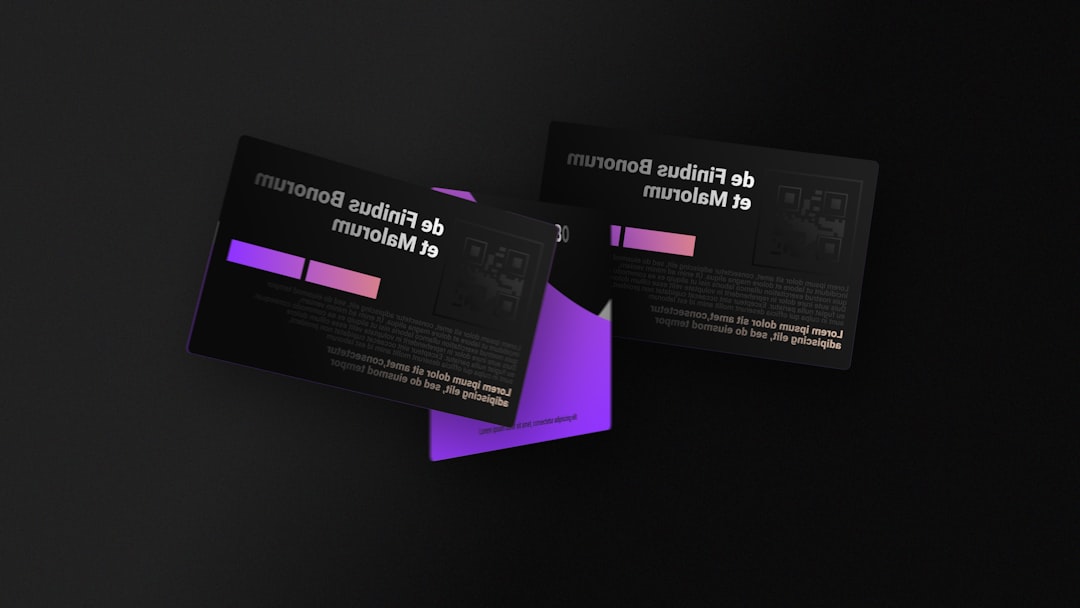
Canva: Best for Easy Design and Creative Flexibility
Canva is one of the most approachable tools for creating business cards, especially for users who want an attractive result without learning professional design software. Its drag-and-drop editor is intuitive, and its template library covers a wide range of styles: minimalist, colorful, corporate, playful, luxurious, and modern.
The main advantage is creative flexibility. You can upload your logo, adjust colors to match your brand palette, experiment with typography, and create multiple variations quickly. Canva is particularly useful for small business owners, consultants, coaches, and creators who also need matching social media graphics, flyers, presentations, or brand assets.
However, Canva may not be the first choice for brands seeking highly specialized print finishes. It offers standard printing options, but if your business card needs letterpress, painted edges, unusually thick stock, or high-end tactile effects, a premium print focused service may be better.
Vistaprint: Best for Practical, Affordable Printing
Vistaprint is a familiar name in small business printing, and for good reason. It offers a straightforward process, a large collection of templates, and a broad selection of business card formats. For entrepreneurs who need reliable cards at a reasonable price, it remains a practical choice.
Vistaprint works well for standard cards, appointment cards, loyalty cards, and simple branded stationery. It also offers upgrades such as rounded corners, textured paper, metallic finishes, and raised print. The design editor is less freeform than some creative platforms, but it is efficient and beginner friendly.
The biggest strength is value. If you need a few hundred cards for a sales team, networking event, local shop, or service business, Vistaprint can deliver professional results without stretching the budget.
Moo: Best for Premium Feel and Memorable Details
If your brand depends on making a strong first impression, Moo deserves serious attention. It is known for high-quality paper, elegant finishes, and a premium unboxing experience. Moo cards often feel more substantial than standard cards, which can be important in industries where taste and presentation matter.
Moo is especially appealing for designers, architects, photographers, luxury consultants, boutique retailers, and creative studios. One standout feature is the ability to print different images or designs on the backs of cards within the same pack. That means a photographer can showcase multiple portfolio images, or a product brand can highlight several bestsellers.
The tradeoff is price. Moo tends to cost more than budget print providers. But for brands that want cards people actually notice, keep, and remember, the additional cost can be worthwhile.
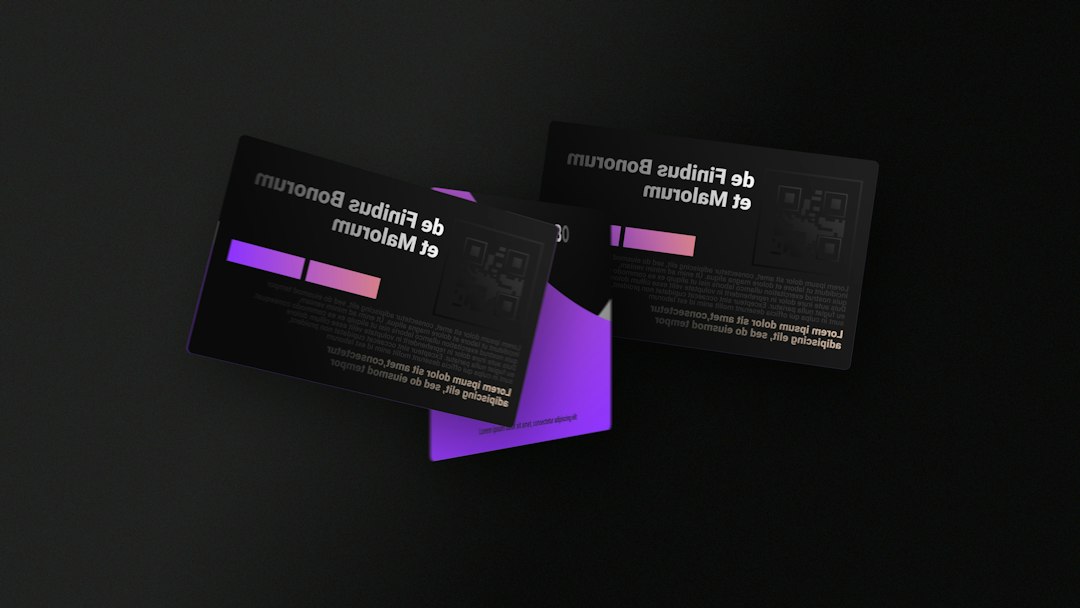
Adobe Express: Best for Brand Consistency
Adobe Express is a strong option for users who want clean, polished designs and may already be familiar with Adobe’s ecosystem. It is simpler than professional tools like Illustrator or InDesign, but it still provides enough control to create stylish business cards.
Its biggest advantage is brand consistency. You can create designs that align with other marketing visuals, especially if you are already using Adobe tools for images, graphics, or campaigns. The templates tend to look contemporary and professional, making Adobe Express suitable for startups, personal brands, and service businesses.
It may not have the same wide consumer print marketplace feel as some dedicated printing companies, but as a design tool, it is highly capable. You can design your card and then manage printing through available print options or export the file for use with another printer.
Zazzle: Best for Unique Styles and Niche Branding
Zazzle is useful when you want a business card that feels a little different. It offers many designs from independent creators, which means you can find styles that are artistic, quirky, elegant, bold, seasonal, or industry specific.
This makes Zazzle appealing for handmade businesses, event planners, beauty professionals, artists, tutors, wellness brands, and anyone who wants a card with personality. You can often find templates that feel less generic than standard corporate layouts.
The downside is that quality and design sophistication can vary because the marketplace includes many contributors. It is worth browsing carefully and choosing a design that looks professional, not just eye catching.
GotPrint: Best for Budget Conscious Bulk Orders
GotPrint is a competitive choice for businesses that need large quantities at affordable prices. It is not always the flashiest platform, but it offers strong value, multiple paper stocks, and a wide range of print sizes.
For real estate agents, delivery services, local contractors, restaurants, and growing teams, GotPrint can be a sensible option. You can keep costs low while still getting clean, functional business cards. It also supports custom uploads, so if you already have a finished design from a designer, you can use GotPrint mainly as a production partner.
The interface may feel less polished than design first platforms, so beginners may need more patience. But for cost efficient printing, it is worth considering.
Staples: Best for Speed and Local Convenience
Staples is not always the most exciting choice, but it has one major advantage: convenience. If you need business cards quickly, especially for a last-minute conference, interview, pitch, or trade show, local pickup can be a lifesaver.
Staples offers simple templates, upload options, and same day or fast turnaround in many areas. The designs are generally practical rather than highly artistic, but for standard professional cards, the service can get the job done reliably.
This is a good fit for people who value speed over elaborate customization. If your card design is already complete and you simply need it printed fast, Staples can be an efficient solution.
How to Choose the Right Fit for Your Brand
The best business card maker depends on what your brand is trying to communicate. A financial advisor may want a restrained card on thick matte paper. A florist may prefer soft colors and an organic design. A tech founder might include a QR code linking to a product demo. A tattoo artist may benefit from bold artwork and a portfolio style layout.
Use this quick guide:
- Choose Canva if you want easy customization and lots of design freedom.
- Choose Vistaprint if you want affordable, reliable cards for everyday business use.
- Choose Moo if premium materials and standout finishes are central to your brand.
- Choose Adobe Express if you want polished design and consistent visual branding.
- Choose Zazzle if you want creative, niche, or personality driven templates.
- Choose GotPrint if bulk affordability is your top priority.
- Choose Staples if you need cards quickly and local pickup matters.
Final Thoughts
A business card is small, but it carries a lot of responsibility. It introduces your brand, reinforces your credibility, and gives someone a physical reminder of a conversation. The right maker should match both your practical needs and your brand personality.
If your card feels like an afterthought, people may treat it like one. But when the design, material, and message work together, your business card becomes more than contact information. It becomes a compact, memorable expression of who you are and why your brand is worth remembering.