
Creating a Task Analysis Can Be Enhanced By These Techniques
Task analysis is the quiet engine behind better training, smoother workflows, safer procedures, and more intuitive digital products. Whether you are designing employee onboarding, improving a checkout process, documenting a laboratory procedure, or building accessible software, a strong task analysis helps you understand what people actually do, not just what a process document says they should do.
TLDR: A task analysis becomes more useful when you combine observation, user interviews, workflow mapping, data review, and iterative testing. For example, a support team that analyzed 500 help desk tickets might discover that 38% of delays happen during password verification, not during technical troubleshooting. By breaking the task into smaller steps and redesigning that one stage, the team could reduce average resolution time from 12 minutes to 8 minutes. The best results come from studying real behavior, validating assumptions, and refining the analysis over time.
Start With a Clear Purpose
Before listing steps, define why you are creating the task analysis. A task analysis for employee training may focus on accuracy, sequence, and common mistakes. A task analysis for software design may focus on user decisions, friction points, and interface needs. A safety-focused analysis may emphasize hazards, dependencies, and compliance requirements.
Ask a few grounding questions:
- Who performs the task? Consider experience level, role, environment, and accessibility needs.
- What outcome should the task produce? Define success in visible, measurable terms.
- Where does the task begin and end? Boundaries prevent the analysis from becoming too broad.
- What decisions or judgment calls are involved? These are often where errors occur.
A clear purpose keeps the analysis practical. Without it, teams often create a long checklist that looks complete but does not actually help anyone perform better.
Observe Real Users in Real Contexts
One of the strongest techniques for improving task analysis is direct observation. People often describe their work differently from how they actually do it. They may skip steps they consider obvious, invent shortcuts under time pressure, or depend on informal knowledge that never appears in official documentation.
Observation reveals details such as tool switching, interruptions, environmental constraints, and hidden workarounds. For instance, a nurse may follow a medication protocol, but also rely on room layout, colleague confirmation, and handwritten reminders. A warehouse worker may use a scanner in one hand while visually checking labels because the system has a known delay.
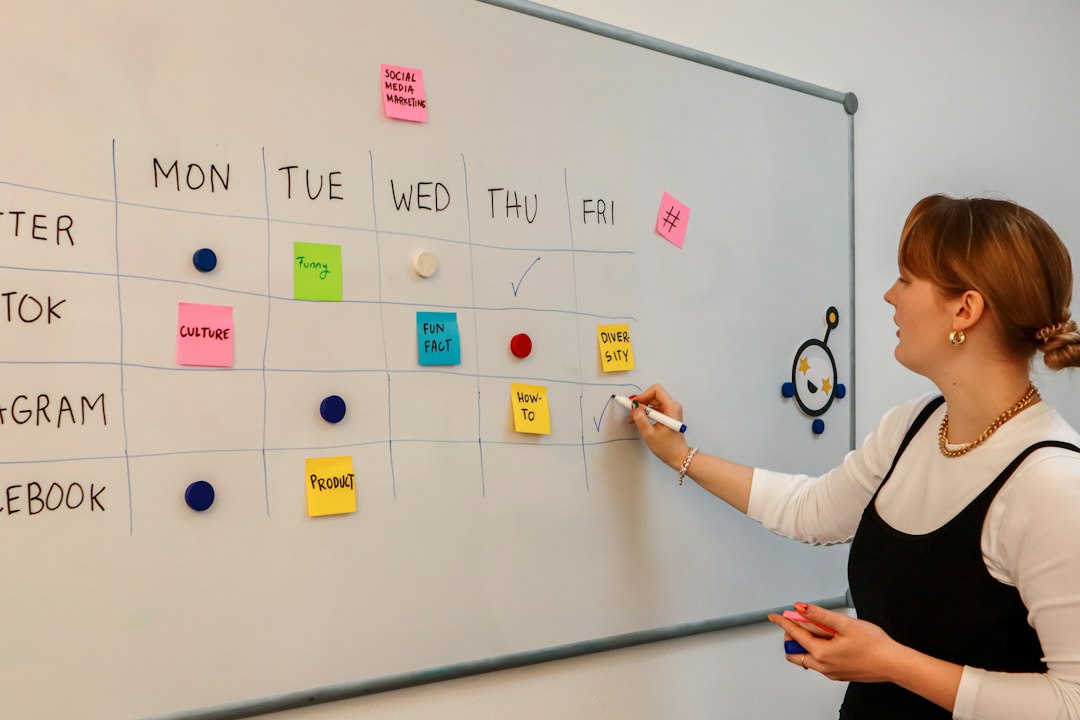
When observing, avoid interrupting too often. Take notes on actions, timing, hesitation, repeated checks, and points where the person seems uncertain. Afterward, ask follow-up questions such as, “What made that step difficult?” or “Is this how you always do it?” These questions uncover the difference between standard procedure and practical reality.
Use Interviews to Capture Expert Knowledge
Observation shows behavior; interviews explain reasoning. Subject matter experts can identify why steps matter, which errors are most costly, and what novices typically misunderstand. However, interviews work best when they are structured around the task itself.
Instead of asking broad questions like, “How do you process an order?”, guide the expert through the workflow from start to finish. Ask:
- What information do you need before starting?
- What tells you that you can move to the next step?
- What exceptions happen most often?
- What mistakes do beginners make?
- What do you check before considering the task complete?
This technique helps uncover decision points. Many tasks are not simple linear sequences; they include branches, approvals, exceptions, and fallback actions. Capturing these decision points turns a basic task list into a useful performance tool.
Break Tasks Into the Right Level of Detail
A common challenge in task analysis is deciding how detailed to be. Too little detail makes the analysis vague. Too much detail makes it overwhelming. The goal is to define steps at a level that supports the intended user.
For a beginner, “prepare the equipment” may be too broad. They may need steps such as:
- Check that the device is plugged in.
- Confirm that the indicator light is green.
- Select the correct attachment.
- Run the calibration test.
For an experienced technician, those same steps may be unnecessary unless they relate to safety or quality control. This is why audience matters. A task analysis for training new hires should include more explicit guidance than one created for experienced staff.
A useful rule is to break down any step that involves risk, judgment, frequent errors, or required sequence. If a step can be performed incorrectly in several ways, it deserves more detail.
Map the Workflow Visually
Visual mapping makes complex tasks easier to understand. Flowcharts, swimlane diagrams, journey maps, and decision trees can reveal dependencies that are hard to see in written lists. They also help stakeholders spot unnecessary loops, duplicate approvals, or unclear ownership.
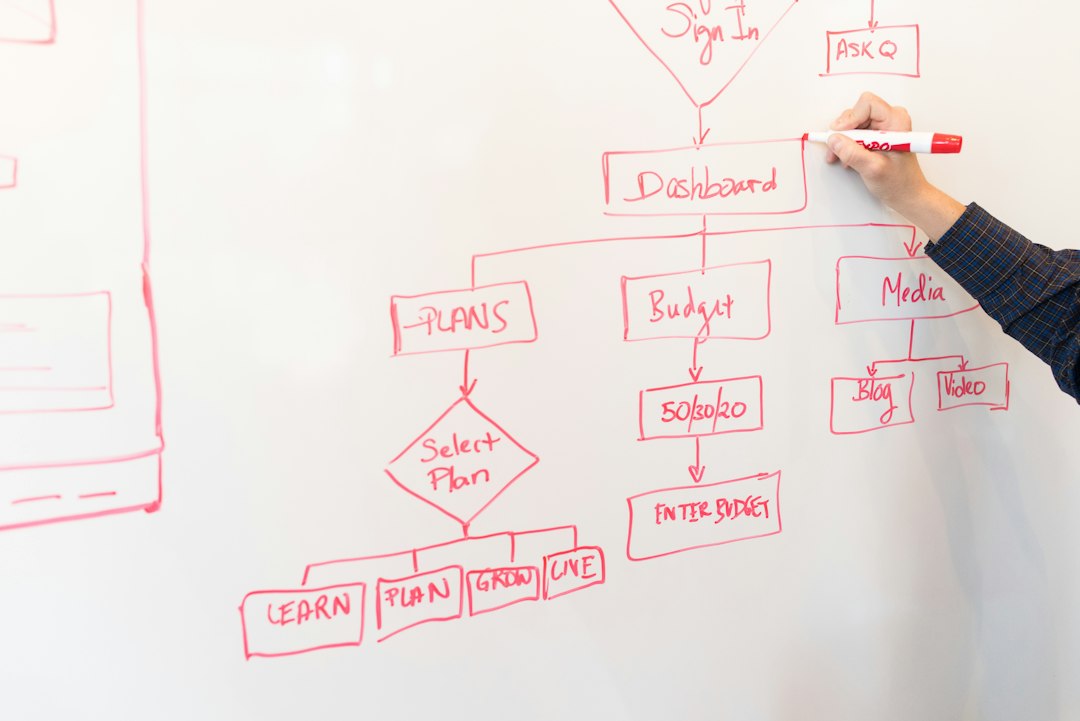
A flowchart is useful when a task includes yes-or-no decisions. A swimlane diagram is better when multiple people or departments are involved. A journey map works well when you need to understand emotions, expectations, or friction across a user experience.
For example, in an online loan application, the user may upload documents, the system may verify identity, and an employee may manually review exceptions. A swimlane diagram can show where responsibility shifts from customer to system to staff member. That visibility helps teams reduce delays and confusion.
Analyze Data, Not Just Opinions
Task analysis improves significantly when supported by data. Analytics, system logs, error reports, customer complaints, time studies, and support tickets can show which parts of a task cause the most trouble.
Imagine an e-commerce company reviewing its checkout task. Interviews suggest that customers dislike entering shipping information. But analytics reveal that 46% of cart abandonment occurs at the payment confirmation screen, especially on mobile devices. That finding changes the analysis. The critical task issue may not be address entry; it may be unclear error messages, slow loading, or poor mobile layout.
Useful metrics include:
- Completion rate: How many users finish the task successfully?
- Time on task: How long does each step take?
- Error frequency: Where do mistakes happen most often?
- Rework rate: How often must a step be repeated?
- Drop-off points: Where do users abandon the process?
Data prevents teams from optimizing the wrong step. It also helps prioritize improvements when time and budget are limited.
Identify Cognitive Demands
Not all task difficulty is visible. Some of the hardest work happens mentally: remembering rules, comparing options, interpreting signals, prioritizing actions, or making decisions under pressure. A strong task analysis includes these cognitive demands.
For example, a customer service representative may appear to be “responding to a complaint,” but the real task includes listening for emotional cues, checking policy limits, choosing language that de-escalates tension, and documenting the outcome. If training only lists system steps, it misses the hardest part of the job.
To identify cognitive demands, ask users what they are thinking during key moments. Look for memory load, uncertainty, time pressure, and competing goals. Then decide whether the task can be improved with templates, checklists, prompts, examples, or system automation.
Test the Analysis With Actual Users
A task analysis should not be treated as finished after the first draft. Test it with the people who will use it. Give the analysis to a novice and ask them to complete the task. Watch where they hesitate, misinterpret instructions, or ask for clarification.
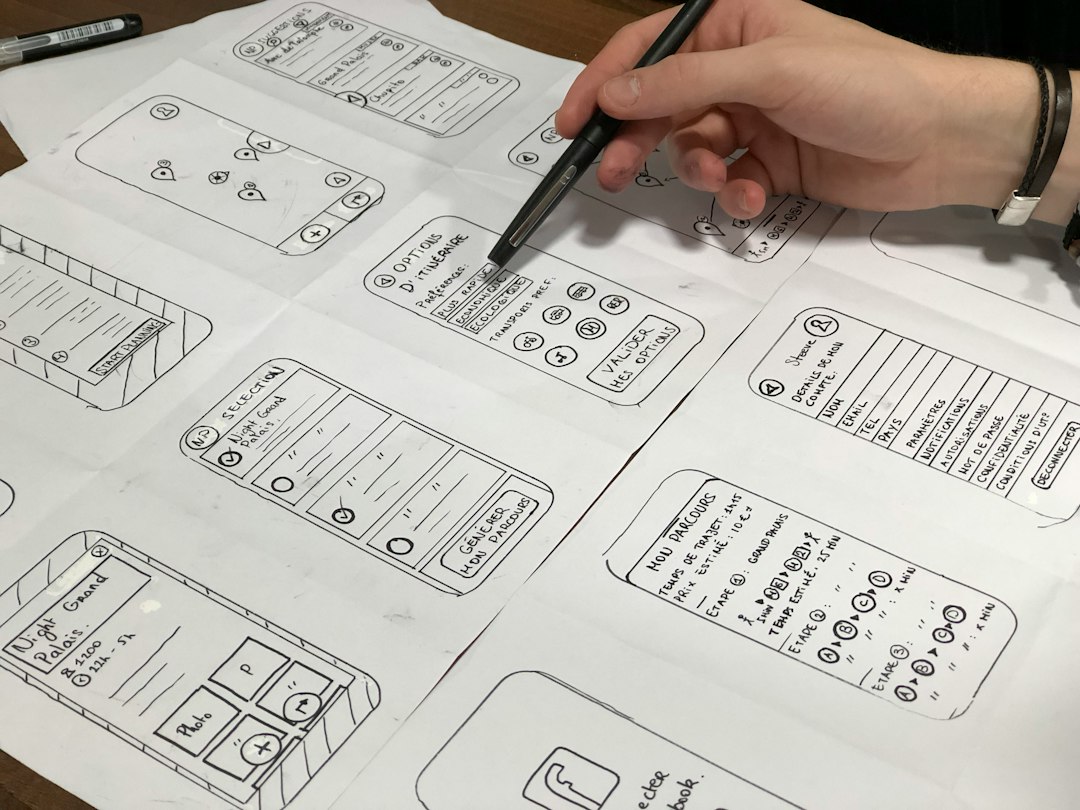
This feedback often reveals missing assumptions. A step such as “submit the completed form” may seem clear, but users may not know which button to press, which file format is accepted, or whether confirmation is required. Small ambiguities can create major performance gaps.
Iteration is especially important when tasks involve technology, regulation, or multiple departments. Tools change, policies evolve, and users develop new workarounds. Review and update the task analysis regularly so it remains accurate.
Turn Findings Into Actionable Support
The final value of task analysis is not the document itself; it is what the document enables. Use the findings to create better training, clearer procedures, improved interfaces, job aids, checklists, automation rules, or performance metrics.
For best results, match the support to the task. A rare but high-risk task may need a checklist. A frequent digital task may need interface improvements. A complex decision task may need scenario-based training. A repetitive administrative task may be a candidate for automation.
Effective task analysis is both analytical and human-centered. It combines evidence, observation, expert insight, and practical testing. When done well, it does more than describe work; it improves it. By using techniques such as observation, interviews, visual mapping, data analysis, cognitive review, and user testing, organizations can create task analyses that are accurate, usable, and genuinely helpful.