Dolphin Dental Software and Its Alternatives: 5 Practice Management Platforms for Imaging, Patient Records, and Dental Office Workflows
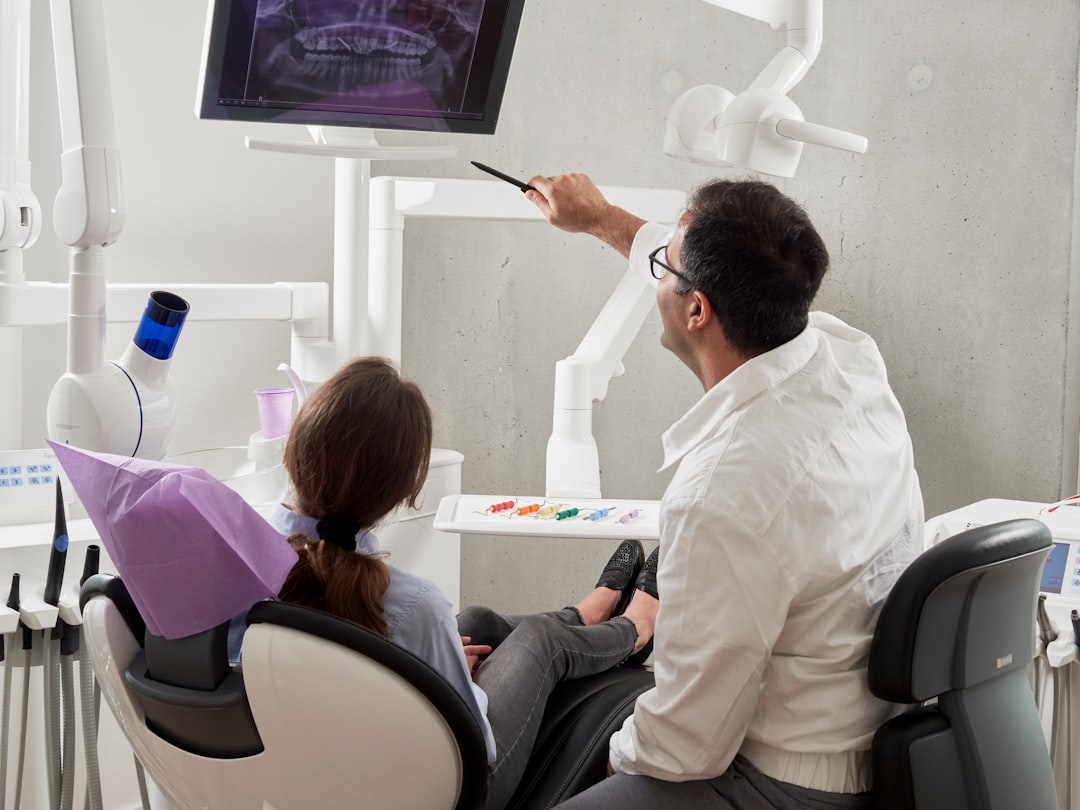
Dolphin Dental Software is strongest for orthodontic imaging and specialty case records, while many general dental offices may get smoother daily workflows from cloud systems like Dentrix Ascend, Curve Dental, Sensei Cloud, or Open Dental. Dolphin Imaging describes its product as support for 2D and 3D imaging, including orthodontic diagnostics and treatment planning [source: Dolphin Imaging]. That makes it useful for ortho and surgical teams. It may feel less natural for a high-volume general office that needs quick insurance, hygiene recall, charting, and billing in one place.
TLDR: Dolphin Dental Software is a smart fit when imaging and orthodontic records sit at the center of the practice. For example, an ortho team reviewing 40 cephalometric images per day may save time with Dolphin’s imaging tools, while a family dental office seeing 80 hygiene patients per week may prefer stronger recall and billing workflows. The best choice depends on which task slows the office down most: images, scheduling, claims, or clinical notes. The catch is that switching platforms often exposes small workflow issues that staff have been quietly tolerating for years.
1. Dolphin Imaging and Dolphin Management
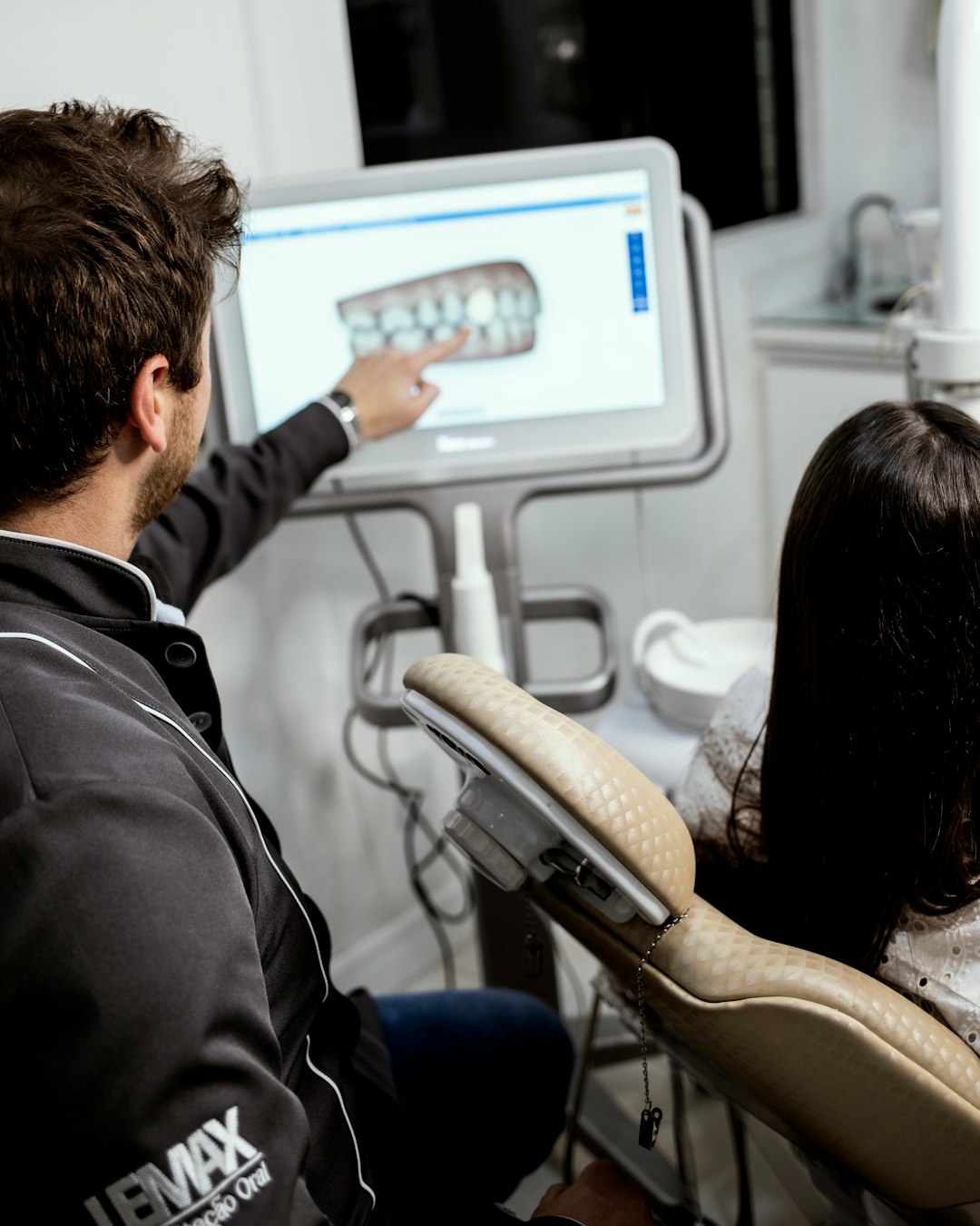
Dolphin is often linked with orthodontics, oral surgery, and specialty practices. Its imaging tools help with ceph tracing, photo records, 3D scans, treatment planning, and case presentation. Dolphin Management adds scheduling, patient records, billing, and office tasks for orthodontic teams.
Its best feature is focus. It is not trying to be every dental office’s favorite tool. It is built around specialty care, where images and long treatment timelines matter. The downside is that general dental teams may find the workflow too specialized. If the front desk mostly cares about insurance checks, perio charting, hygiene recall, and quick claims, other systems may feel faster.
- Best for: orthodontists, oral surgeons, specialty groups.
- Strong points: imaging, treatment records, case presentation.
- Possible frustration: setup, training, and integrations can take real effort.
2. Dentrix Ascend
Dentrix Ascend is a cloud-based practice management platform from Henry Schein One. It is built for scheduling, charting, billing, insurance, patient communication, and multi-location reporting. For general dentistry, it checks many daily boxes.
The cloud setup helps teams access the system from different locations. That is useful for groups with several offices. Managers can compare production, collections, and appointment data without calling every front desk. Staff also get a cleaner interface than some older desktop systems.
Honestly, it feels like some cloud dental platforms hide simple actions behind too many clicks. Dentrix Ascend is better than many, but offices should still time common tasks during a demo. A checkout that takes 75 seconds instead of 45 seconds adds up fast across 50 patients.
- Best for: general dental offices and growing groups.
- Strong points: cloud access, reporting, billing, scheduling.
- Possible frustration: subscription cost and workflow changes.
3. Curve Dental
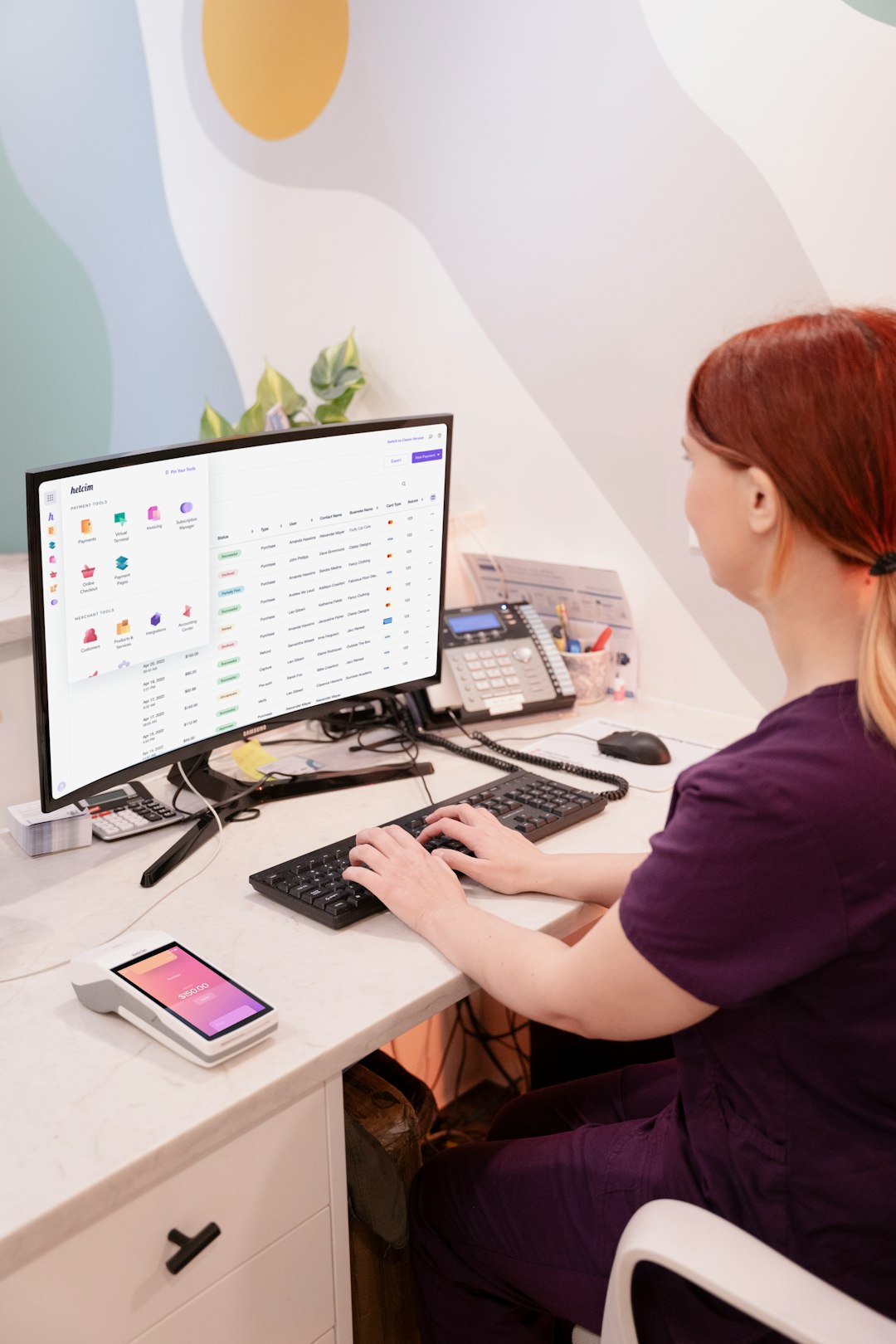
Curve Dental is another cloud-first option. It is known for a friendly interface and clean patient record tools. It covers charting, scheduling, imaging connections, treatment plans, e-prescribing, patient messaging, and billing tasks.
Curve often appeals to teams that dislike bulky desktop software. The screen layout feels modern, and new staff can usually learn the basics without a week of hand-holding. That matters when a practice has turnover at the front desk or hires assistants with mixed software experience.
The annoying part can be imaging. Like many practice management systems, Curve may still need bridges to imaging tools. If the bridge is slow, staff can lose 15 to 30 seconds every time they open an image. It sounds tiny. It is not tiny on a packed Monday.
- Best for: modern general practices that want cloud access.
- Strong points: ease of use, patient records, daily office workflow.
- Possible frustration: imaging setup depends on the devices and integrations used.
4. Sensei Cloud by Carestream Dental
Sensei Cloud is designed for cloud-based practice management, with a strong tie to Carestream Dental’s imaging background. It supports scheduling, clinical records, treatment planning, patient communication, reporting, and billing.
This option makes sense for offices already using Carestream imaging hardware or software. The closer connection can reduce the pain of moving between charts and images. That can help doctors review X-rays, explain treatment, and build plans without bouncing between too many screens.
Cloud access also helps owners and managers check numbers away from the office. Still, teams should test claim workflows, treatment plan presentation, and image access before signing. A pretty dashboard does not fix a slow checkout process.
- Best for: practices using Carestream imaging tools.
- Strong points: imaging connection, clinical records, cloud access.
- Possible frustration: some teams may need time to adjust from older Carestream systems.

5. Open Dental
Open Dental is popular because it is flexible, practical, and often less expensive than many large-brand systems. It handles scheduling, charting, billing, claims, imaging bridges, reporting, and patient records. Many practices like that it feels direct. It may not look flashy, but it gets work done.
Open Dental is also known for broad integration options. That helps offices connect imaging, phones, forms, payment tools, and patient messaging systems. For tech-friendly practices, this is a major plus. For teams that want everything bundled and polished, it may feel less tidy.
Security still matters with any system. Cloud tools and local servers both need access controls, backups, and staff training. The HIPAA Security Rule expects covered entities to protect electronic patient data through administrative, physical, and technical safeguards [source: HHS].
- Best for: cost-aware practices that want flexibility.
- Strong points: integrations, reporting, billing, customization.
- Possible frustration: less polished design than some cloud competitors.
How a Practice Should Choose
A practice should start with its biggest bottleneck. If imaging review slows doctors down, Dolphin or Sensei Cloud may deserve more attention. If front desk flow is the pain point, Dentrix Ascend, Curve Dental, or Open Dental may be better demos.
Teams should ask vendors to show five real tasks: scheduling a new patient, attaching images, writing a clinical note, sending a claim, and presenting a treatment plan. The demo should use the office’s real workflow, not a perfect sales script.
FAQ
Is Dolphin Dental Software best for general dentistry?
It can work for some offices, but it is usually stronger for orthodontic and specialty practices where imaging and treatment records are central.
Which alternative is easiest for staff to learn?
Curve Dental and Dentrix Ascend are often viewed as user-friendly cloud options. The real answer depends on the team’s habits and the current system.
Which platform is best for imaging?
Dolphin is strong for orthodontic imaging. Sensei Cloud may fit offices already using Carestream imaging tools. Open Dental can work well when paired with the right imaging bridge.
Should a dental office choose cloud or server-based software?
Cloud software is easier for remote access and multi-office reporting. Server-based or hybrid setups may suit offices that want more local control. Cost, internet reliability, and IT support should guide the choice.
What should a practice test before buying?
It should test scheduling, charting, imaging, claims, treatment plans, reports, and patient messaging. Staff should time each task. Small delays become expensive when repeated all day.