Exocad Review: Features, Pricing & Dental CAD Software Alternatives
Exocad is widely used in dental laboratories, milling centers, and clinics that need flexible CAD software for designing crowns, bridges, implant restorations, dentures, splints, and other dental appliances. Its reputation is built on an open workflow, broad scanner and manufacturing compatibility, and a modular structure that allows practices to expand as their needs grow.
TLDR: Exocad is a powerful dental CAD platform best suited for labs and clinics that want flexibility, advanced restoration design, and compatibility with many scanners, mills, and 3D printers. Pricing is usually quote-based through resellers, so a small lab may pay for core modules first and add implant or denture tools later. For example, a three-person lab producing 35 to 50 crown and bridge cases per week may benefit from faster repeatable workflows and reduced outsourcing costs. However, beginners may face a learning curve, and alternatives such as 3Shape Dental System, Planmeca Romexis, and Blender for Dental may be better fits depending on budget and workflow.
What Is Exocad?
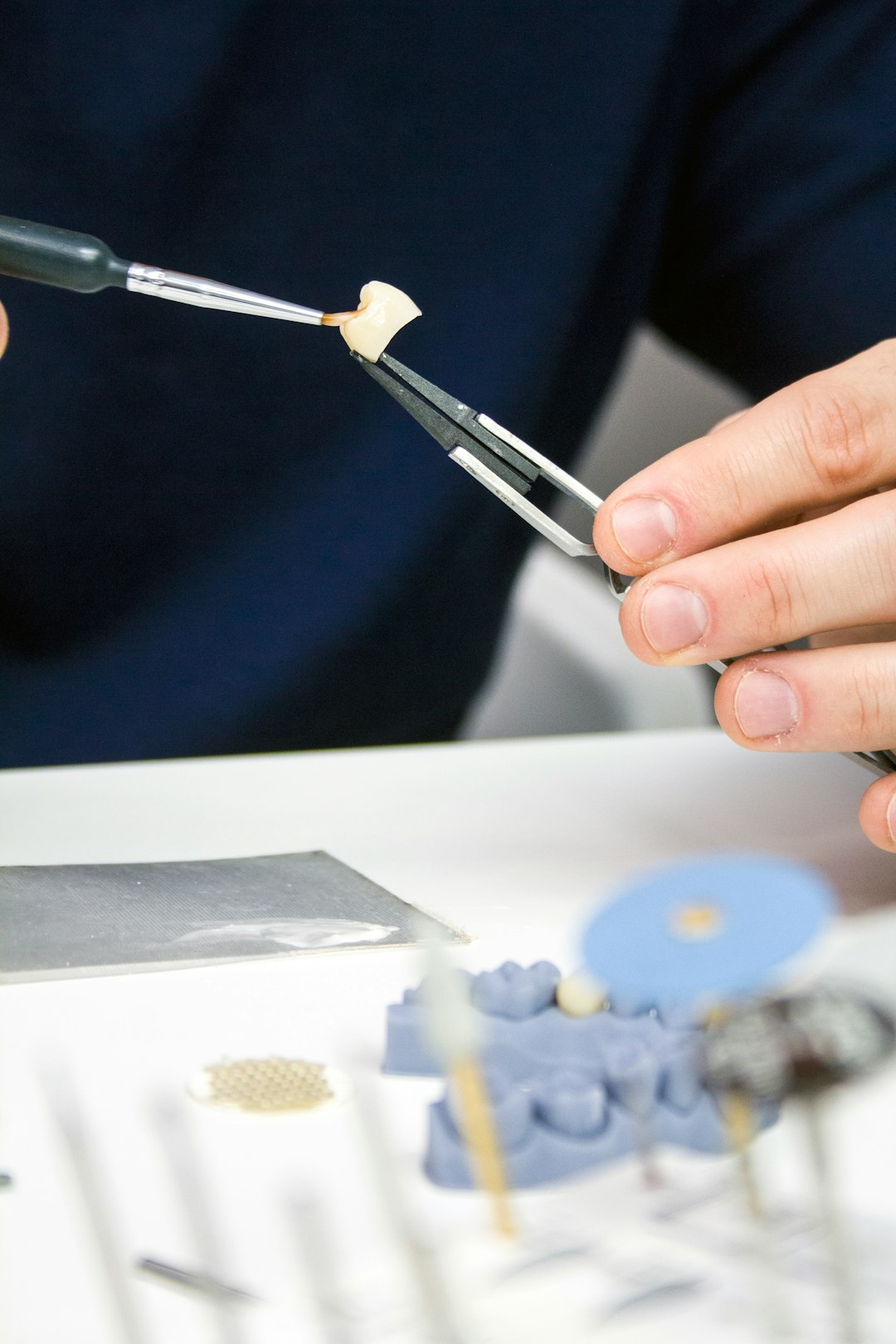
Exocad is a dental CAD software ecosystem developed for digital dentistry workflows. It supports the design of a wide range of restorations and appliances, from simple single crowns to complex implant bars and full-arch restorations. The software is especially popular among laboratories because it works with many third-party scanners, milling machines, 3D printers, and CAM systems.
Unlike closed dental systems that limit users to specific hardware, Exocad is often described as an open architecture solution. This makes it attractive for dental businesses that already own equipment from different manufacturers or want to avoid being locked into one vendor.
Key Exocad Features
Exocad’s strength lies in its modular design. Users can start with core restorative workflows and add specialized modules as their clinical or laboratory needs increase.
- DentalCAD: The central design platform for crowns, bridges, veneers, inlays, onlays, wax-ups, and diagnostic designs.
- Implant Module: Adds tools for custom abutments, screw-retained crowns, implant bridges, and hybrid restorations.
- Model Creator: Allows users to create printable dental models from intraoral or desktop scan data.
- PartialCAD: Supports the design of removable partial dentures and frameworks.
- FullDenture Module: Enables digital denture workflows, including full denture tooth arrangements and base designs.
- Bite Splint Module: Helps create night guards, occlusal splints, and therapeutic appliances.
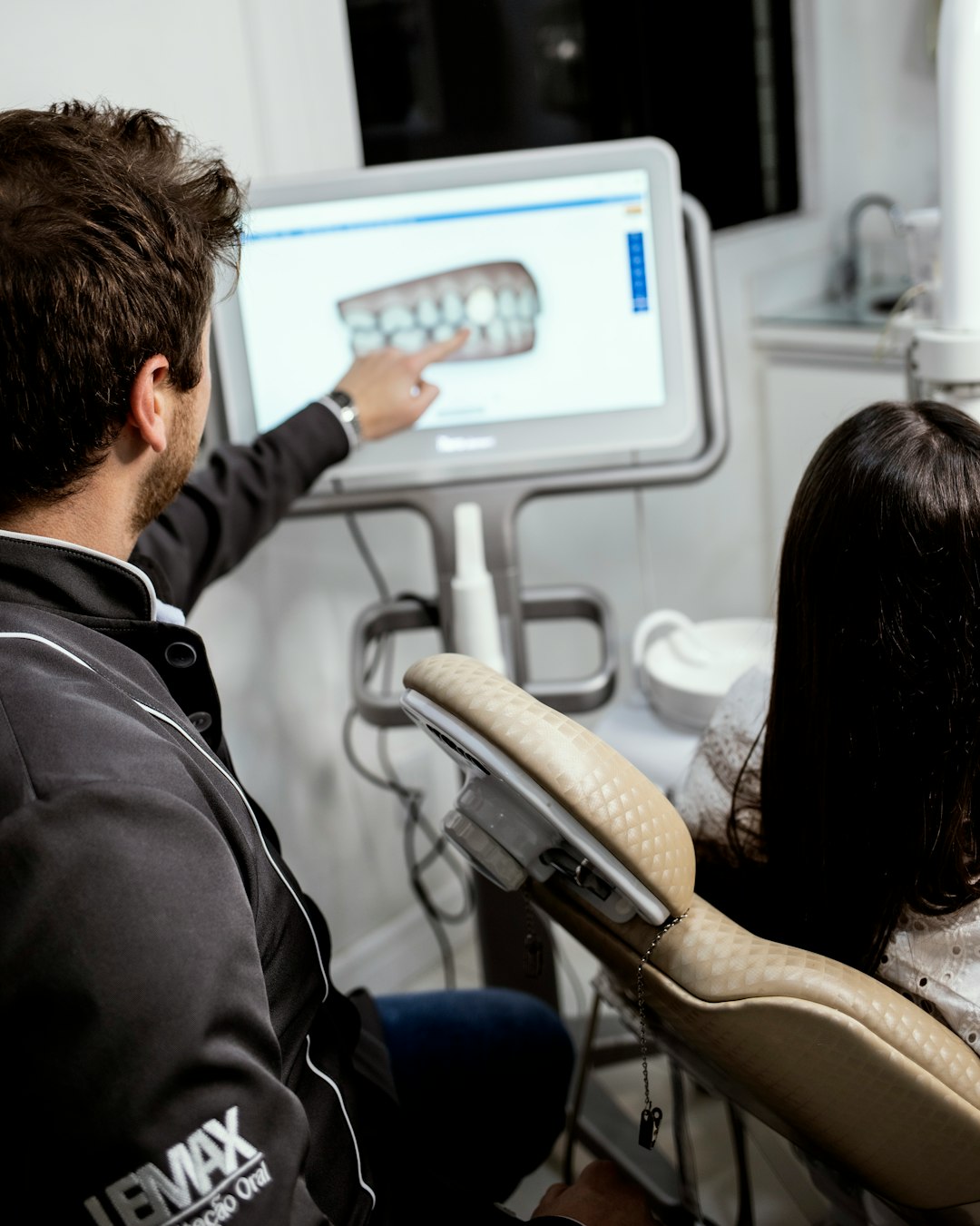
- Smile Creator: Combines facial photos and 3D data for esthetic planning and patient communication.
- ChairsideCAD: Designed for clinics that want same-day restorative workflows.
The user interface is considered efficient once learned. Technicians can work through guided workflows or use expert settings for more control. This flexibility is one reason Exocad appeals to both experienced designers and growing digital labs.
Workflow and Usability
Exocad supports common digital dentistry file formats, including STL, PLY, and OBJ, depending on the scanner and workflow. This makes it easier to import scans, design restorations, and send files to milling machines or 3D printers. For laboratories handling multiple dentist clients, this openness can reduce file compatibility issues.
The software also includes automation features that can speed up routine cases. For example, margin line detection, tooth libraries, anatomical proposals, and virtual articulator tools help reduce repetitive manual steps. Still, users working on complex implant or full-arch cases usually need strong dental anatomy knowledge and CAD experience.
In terms of performance, Exocad is generally fast and stable on a properly configured workstation. Complex cases with large scan files, high-resolution textures, or multiple implant components require stronger hardware, especially a capable graphics card and sufficient RAM.
Exocad Pricing
Exocad pricing is not typically listed as a single public price because it is sold through authorized resellers and configured according to modules, licenses, support, and region. Costs can vary significantly depending on whether a lab purchases only DentalCAD or adds advanced modules such as implant design, dentures, splints, or smile design.
In many markets, dental labs should expect a quote-based licensing model. Some resellers may offer annual licenses, upgrade contracts, training packages, or bundled scanner and software deals. Because pricing changes by country and reseller, the most reliable approach is to request quotes from multiple authorized providers and compare what is included.
Key pricing factors include:
- Core software license: The base CAD package for standard restorations.
- Additional modules: Implant, denture, model, splint, and esthetic planning tools usually add cost.
- Support and updates: Ongoing updates, maintenance, and technical assistance may be billed separately.
- Training: Formal onboarding can increase initial cost but reduce mistakes and downtime.
- Hardware bundle: Some resellers package Exocad with scanners or design workstations.
Pros and Cons of Exocad
Pros
- Open ecosystem: Works with many scanners, mills, printers, and CAM solutions.
- Modular structure: Labs can add tools as services expand.
- Advanced design control: Experienced technicians can fine-tune restorations in detail.
- Broad indication coverage: Suitable for crowns, bridges, implants, dentures, splints, and more.
- Strong industry adoption: Many training resources, user groups, and compatible libraries are available.
Cons
- Pricing transparency is limited: Buyers usually need reseller quotes.
- Learning curve: Beginners may need structured training.
- Module costs can add up: Advanced workflows may require several paid add-ons.
- Hardware matters: Large or complex cases need a powerful workstation.
Who Should Use Exocad?
Exocad is a strong fit for dental labs that handle diverse case types and want freedom to choose scanners and manufacturing devices. It is also suitable for milling centers, implant-focused labs, and clinics with experienced in-house digital dentistry teams.
Smaller practices may still benefit from Exocad, especially if they plan to grow into broader CAD/CAM services. However, a clinic that only needs occasional same-day crowns may prefer a more simplified chairside ecosystem with tighter hardware integration and less setup complexity.
Best Exocad Alternatives
While Exocad is one of the leading dental CAD platforms, several alternatives may be better depending on workflow, budget, hardware, and training needs.
1. 3Shape Dental System
3Shape Dental System is a major competitor with a polished workflow, strong scanner integration, and broad restorative capabilities. It is often chosen by labs that want a streamlined ecosystem and robust case management. However, it may feel less open than Exocad in some workflows, and pricing can also be substantial.
2. Planmeca Romexis
Planmeca Romexis is well suited for clinics already using Planmeca imaging and CAD/CAM hardware. It combines imaging, scanning, and design tools in one environment. It may be especially appealing to dental practices that value integration over maximum third-party flexibility.
3. Dentsply Sirona CEREC
CEREC is popular for chairside dentistry and same-day restorations. It offers a guided workflow that is often easier for clinics than lab-focused CAD platforms. Its main limitation is that it is more ecosystem-driven, making it less flexible for labs using varied equipment.
4. Blender for Dental
Blender for Dental is based on Blender and appeals to users who want lower software costs and high customization. It can be powerful in skilled hands, but it generally requires more technical confidence and may not provide the same polished dental workflow as commercial CAD systems.
Final Verdict
Exocad remains one of the most capable and flexible dental CAD software platforms available. Its open architecture, modular features, and advanced design tools make it a top choice for laboratories and digital dentistry teams that need control over complex workflows.
The main drawbacks are pricing opacity, module-based costs, and the need for training. For organizations willing to invest in setup and skill development, Exocad can become a central part of a productive digital dental workflow. For users who prefer a simpler, more closed, and guided chairside experience, alternatives such as CEREC or Planmeca Romexis may be easier to adopt.
FAQ
Is Exocad suitable for beginners?
Exocad can be used by beginners, but it is best learned with structured training. Basic crown and bridge workflows are manageable, while implant bars, dentures, and full-arch designs require more experience.
How much does Exocad cost?
Exocad pricing is usually quote-based and depends on the reseller, region, license type, and selected modules. Buyers should request detailed quotes that include updates, support, and training.
Does Exocad work with any scanner?
Exocad supports many open scanners and common dental file formats, but compatibility should always be confirmed with the scanner manufacturer or software reseller before purchase.
What is the main advantage of Exocad?
The main advantage is flexibility. Exocad allows labs and clinics to build open workflows using different scanners, design modules, CAM systems, mills, and 3D printers.
What is the best Exocad alternative?
The best alternative depends on the use case. 3Shape Dental System is a strong lab-focused competitor, CEREC is popular for chairside dentistry, and Planmeca Romexis is useful for clinics invested in Planmeca equipment.