Google Find Hub vs Other Device Tracking Solutions: Features Compared
Google Find Hub is the strongest pick for most Android users because it is built into the Android system, works with offline finding, and supports a growing set of Bluetooth tags. Google says its Find My Device network uses more than 1 billion Android devices to help locate lost items and phones [source: Google]. That scale matters. A tracker is only useful when other nearby devices can help report its location.
TLDR: Google Find Hub is best for Android households, while Apple Find My is still the cleaner choice for iPhone owners. Samsung SmartThings Find works well, but mainly inside the Galaxy circle. For example, a family with 3 Android phones, 2 earbuds, and 4 tagged items can manage most tracking from one Google account setup, instead of juggling several apps. Tile and GPS trackers still make sense for mixed phone users, pets, cars, and long trips where live tracking matters more than battery life.
How Google Find Hub compares
Google Find Hub is the newer name and broader idea behind Google’s device finding tools. It covers phones, tablets, earbuds, watches, and compatible item trackers. The main win is simple: many Android users already have it. No extra account. No odd setup. No hunting through a third-party app that asks for another subscription five minutes later.
The catch is that support still depends on the device and tag. Some trackers are made for Google’s network. Others are made for Apple’s network. They usually do not work with both at the same time. That small detail causes a silly amount of buyer regret.
| Solution | Best for | Main strengths | Main limits |
|---|---|---|---|
| Google Find Hub | Android users | Offline finding, Android network, phone and item tracking | Best results need compatible tags and updated devices |
| Apple Find My | iPhone and Mac users | AirTag support, strong network, smooth setup | Poor fit for Android users |
| Samsung SmartThings Find | Galaxy owners | Good Galaxy device tracking, SmartTag support | Locked mostly to Samsung devices |
| Tile | Mixed phone households | Works on Android and iOS, many tracker shapes | Some useful features sit behind paid plans |
| GPS trackers | Cars, pets, luggage, field gear | Live location, wider outdoor coverage | Monthly fees and shorter battery life |
Google Find Hub: strengths and weak spots
Find Hub’s biggest strength is reach. If a lost tracker passes near an Android phone that participates in the network, its location can be updated privately. That makes it useful for keys, wallets, backpacks, and luggage. It also helps locate some devices even when they are offline.
Privacy is also a major part of the pitch. Google uses protections such as encrypted location reports and unwanted tracker alerts. Apple offers similar safety tools for AirTag, and Google has worked with Apple on alerts for unknown Bluetooth trackers [source: Google Security Blog].
Honestly, it feels like the worst part is the naming and compatibility mess. A shopper sees “Bluetooth tracker” and assumes it works everywhere. It may not. A Pebblebee or Chipolo model for Google is not the same as a model for Apple. That extra check can add 30 seconds at checkout, but it saves a return.
Apple Find My and AirTag
Apple Find My is still the cleanest system for iPhone users. AirTag setup is fast. The Find My app is polished. Precision Finding on supported iPhones can point toward an AirTag at short range. That is great under a couch, in a coat pocket, or inside a packed car.
Its weakness is plain. AirTag is not made for Android owners. An Android phone can detect some unwanted trackers, but it cannot use AirTag as a normal daily tracker. For Apple homes, it is excellent. For mixed homes, it becomes annoying fast.
Samsung SmartThings Find
Samsung SmartThings Find is strong for Galaxy users. It can locate Galaxy phones, tablets, watches, earbuds, and SmartTags. Samsung’s SmartTag2 also has long battery life and a useful button for smart home actions.
The issue is the wall around it. It works best when everyone uses Samsung gear. A household with one Galaxy phone and two Pixel phones may find it less practical than Google Find Hub. Expect to waste time checking who can track what.
Tile and GPS trackers
Tile is older and more flexible. It works across Android and iOS, which helps families that do not share one phone brand. Tile also sells many shapes, such as slim wallet cards and small key trackers.
Still, Tile’s crowd network is not as deeply tied into phone operating systems as Google’s or Apple’s. Some features, such as smart alerts or extended history, may require a paid plan. That can be fine for heavy users, but it makes a cheap tracker feel less cheap.
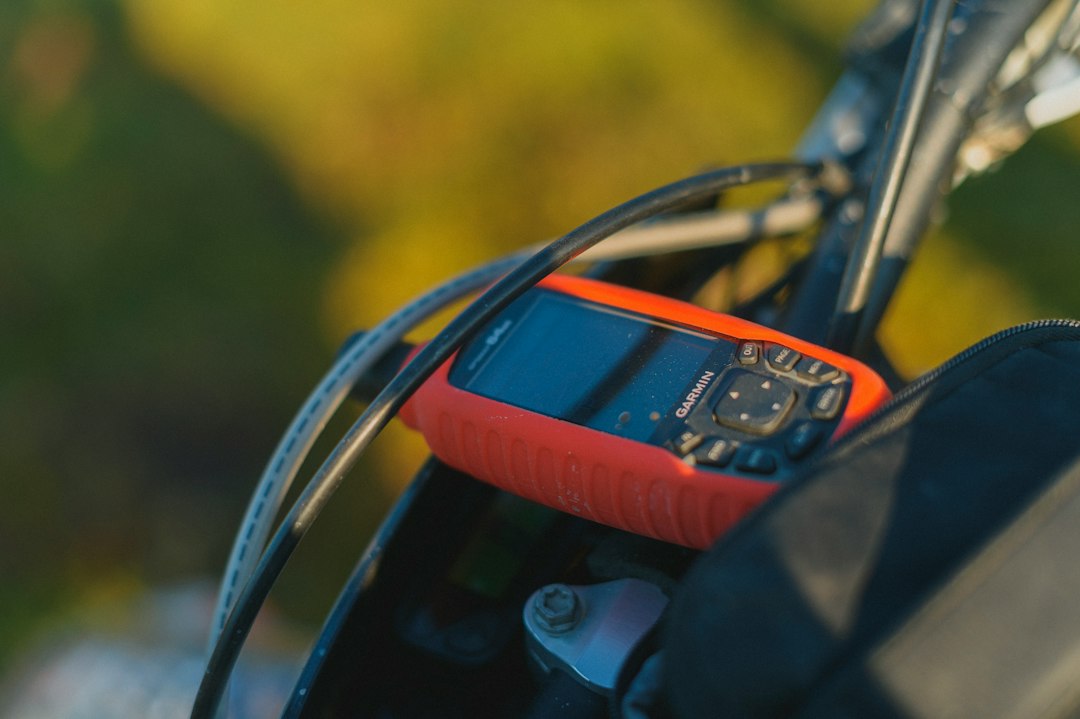
GPS trackers are different. They use cellular and satellite positioning rather than waiting for nearby phones. They are better for pets, cars, bikes, boats, and checked luggage. The tradeoff is cost. Many need a monthly plan, and battery life is often measured in days or weeks, not months.
Which one should a buyer pick?
- Choose Google Find Hub if the household mostly uses Android phones.
- Choose Apple Find My if the household mostly uses iPhones.
- Choose Samsung SmartThings Find if the user owns a Galaxy phone and likes Samsung accessories.
- Choose Tile for mixed Android and iPhone homes that want one shared brand.
- Choose GPS for moving assets, pets, vehicles, or higher-value items.
For most people, the best tracker is not the one with the longest spec sheet. It is the one supported by nearby phones. That is why Google Find Hub and Apple Find My have such an edge. Their networks are already in people’s pockets.
FAQ
Is Google Find Hub the same as Find My Device?
It is closely tied to Google’s Find My Device system, but the Find Hub name points to a wider place for finding devices, items, and possibly shared locations.
Does Google Find Hub work with AirTag?
No. AirTag is built for Apple Find My. Android phones may detect unknown AirTags for safety, but they cannot use them as normal trackers.
Are Google compatible trackers better than Tile?
For Android users, often yes. Google compatible trackers can use the wider Android finding network. Tile may still be better for mixed phone households.
Do Bluetooth trackers need a monthly fee?
Usually no. Google, Apple, and Samsung item trackers do not normally need a monthly plan. GPS trackers often do.
Can these trackers stop theft?
Not really. They help find items after they go missing. They are not a full anti-theft system, and thieves may remove them if found.