Huddle Boards Explained: Benefits, Examples, and How Agile Teams Use Visual Management
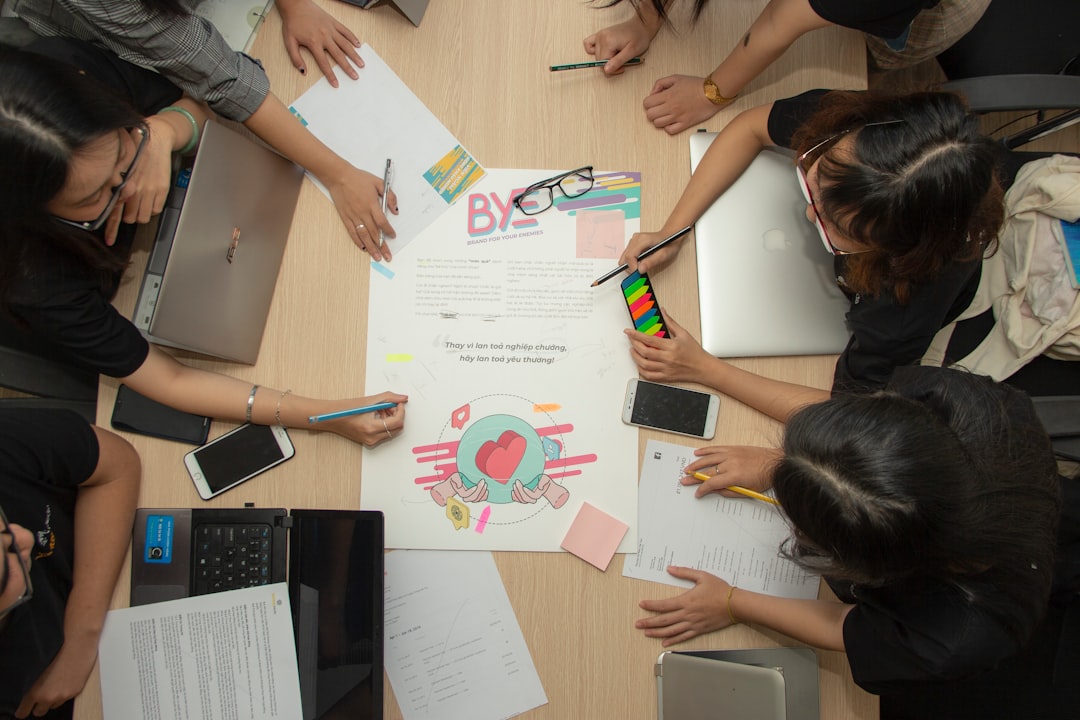
Picture a team standing around a board. Coffee is in hand. Sticky notes are everywhere. Someone moves a card from Doing to Done. Everyone smiles. That simple board is often called a huddle board, and it can make teamwork much easier.
TLDR: A huddle board is a visual board that helps teams see work, problems, goals, and progress in one place. Agile teams use it during short meetings to stay aligned and move faster. It can be physical or digital. The best huddle boards are simple, clear, and updated often.
What Is a Huddle Board?
A huddle board is a shared visual space. It shows what a team is working on. It also shows what is stuck, what is done, and what needs attention.
Think of it like a team dashboard. But instead of hiding in a spreadsheet, it is easy to see. It might be on a wall. It might be in an online tool. The goal is the same. Make work visible.
The word huddle comes from sports. A team gathers fast. They talk about the next play. Then they get moving. A huddle board helps teams do the same thing at work.
Most huddle boards are used during short daily or weekly meetings. These meetings are often called huddles, standups, or check ins.
Why Huddle Boards Matter
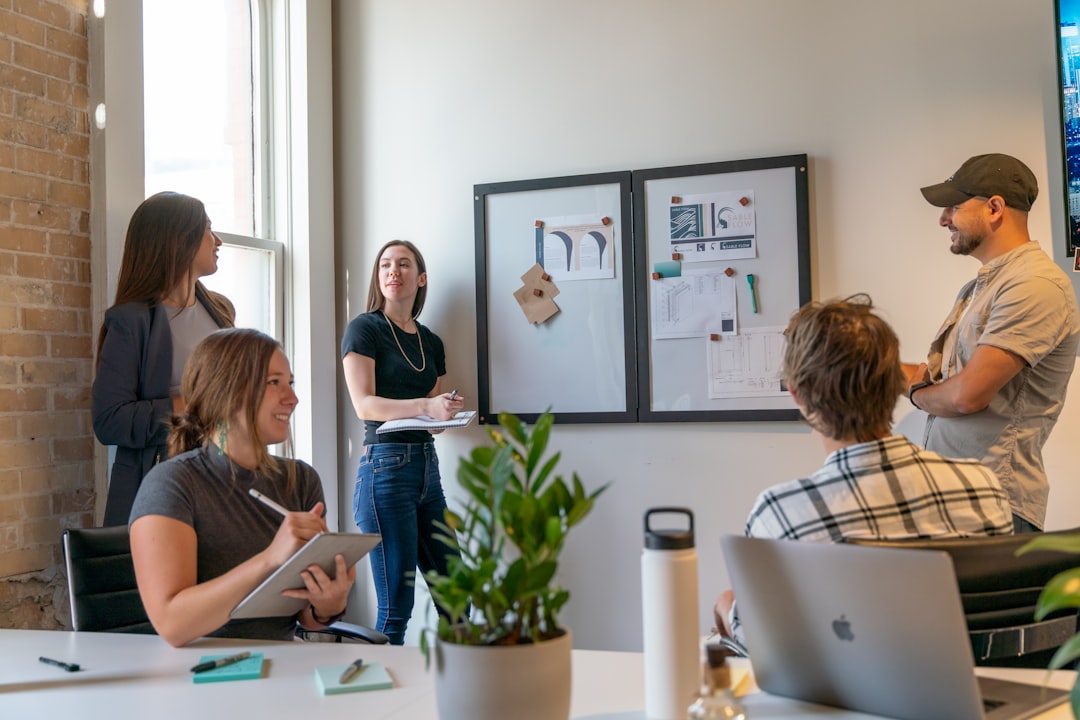
Work can get messy. Emails pile up. Tasks hide in chats. People forget who is doing what. Soon, everyone is busy, but no one is sure what is moving forward.
A huddle board fixes this by putting the work in plain sight.
It answers simple questions:
- What are we doing now?
- What is blocked?
- What is most important?
- Who owns each task?
- What did we finish?
This helps teams stop guessing. It also helps them stop repeating the same updates in five different places.
Common Parts of a Huddle Board
A huddle board can look many different ways. But most boards have a few common sections.
1. To Do
This is work that has not started yet. It is the waiting room for tasks. It should not become a storage closet. Too many items here can feel scary.
2. In Progress
This is work the team is doing now. It should be easy to scan. If this section gets too full, the team may be doing too much at once.
3. Blocked
This is where stuck work goes. A blocker could be a missing answer, a broken system, or a decision that no one has made yet. This section is very important. It tells the team where help is needed.
4. Done
This is the happy place. Finished work goes here. It gives the team a small boost. It also shows real progress.
5. Metrics or Goals
Some boards include numbers. These might show sales calls, bug counts, delivery times, customer issues, or sprint goals. Keep metrics simple. If no one understands the number, it will not help.
Benefits of Huddle Boards
Huddle boards are simple. But they can have a big impact. Here are the main benefits.
They Make Work Visible
Hidden work is dangerous. It creates confusion. It also creates stress. A huddle board shows the truth. Everyone can see what is happening.
They Improve Team Focus
Teams often have too many priorities. A huddle board helps people see what matters today. It keeps the team from chasing every shiny object.
They Speed Up Problem Solving
When a task is blocked, the board shows it fast. The team can talk about it right away. This prevents small problems from becoming giant flaming dragons.
They Create Better Accountability
A board makes ownership clear. Each task has a person or team attached to it. This does not mean blaming people. It means no task is left floating in space.
They Support Better Meetings
Meetings can wander. A huddle board gives the meeting a map. The team can walk through the board and stay on track.
They Build Team Energy
Moving a card to Done feels good. It is tiny. But it works. Progress is motivating when people can see it.
Examples of Huddle Boards
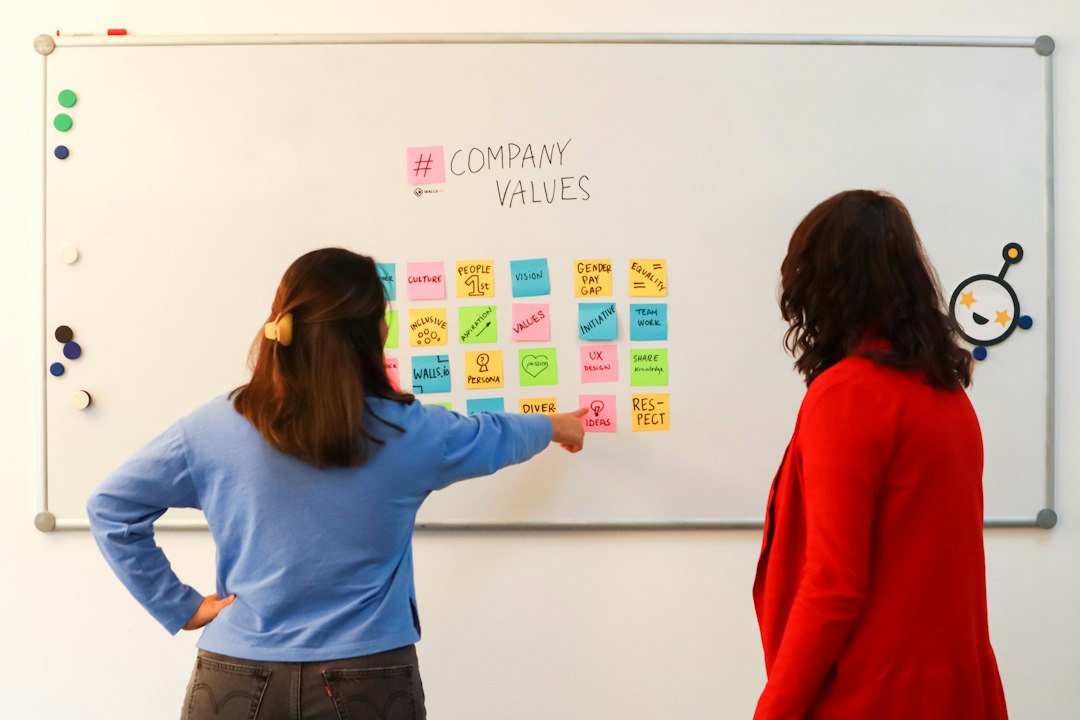
There is no single perfect huddle board. The best board fits the team. Here are some common examples.
Agile Sprint Huddle Board
This board is used by software and product teams. It may have columns like:
- Backlog
- Ready
- In Progress
- Code Review
- Testing
- Done
The team uses it during daily standups. Each person shares progress. They also share blockers. The board helps the team finish sprint work without chaos.
Operations Huddle Board
This board is great for support, service, or warehouse teams. It may show daily targets, safety issues, staffing gaps, and urgent tasks.
For example, a customer support team might track:
- Open tickets
- High priority issues
- Customer complaints
- Response time
- Team wins
Leadership Huddle Board
Managers can use huddle boards too. A leadership board might show company goals, risks, key projects, and decisions needed.
This keeps leaders aligned. It also makes it harder for important issues to disappear into the fog.
Personal Huddle Board
Yes, one person can use a huddle board. A simple personal board might have three columns:
- Today
- Waiting
- Done
It is a great way to plan your day. It also feels much better than keeping twenty sticky notes on your laptop.
How Agile Teams Use Visual Management
Agile teams love visual management. Why? Because Agile is about flow, feedback, and teamwork. A huddle board supports all three.
Visual management means using visual signals to manage work. Instead of long reports, the team looks at a board. Instead of guessing, they inspect real progress.
During a daily standup, an Agile team may ask:
- What moved since yesterday?
- What is blocked?
- Are we on track for the sprint goal?
- Do we need to change the plan?
The board becomes the center of the conversation. Not the manager. Not a long status report. The work itself leads the meeting.
This is powerful. It keeps the team honest. It also makes problems easier to discuss. A red blocker card on the board is not personal. It is just information.
Physical vs Digital Huddle Boards
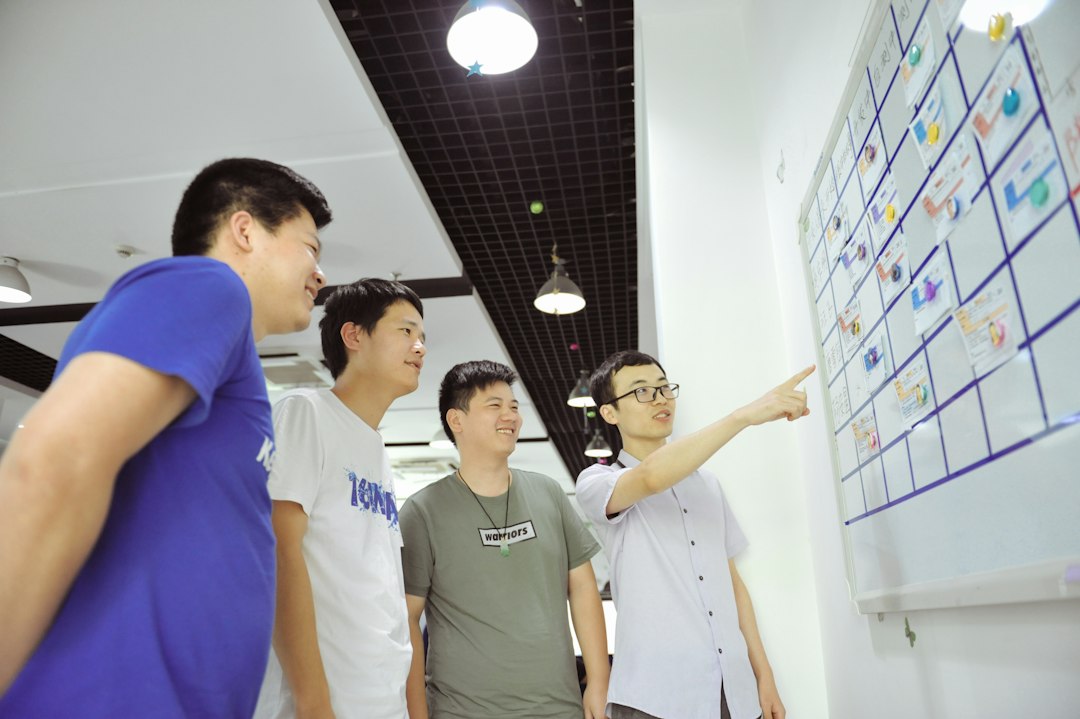
A physical board is great for teams in the same room. It can be a whiteboard, corkboard, or wall with sticky notes. It is simple and hard to ignore.
A digital board is better for remote or hybrid teams. People can update it from anywhere. It can also connect to other tools.
Both can work well. The real question is this: Will the team actually use it?
A beautiful board that no one updates is just office wallpaper. A messy board that helps the team talk is much better.
Tips for Creating a Great Huddle Board
Want to build one? Keep it light. Keep it useful. Try these tips.
- Start simple. Use only a few columns at first.
- Make ownership clear. Every task should have an owner.
- Limit work in progress. Too much active work slows everyone down.
- Highlight blockers. Make stuck work easy to spot.
- Update it often. A stale board loses trust fast.
- Use colors with purpose. Do not turn it into a rainbow soup.
- Review it as a team. The board should guide real conversations.
Common Mistakes to Avoid
Huddle boards are easy to create. They are also easy to overcomplicate.
Avoid these traps:
- Too many columns. If people need a tour guide, the board is too complex.
- No clear rules. The team should know when to move cards.
- Ignoring blockers. A blocked section is only useful if someone acts on it.
- Using it for blame. The board should help the team, not scare them.
- Never changing it. Improve the board as the team learns.
Final Thoughts
A huddle board is not magic. It will not fix every problem. It will not make bad coffee taste good. But it can help teams see their work, talk clearly, and act faster.
For Agile teams, it is a simple way to bring visual management into daily life. It keeps goals visible. It shows progress. It shines a light on blockers.
Start with a basic board. Use it for a week. Ask what helps and what does not. Then adjust it. The best huddle board is not the fanciest one. It is the one your team uses every day.