Passwordless Authentication Apps That Help You Secure Logins Without Passwords
Passwords have long been the foundation of digital security, yet they are also its weakest link. From phishing attacks and credential stuffing to poor password hygiene and large-scale data breaches, traditional passwords continue to expose individuals and businesses to unnecessary risk. As cyber threats grow more sophisticated, passwordless authentication apps are emerging as a more secure, user-friendly alternative that removes the need for memorized credentials altogether.
TLDR: Passwordless authentication apps replace traditional passwords with more secure methods such as biometrics, device-based verification, and cryptographic keys. They reduce the risk of phishing, credential theft, and password reuse while improving user experience. Popular tools like Microsoft Authenticator, Google Passkeys, Authy, Okta Verify, and Duo offer varying capabilities for individuals and enterprises. Choosing the right solution depends on security requirements, scalability, and integration needs.
Why Passwordless Authentication Matters
Traditional passwords are inherently vulnerable. Users often reuse simple passwords across multiple platforms, making a single breach catastrophic. Even strong, unique passwords can be compromised through phishing schemes, keylogging malware, or database leaks.
Passwordless authentication eliminates the shared secret problem. Instead of relying on something a user knows (a password), these systems verify identity using:
- Something you have (a trusted device or hardware key)
- Something you are (biometric factors like fingerprint or facial recognition)
- Cryptographic keys stored securely on a device
This approach significantly reduces attack surfaces and simplifies login experiences.
How Passwordless Authentication Works
Most passwordless systems rely on public-key cryptography. When you register with a service, your device generates a pair of cryptographic keys:
- A private key stored securely on your device
- A public key stored on the server
During login, the server sends a challenge that only your private key can sign. This means no shared credential ever travels across the network. Even if attackers intercept communication, they cannot reconstruct your private key.
Modern implementations often align with FIDO2 and WebAuthn standards, which are widely supported across browsers and operating systems.
Leading Passwordless Authentication Apps
Below are some of the most trusted passwordless authentication apps currently available, suitable for both personal and enterprise use.
1. Microsoft Authenticator
Microsoft Authenticator supports passwordless login for Microsoft accounts and integrates seamlessly with Azure Active Directory. Users can approve sign-in attempts via a push notification tied to device biometrics or PIN verification.
Strengths:
- Deep enterprise integration
- FIDO2 support
- Biometric device approval
Best for: Organizations already using Microsoft 365 or Azure environments.
2. Google Passkeys
Google has heavily invested in passkey technology, allowing users to sign in using biometric verification instead of passwords. Passkeys are synced securely across devices via encrypted cloud infrastructure.
Strengths:
- Wide browser compatibility
- Seamless Android integration
- Strong phishing resistance
Best for: Individual users and businesses operating in Google Workspace ecosystems.
3. Authy
Authy initially gained popularity as a two-factor authentication app. It now supports passwordless-style workflows when integrated with compatible services, offering encrypted backup and multi-device synchronization.
Strengths:
- Secure encrypted backups
- Multi-device support
- Simple interface
Best for: Users transitioning from traditional 2FA toward more advanced authentication models.
4. Okta Verify
Okta Verify provides enterprise-grade passwordless authentication, enabling secure access across cloud, on-premises, and hybrid infrastructures. It supports FastPass, which uses device-bound cryptographic credentials.
Strengths:
- Advanced risk-based authentication
- Extensive enterprise integrations
- Scalable for large organizations
Best for: Medium to large enterprises with complex identity management needs.
5. Duo Security (Cisco Duo)
Duo offers push-based authentication backed by adaptive access controls. It evaluates contextual signals such as device health and location before granting access.
Strengths:
- Adaptive authentication policies
- Strong security track record
- Comprehensive device assessment
Best for: Security-focused enterprises requiring layered authentication strategies.
Comparison Chart
| App | Best For | Biometric Support | Enterprise Integration | Cloud Sync |
|---|---|---|---|---|
| Microsoft Authenticator | Microsoft environments | Yes | Extensive | Limited |
| Google Passkeys | Google users | Yes | Moderate | Yes |
| Authy | Individual users | Device dependent | Limited | Yes |
| Okta Verify | Large enterprises | Yes | Extensive | Enterprise driven |
| Duo Security | Security focused organizations | Yes | Extensive | Enterprise driven |
Advantages of Going Passwordless
Organizations and individuals adopting passwordless authentication typically experience measurable security and usability gains.
- Reduced phishing risk: Without passwords, attackers cannot trick users into revealing credentials.
- Elimination of password reuse: Each login relies on unique cryptographic credentials.
- Improved user experience: Faster authentication using biometrics or push approvals.
- Lower IT costs: Fewer password reset tickets and account lockouts.
- Stronger compliance posture: Meets regulatory expectations for strong authentication methods.
Security Considerations
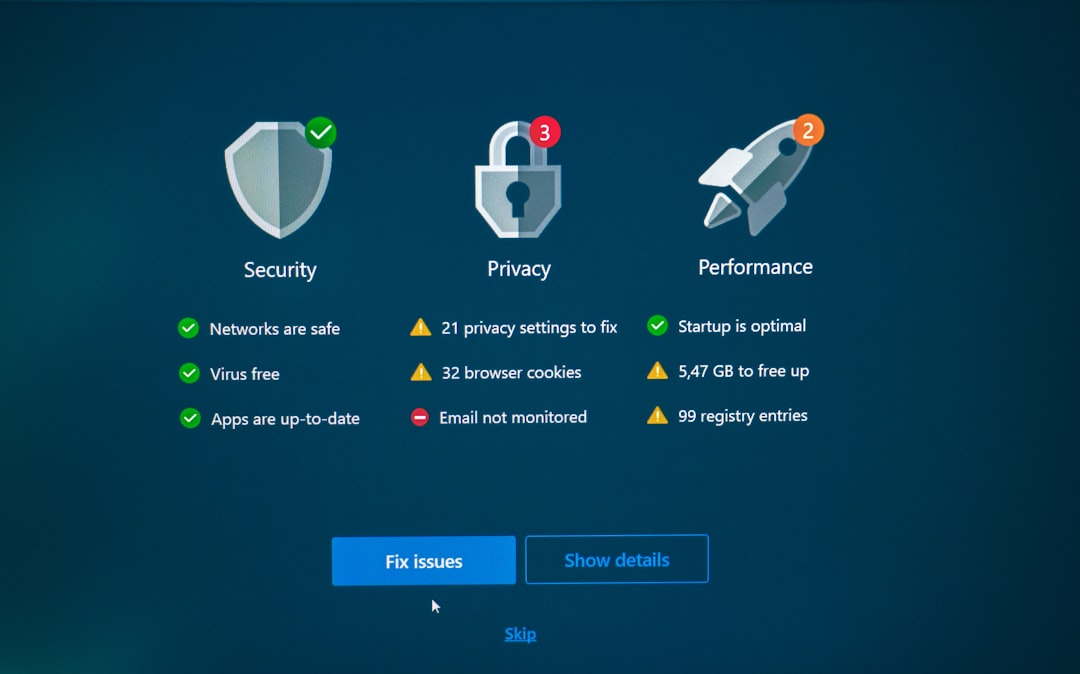
While passwordless authentication significantly strengthens security, it is not entirely risk-free. Organizations should consider the following:
- Device dependency: Loss of a trusted device can disrupt access unless backup methods are configured.
- Account recovery procedures: Weak recovery flows may undermine strong authentication mechanisms.
- Implementation complexity: Poor deployment planning can create user friction or security gaps.
To mitigate risks, implement layered security strategies, including device management policies, encrypted backups, and secure account recovery frameworks.
Passwordless for Individuals vs Enterprises
Individual users primarily benefit from simplified login experiences and protection against phishing. Tools like Google Passkeys and Microsoft Authenticator are typically sufficient.
Enterprises, however, require:
- Centralized identity management
- Device compliance monitoring
- Role-based access controls
- Audit logging and reporting
Solutions like Okta Verify and Duo are better suited for enterprise-scale deployments due to their advanced access governance capabilities.

The Future of Authentication
The momentum behind passwordless authentication continues to grow. Major technology providers, including Apple, Google, and Microsoft, have committed to expanding passkey support across platforms. Industry standards such as FIDO2 are ensuring interoperability and security consistency.
Over time, password-based systems are likely to become secondary, reserved only for legacy systems or account recovery scenarios. As adoption increases, users can expect smoother cross-device authentication experiences and stronger built-in hardware protections.
Choosing the Right Solution
Selecting a passwordless authentication app should be guided by clear criteria:
- Compatibility: Does it integrate with your existing infrastructure?
- Scalability: Can it grow with your organization?
- Security standards: Does it support FIDO2 or WebAuthn?
- User experience: Is the authentication process intuitive?
- Recovery mechanisms: Are secure backup methods available?
A well-implemented passwordless solution not only strengthens cybersecurity defenses but also improves productivity and user satisfaction.
Conclusion
Passwordless authentication apps represent a decisive shift toward more secure digital identity management. By removing the vulnerabilities inherent in passwords and leveraging cryptographic verification and biometrics, these tools reduce phishing risks, prevent credential theft, and streamline access control. Whether you are an individual seeking stronger personal security or an organization aiming to modernize your authentication framework, adopting a passwordless solution is a forward-looking investment in safety and efficiency.
In an environment where cyberattacks continue to evolve, moving beyond passwords is not simply a technological upgrade—it is a strategic necessity.