
PPPoE vs Ethernet Explained
When people compare PPPoE and Ethernet, they are often mixing two related but different networking ideas. Ethernet is the core technology used to move data across local networks, while PPPoE is a protocol that can run over Ethernet to authenticate users and manage internet sessions. Understanding the difference matters when setting up a router, troubleshooting slower connections, or choosing the right configuration for a home or business internet service.
TLDR: Ethernet is the basic networking standard that connects devices and carries data over cables or local network links. PPPoE, or Point to Point Protocol over Ethernet, is an additional protocol often used by internet service providers to authenticate customers and assign internet access. Ethernet is generally simpler and faster because it has less overhead, while PPPoE adds account control and session management. If your provider requires PPPoE, you must configure it; otherwise, standard Ethernet or DHCP is usually preferable.
What Ethernet Means
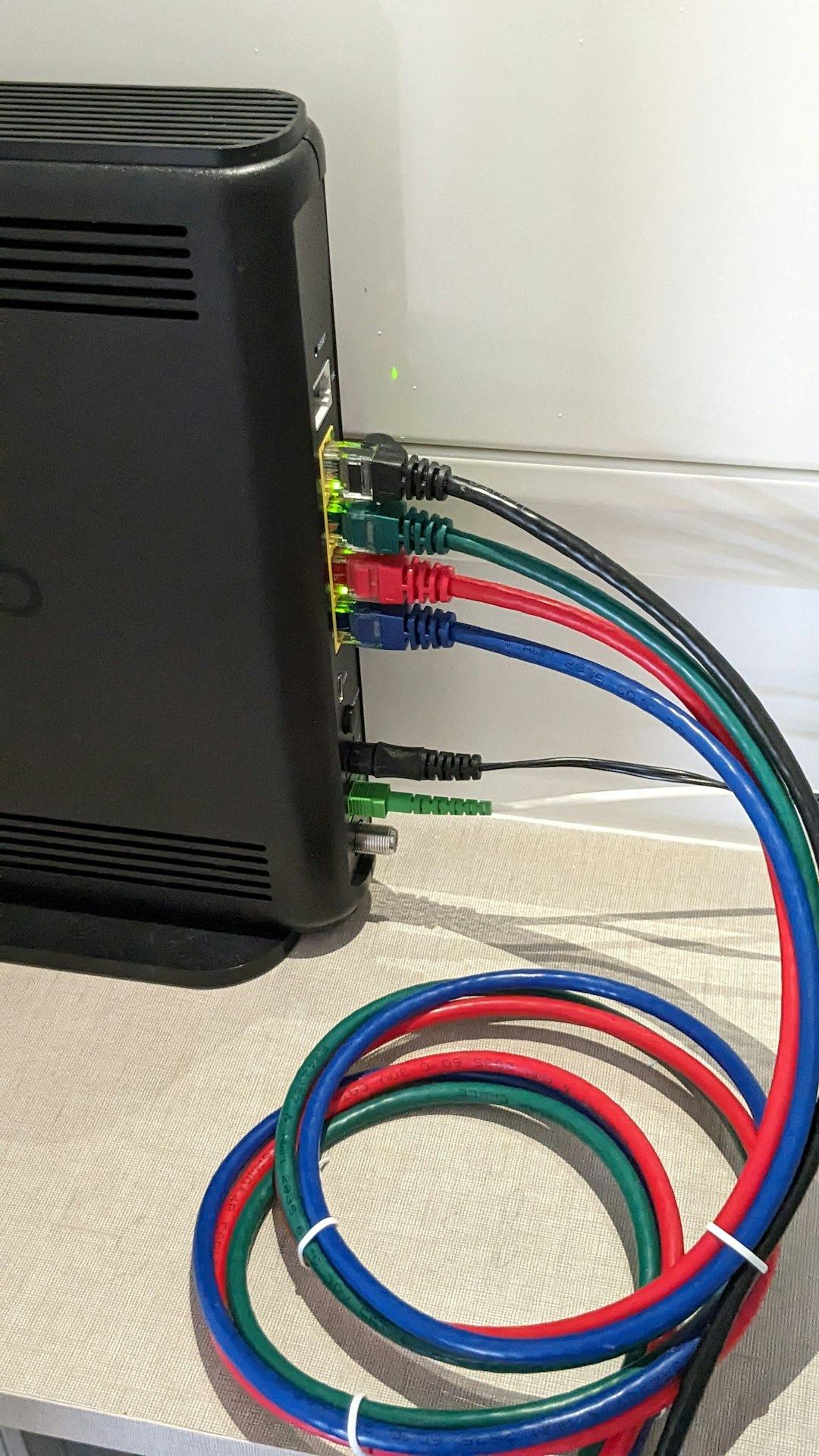
Ethernet is one of the most widely used networking technologies in the world. It defines how devices communicate over a local area network, often through cables connected to switches, routers, computers, servers, access points, and other equipment. When you plug a network cable into a router or a desktop computer, you are most likely using Ethernet.
Ethernet works at the lower layers of networking. In simple terms, it is concerned with moving frames of data between devices on the same local network. It does not, by itself, verify whether you are a paying internet customer, assign your public IP address, or manage your internet login. Those tasks are handled by other protocols and systems.
Modern Ethernet is fast, reliable, and standardized. Common speeds include 100 Mbps, 1 Gbps, 2.5 Gbps, 10 Gbps, and beyond. In most homes and offices, Ethernet is valued because it offers stable performance, low latency, and predictable behavior compared with wireless connections.

What PPPoE Means
PPPoE stands for Point to Point Protocol over Ethernet. It was created to bring the features of older dial up style PPP connections into Ethernet based broadband networks. In practical terms, PPPoE allows an internet service provider to create a controlled session between the customer’s router and the provider’s network.
With PPPoE, a router usually needs a username and password. These credentials are supplied by the internet provider. Once authenticated, the provider can assign an IP address, apply service policies, monitor sessions, and disconnect or reconnect users when necessary.
PPPoE became common with DSL services and is still used by some fiber and broadband providers. It is especially useful where the provider wants direct account based control over access instead of simply allowing any connected device to receive an address automatically.
The Core Difference
The simplest way to understand the relationship is this: Ethernet is the transport, while PPPoE is a session protocol that can use that transport. Ethernet is like the road. PPPoE is like a secure checkpoint system operating on that road.
A network can use Ethernet without PPPoE. In fact, most local networks do. Your computer communicating with your printer, your router communicating with a switch, or your laptop transferring files to a network attached storage device are all typical Ethernet uses that do not require PPPoE.
However, PPPoE cannot exist in this context without Ethernet underneath it. It uses Ethernet to carry its own session and authentication data. That is why the comparison is not exactly like comparing two equal alternatives; they operate at different levels of the networking stack.
PPPoE vs Standard Ethernet or DHCP
In many home internet setups, the more practical comparison is not PPPoE versus Ethernet, but PPPoE versus DHCP over Ethernet. DHCP, or Dynamic Host Configuration Protocol, automatically gives a device network settings such as an IP address, gateway, and DNS servers. Many cable and fiber providers use DHCP because it is simple and efficient.
- Ethernet with DHCP: The router connects, asks for network settings, and receives them automatically.
- Ethernet with PPPoE: The router starts a PPPoE session, sends login credentials, and receives network settings after authentication.
- Static IP over Ethernet: The router is manually configured with fixed network settings from the provider.
For the user, DHCP usually feels more seamless. PPPoE requires correct credentials and may involve additional settings such as MTU size. If these are wrong, the connection may fail or certain websites may load poorly.
Performance and Overhead
One important technical difference is overhead. PPPoE adds extra information to each packet because it wraps PPP data inside Ethernet frames. This reduces the maximum transmission unit, commonly known as MTU. Standard Ethernet usually supports an MTU of 1500 bytes, while PPPoE often uses an MTU of 1492 bytes.
That small difference can matter. If the router or connected devices are not configured properly, packet fragmentation can occur. Fragmentation may cause slow browsing, failed VPN connections, or problems with certain applications. In most modern routers, PPPoE MTU handling is automatic, but it remains a common troubleshooting point.
PPPoE can also require slightly more router processing. On slower or older routers, high speed PPPoE connections may not reach the full advertised internet speed because the device must handle session encapsulation and authentication. This is especially relevant for gigabit or multi gigabit internet plans.
Security and Authentication
PPPoE is sometimes described as more secure because it requires a username and password. That statement needs context. PPPoE provides access control, but it is not the same as end to end encryption. It helps the internet provider confirm that the customer is authorized to use the service, but it does not automatically protect all traffic from interception across the wider internet.
Ethernet itself also does not provide broad internet security. A plain Ethernet connection simply carries data. Security usually comes from higher level technologies such as HTTPS, VPNs, firewalls, WPA security for Wi Fi, and proper network segmentation.
For providers, PPPoE is useful because it allows centralized user management. For customers, its security value is mainly in preventing unauthorized access to the provider account connection, not in encrypting daily internet activity.
Configuration Differences
Setting up a standard Ethernet internet connection is often straightforward. The user connects the modem, optical network terminal, or provider handoff to the router’s WAN port. The router then obtains settings automatically through DHCP, or the user enters static IP details if required.
Setting up PPPoE requires additional information. Typically, the router must be configured with:
- Connection type: PPPoE selected in the WAN settings.
- Username: The login name supplied by the internet provider.
- Password: The matching service password.
- MTU: Usually left automatic, but sometimes set to 1492.
- VLAN ID: Required by some fiber providers in addition to PPPoE.
If any of these details are incorrect, the router may show that the physical cable is connected but still fail to reach the internet. This is a common reason users confuse Ethernet link status with actual internet connectivity.
Advantages and Disadvantages
Ethernet without PPPoE, especially when paired with DHCP, is generally easier to operate. It has less overhead, fewer credentials to manage, and fewer points of failure. For businesses and homes that value simplicity, it is often the cleaner option.
PPPoE offers useful provider side control. It allows account authentication, session tracking, and easier management of customer access. However, it can introduce complexity, slightly reduce packet efficiency, and create performance limits on weaker routers.
Which One Should You Use?
In most cases, the choice is not entirely yours. Your internet service provider determines whether your connection uses PPPoE, DHCP, or static addressing. If the provider requires PPPoE, the router must be configured accordingly. If the provider uses DHCP, enabling PPPoE will not help and may prevent the connection from working.
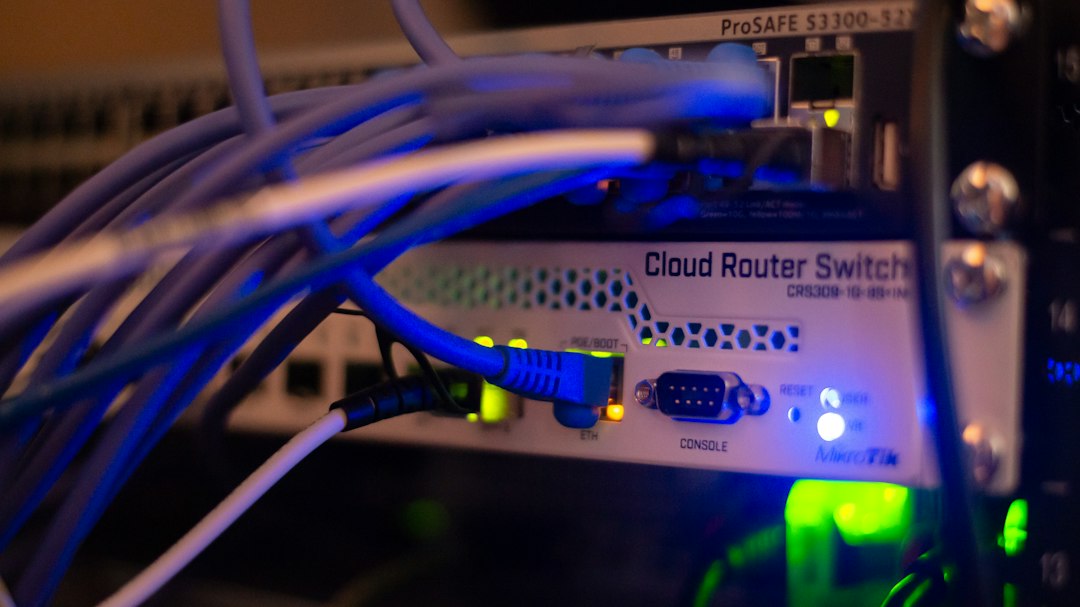
For local networks, Ethernet remains the standard foundation regardless of how the internet connection is authenticated. Even when PPPoE is used on the WAN side of a router, Ethernet is still commonly used inside the home or office to connect devices reliably.
Final Thoughts
PPPoE and Ethernet are not direct competitors. Ethernet is the underlying networking technology that moves data across local links, while PPPoE is a protocol layered on top of Ethernet to create authenticated internet sessions. Ethernet is simpler and more efficient by itself, but PPPoE remains useful where providers need account based access control.
For most users, the practical rule is simple: configure the WAN connection type exactly as your provider specifies, use a capable router, and verify MTU or VLAN settings if performance problems occur. With the correct setup, both Ethernet and PPPoE can deliver stable internet service, but they serve different roles in the network.