
SiteLock Alternatives: 5 Website Security Services for Malware Scanning, Vulnerability Detection, and Threat Monitoring
Pick Sucuri if you want the best all round SiteLock alternative, but pick Wordfence if your site is WordPress only. Malware is not some rare movie villain. Google Safe Browsing says it protects more than 5 billion devices from unsafe sites and files [source: Google]. So yes, your “tiny blog” still needs protection.
TLDR: SiteLock is not your only choice. Good alternatives include Sucuri, Wordfence, MalCare, Patchstack, and Cloudflare. For example, a WooCommerce store with 20 plugins could use Patchstack for plugin risk alerts, then Sucuri for cleanup if malware appears. If you only have 30 minutes a week for security, choose a tool with alerts, scans, and simple cleanup steps.

Why switch from SiteLock?
SiteLock can help. No argument there. But some site owners want clearer pricing. Others want better WordPress features. Some just want fewer scary popups.
Honestly, it feels like many security tools use fear as a sales button. That gets old fast. You need facts. You need clean reports. You need to know if your site is safe or on fire.
Here are five strong options. Each one fits a different type of website owner.
1. Sucuri: Best all round website security service
Sucuri is the “call the security team” option. It handles malware scanning, blocklist checks, file checks, and cleanup. It also offers a web application firewall, or WAF. That helps block bad traffic before it hits your site.
Best for: small businesses, agencies, blogs, stores, and sites that cannot afford downtime.
- Malware scanning: Yes.
- Cleanup: Yes, on paid plans.
- Firewall: Yes.
- Ease of use: Good.
The nice part is that Sucuri works with many site types. WordPress, Joomla, Magento, custom sites. It does not care. If you run mixed sites, that is handy.
Small gripe: setup can feel a bit stiff if you are new to DNS. Expect to spend a few extra minutes pointing traffic through the firewall.
2. Wordfence: Best for WordPress sites
Wordfence is built for WordPress. That matters. It knows WordPress files, plugins, themes, users, and login attacks. Its firewall lives inside WordPress, and its scanner checks core files, plugin files, and theme files.
Best for: WordPress blogs, membership sites, and WooCommerce stores.
- Malware scanning: Yes.
- Login protection: Strong.
- Two factor login: Yes.
- Free plan: Useful.
Wordfence is great if you like seeing details. It shows blocked IPs, login attempts, file changes, and scan results. For some people, that feels great. For others, it feels like being handed a 90 page car repair manual.
If your site is WordPress only, start here. It is one of the easiest SiteLock alternatives to test without paying on day one.
3. MalCare: Best for simple malware cleanup
MalCare is made for people who want the mess cleaned up without reading a security textbook. It scans your site from its own servers. That means your hosting account does less work.
Best for: busy WordPress owners and nontechnical teams.
- Malware scanning: Yes.
- One click cleanup: Yes, on paid plans.
- Site performance impact: Low.
- Dashboard: Clean.
The best thing about MalCare is its friendly flow. Scan. Review. Clean. Done. No dramatic sirens. No ten hidden menus. Lovely.
The catch is that it is mainly a WordPress tool. If you run custom code or other platforms, choose Sucuri or Cloudflare instead.
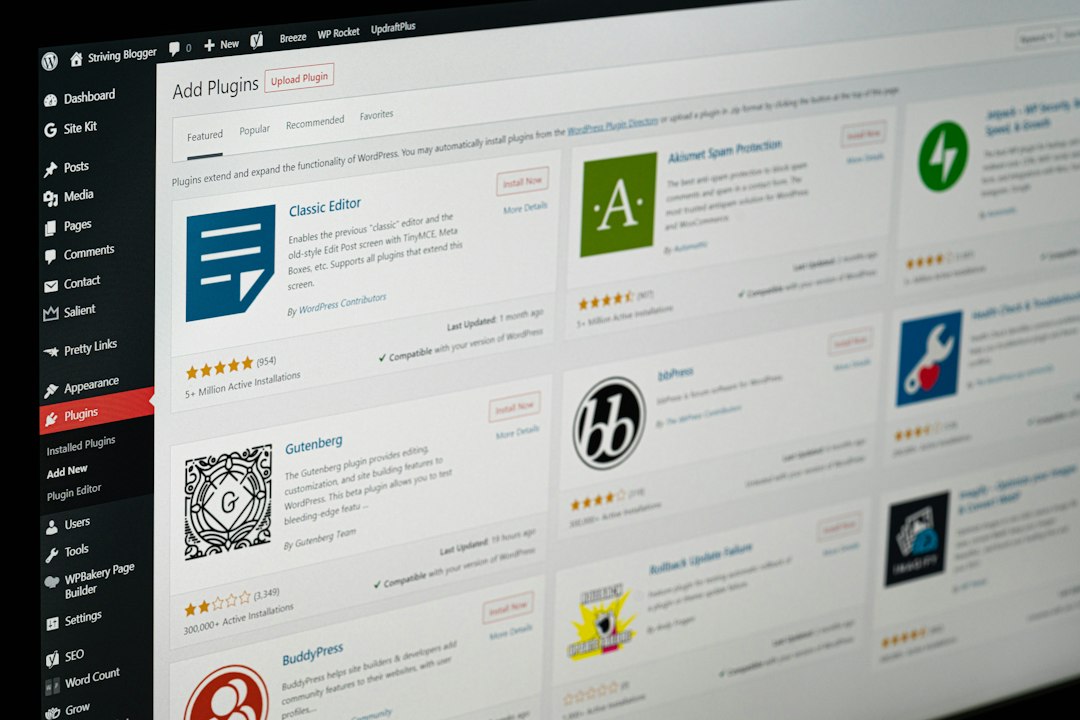
4. Patchstack: Best for plugin and theme vulnerability alerts
Patchstack focuses on vulnerabilities. That means weak spots in plugins, themes, and WordPress core. This is a big deal. Patchstack has reported that most WordPress security bugs come from plugins, not the core software [source: Patchstack].
Best for: WordPress agencies, developers, and site owners with many plugins.
- Malware scanning: Limited compared with Sucuri or MalCare.
- Vulnerability alerts: Excellent.
- Virtual patches: Yes, depending on plan.
- Developer friendly: Very.
Patchstack is like a smoke alarm for risky plugins. It tells you when something is unsafe. Then you can update, replace, or block the risk.
It is not always the best “clean my hacked site” tool. Pair it with Sucuri or MalCare if cleanup is a must.
5. Cloudflare: Best for traffic filtering and threat monitoring
Cloudflare is not a classic malware scanner. Think of it as a strong front gate. It filters bad traffic, blocks bots, speeds up pages, and adds firewall rules.
Best for: sites that get spam traffic, bot attacks, fake logins, or traffic spikes.
- Malware cleanup: No.
- Firewall: Strong.
- DDoS protection: Strong.
- Speed tools: Strong.
Cloudflare is great when your site is getting hammered. It can block junk before it reaches your server. That saves bandwidth and stress.
But do not expect it to clean infected files. Use it with Wordfence, MalCare, or Sucuri for a fuller setup.
Quick picks
- Best overall: Sucuri.
- Best free WordPress start: Wordfence.
- Best easy cleanup: MalCare.
- Best vulnerability alerts: Patchstack.
- Best traffic shield: Cloudflare.

What should you choose?
If you want one tool for scanning, firewall, and cleanup, choose Sucuri. If you live inside WordPress, try Wordfence first. If malware cleanup scares you, use MalCare. If plugin risk keeps you awake, add Patchstack. If bots keep smashing your login page, put Cloudflare in front.
The smart move is simple. Use one scanner. Use one firewall. Turn on alerts. Update your plugins. Back up your site. Do not wait for a hacked homepage to teach the lesson.