Zoom Cut: What a Zoom Cut Is, How It Works in Video Editing, and How to Use Zoom-Based Transitions Without Overusing Them
A zoom cut is a cut that uses a sudden change in image scale to hide, soften, or stylize an edit. Instead of moving from one shot to another with a plain cut, the frame punches in or pulls out, creating the feeling of motion and impact. Used well, it makes a video feel sharper and more intentional. Used too often, it starts to feel like the editor discovered one button and refused to let go.
TLDR: A zoom cut is a video edit where the image rapidly zooms in or out across a cut, often to add energy or connect two shots. For example, a fitness creator might cut from a wide shot of a squat to a close-up of foot position using a quick zoom-in, saving 2 seconds and keeping viewers focused. In short-form videos, using 3 to 5 zoom-based transitions in a 60-second edit is usually enough; more than that can feel noisy. Treat zoom cuts as emphasis, not decoration.
What Is a Zoom Cut?
A zoom cut combines two ideas: zooming and cutting. The editor changes the scale of the image right before, during, or right after a cut. This creates a visual snap that can make the edit feel faster, tighter, or more dramatic.
There are a few common types:
- Zoom in cut: The frame pushes closer as the edit happens. This is great for emphasis, reactions, details, and reveals.
- Zoom out cut: The frame pulls back across the cut. This can reveal context or reset the viewer’s eye.
- Match zoom cut: Two shots share a similar subject size or center point, making the transition feel smooth.
- Crash zoom cut: A very fast zoom that feels aggressive, comic, or intense.
- Digital zoom cut: A zoom created in editing software by increasing scale, usually with keyframes.
A zoom cut is not the same as a camera zoom, although they can look similar. A camera zoom happens during filming with the lens. A digital zoom cut happens in post-production. Most social videos, tutorials, ads, reels, and YouTube edits use digital zoom cuts because they are quick to build and easy to adjust.
How Zoom Cuts Work in Video Editing
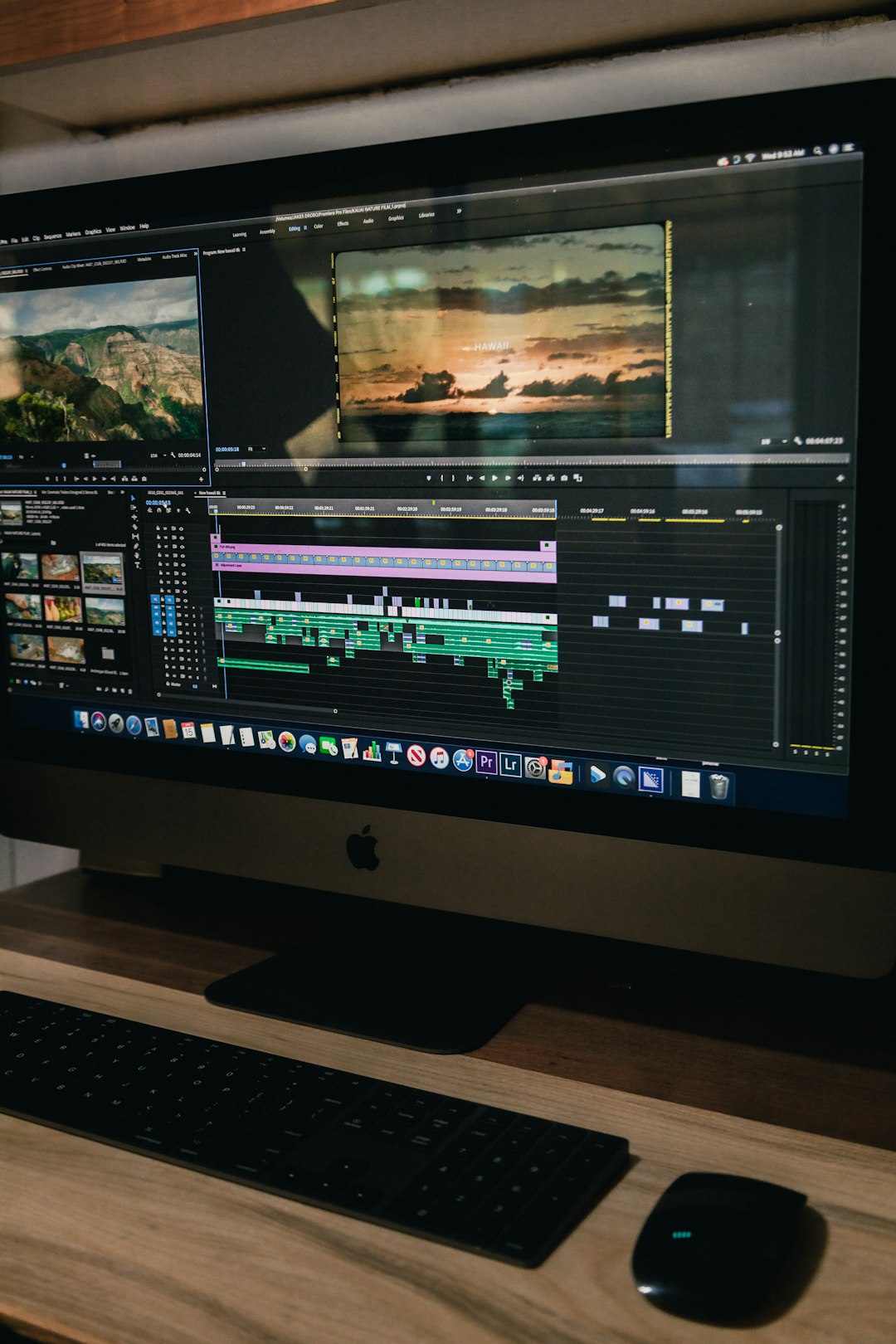
At the technical level, a zoom cut is often built with scale keyframes. You set one scale value at the start of the motion and another at the end. For example, a clip may begin at 100% scale and jump to 125% over six frames. Then the next clip starts at 125% and settles back to 100%.
That tiny movement tricks the eye. The viewer feels motion instead of noticing the hard cut. This is why zoom cuts are common in talking-head videos. They hide pauses, mistakes, filler words, and timing fixes.
A basic zoom cut usually uses these settings:
- Duration: 4 to 10 frames for a quick punch.
- Scale change: 105% to 130% for most clean edits.
- Motion blur: Adds softness and helps hide the digital feel.
- Ease controls: Makes the motion less robotic.
- Center point: Keeps the viewer’s attention on the face, product, hand, or action.
The center point matters more than many editors expect. If a speaker’s face is on the right side of the frame, but the zoom pushes toward the center, the motion can feel awkward. The viewer’s eye gets dragged to empty space. Honestly, it feels like such a small mistake, but once you see it, you cannot unsee it.
Why Editors Use Zoom-Based Transitions
Zoom-based transitions are popular because they solve real editing problems. They add rhythm, cover rough joins, and help viewers understand where to look next.
They work especially well for:
- Talking-head videos: Cut out pauses without making the edit feel choppy.
- Tutorials: Push in on a button, tool, ingredient, or step.
- Product videos: Move from full product view to a feature close-up.
- Travel edits: Connect locations with a burst of movement.
- Comedy timing: Punch in on a reaction or awkward silence.
- Sports and fitness clips: Add force to impact, speed, or form changes.
A zoom cut can also create visual punctuation. Think of it like bold text in a sentence. If every word is bold, nothing stands out. The same rule applies here.
How to Create a Clean Zoom Cut
You can build a zoom cut in most editing apps, including Premiere Pro, Final Cut Pro, DaVinci Resolve, CapCut, and After Effects. The names of the controls may vary, but the method is similar.
- Choose the edit point. Pick the exact cut where the zoom should happen.
- Set a scale keyframe before the cut. Start at 100% scale.
- Add a second keyframe near the cut. Increase scale to around 115% or 120%.
- Carry the motion into the next clip. Start the next clip at the same zoomed scale.
- Return to normal scale. Ease back to 100% over a few frames.
- Add motion blur if available. This helps the transition feel less stiff.
- Check the subject position. Keep the main object or face where the eye expects it.
The catch is that some software makes this more annoying than it should be. In a simple edit, setting three or four keyframes should take seconds. But if the app hides graph controls, anchor points, or easing behind extra menus, expect to waste time clicking around just to make a half-second move feel natural.

When a Zoom Cut Looks Good
A zoom cut looks best when it has a reason. It should match the message, the beat, or the action. If someone says, “This is the mistake,” a quick zoom in can sharpen attention. If a product feature appears, a push-in can guide the eye. If music hits a strong beat, a zoom can support that hit.
Good zoom cuts share a few traits:
- They are brief. The viewer feels them more than studies them.
- They follow eye movement. The zoom moves toward the subject, not away from it.
- They match the pacing. Fast videos can handle sharper zooms. Slow videos need softer ones.
- They support meaning. The transition adds clarity, humor, or impact.
For corporate interviews, subtle zoom cuts often work better. Try 103% to 108% scale changes. For gaming, sports, music edits, or creator content, 115% to 140% may fit better. The style should serve the footage, not fight it.
How to Avoid Overusing Zoom Transitions
Zoom transitions lose power when they appear every few seconds. The first one feels energetic. The tenth one feels like visual hiccups. If the viewer starts noticing the transition more than the content, the edit is working against you.
Use these limits as a practical guide:
- Short social clip, 15 seconds: 1 to 2 zoom cuts.
- Reel or TikTok, 30 seconds: 2 to 4 zoom cuts.
- Explainer, 60 seconds: 3 to 5 zoom cuts.
- YouTube video, 8 minutes: Use them only at topic shifts, jokes, reveals, or pacing fixes.
Also vary your edits. Mix zoom cuts with plain cuts, J-cuts, reaction shots, inserts, text overlays, and natural camera movement. Silence can help too. Not every edit needs to shout.
Common Mistakes to Watch For
- Zooming too far: A 200% punch-in often looks cheap unless it is meant to be funny or chaotic.
- Ignoring resolution: Digital zoom reduces sharpness. A 1080p clip zoomed to 150% can look soft fast.
- Bad anchor points: Zooming into empty space breaks focus.
- No easing: Linear zooms can feel mechanical.
- Using presets blindly: Presets are handy, but many are too strong out of the box.
Best Practices for Better Zoom Cuts
Before adding a zoom cut, ask one question: What should the viewer feel or notice here? If the answer is unclear, skip it. A clean hard cut may be stronger.
When you do use one, keep it controlled. Zoom toward the subject. Match the speed to the mood. Use motion blur lightly. Preview the edit at full speed, not frame by frame, because transitions are judged by feel.
Most of all, leave room for contrast. A zoom cut works because it interrupts stillness. If everything is always moving, the effect has nothing to push against. The best edits know when to move and when to stay still.