
Free CAD Design Software: FreeCAD and LibreCAD Among the Design Tools Worth Trying
FreeCAD and LibreCAD are the best free CAD tools to try first because they cover two very different needs: 3D parametric modeling and clean 2D drafting. FreeCAD supports Windows, macOS, and Linux, and its project describes it as an open-source parametric 3D modeler [source: FreeCAD]. LibreCAD keeps things simpler, which is exactly why many hobbyists, students, and small workshops still like it.
TLDR: FreeCAD is the stronger pick for 3D parts, assemblies, prototypes, and engineering-style modeling. LibreCAD is better for 2D plans, floor layouts, profiles, and technical drawings. For example, a small furniture maker could sketch a 2D cabinet layout in LibreCAD in under an hour, then model custom brackets in FreeCAD before sending the design to a 3D printer. A team that only needs 2D drawings may save 100% of software license costs by using LibreCAD instead of paid drafting tools.
Why Free CAD Software Is Worth Trying
Paid CAD software can be great. It can also be expensive, heavy, and annoying to install. Free CAD tools give designers a low-risk way to test ideas before spending money.
For students, makers, repair shops, woodworkers, and early-stage product teams, that matters. A design may start as a rough sketch. It may never become a commercial product. Paying for a full CAD license just to test one bracket or room layout can feel like overkill.
That is where FreeCAD and LibreCAD stand out. They are not clones of premium software. They have quirks. Some menus feel dated. Some workflows take a few extra clicks. Still, they are useful, capable, and free.
FreeCAD: Best for 3D Parametric Design
FreeCAD is made for 3D work. It is often used for mechanical parts, enclosures, brackets, fixtures, furniture pieces, and 3D printing projects. Its biggest strength is parametric modeling. That means dimensions can be changed later, and the model updates based on those values.
For example, a designer may create a 120 mm mounting plate with four screw holes. If the plate later needs to be 150 mm wide, FreeCAD can update the model without starting from zero. That saves time when measurements keep changing, which they usually do.
FreeCAD uses workbenches for different tasks. There are areas for part design, sketches, technical drawings, mesh work, architecture, and more. This is powerful, but it can also confuse new users. Honestly, it feels like FreeCAD sometimes hides simple tasks behind too many panels.
Best uses for FreeCAD include:
- 3D printed parts
- Mechanical brackets and housings
- Product prototypes
- Parametric models with editable dimensions
- Technical drawings from 3D models
The catch is that FreeCAD has a learning curve. A beginner may spend 20 minutes figuring out constraints before a sketch behaves correctly. That can be frustrating. Yet once the basics click, the software becomes much more useful.
LibreCAD: Best for Simple 2D Drafting
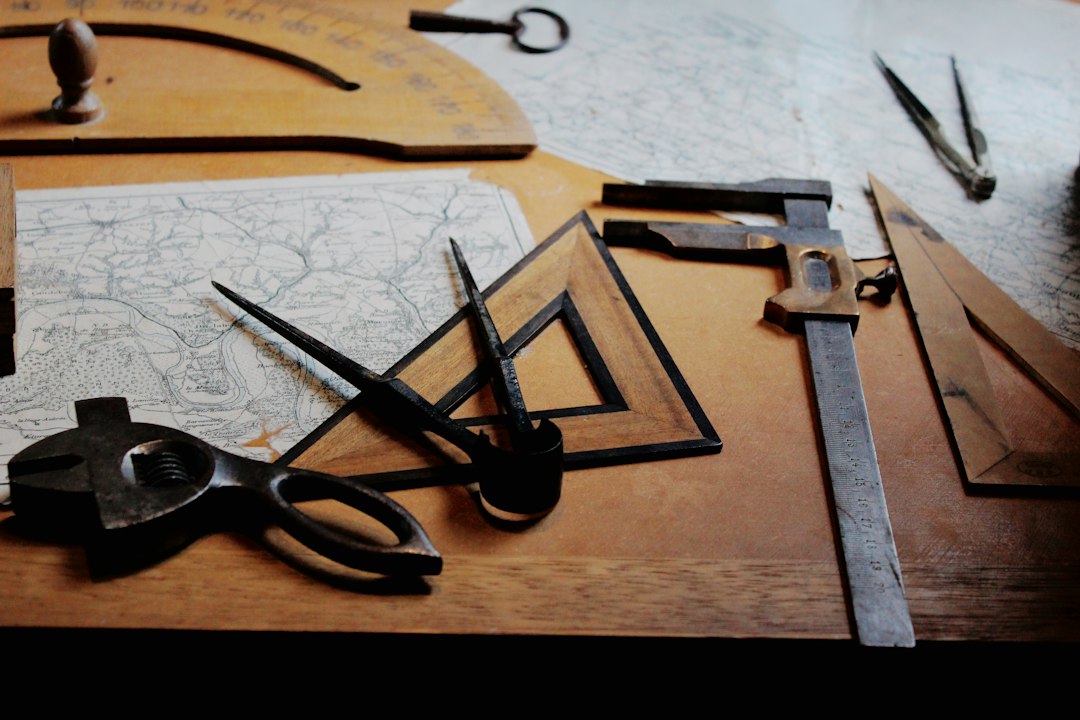
LibreCAD is built for 2D CAD. It is lighter than FreeCAD and much easier to understand at first glance. The interface is old-school, but that is not always bad. Lines, arcs, dimensions, layers, and blocks are right where many drafters expect them to be.
LibreCAD is a smart pick for users who need flat drawings rather than 3D models. That includes floor plans, laser cutting profiles, workshop layouts, part outlines, and simple engineering drawings.
Best uses for LibreCAD include:
- 2D technical drawings
- Floor plans and room layouts
- Laser cutting files
- Simple workshop drawings
- DXF-based drafting work
LibreCAD does not try to do everything. That is a good thing. It opens fast, stays focused, and avoids the clutter found in larger CAD suites. It drives some users crazy that it lacks modern polish, but for basic drafting, it gets the job done.
FreeCAD vs LibreCAD: Which One Should a Designer Choose?
The choice is simple. If the project needs depth, volume, 3D printing, or editable 3D features, FreeCAD is the better tool. If the project only needs lines, dimensions, and flat geometry, LibreCAD is faster and cleaner.
Designers comparing several free drafting options may also find this guide to LibreCAD vs FreeCAD and other free CAD programs useful when choosing between 2D and 3D workflows.
A common setup is to use both. LibreCAD can handle early 2D layouts. FreeCAD can then turn key parts into 3D models. This mixed workflow works well for small shops that need practical drawings, not fancy presentations.
Other Free CAD Design Tools Worth Trying
FreeCAD and LibreCAD are strong starting points, but they are not the only options. Some users may also test QCAD for 2D drafting, SketchUp Free for quick concept models, or OpenSCAD for code-based 3D design.
Each tool has a different feel. QCAD is polished for 2D. SketchUp Free is friendly for visual modeling. OpenSCAD suits users who like precise, scripted designs. FreeCAD remains the more complete open-source 3D option, while LibreCAD remains one of the cleanest free 2D picks.
Who Benefits Most?
Students benefit because they can learn CAD basics without license costs. Hobbyists can design parts for printers, CNC machines, and home projects. Small businesses can create shop drawings before they can justify paid software.
These tools are not perfect. File compatibility can be rough. Tutorials may be uneven. Some interface choices feel stuck in the past. Still, the value is hard to ignore. FreeCAD and LibreCAD help people build real designs without asking for a credit card first.
FAQ
Is FreeCAD really free?
Yes. FreeCAD is free and open source. It can be used for personal, educational, and commercial projects.
Is LibreCAD good for beginners?
Yes, especially for 2D drafting. Beginners still need to learn layers, dimensions, and snapping, but the tool is more focused than most 3D CAD programs.
Can FreeCAD replace AutoCAD?
For some users, yes. For complex professional workflows, not always. FreeCAD is strongest for 3D parametric design, while AutoCAD is often used for broad 2D drafting and industry workflows.
Can LibreCAD create 3D models?
No. LibreCAD is a 2D CAD program. Users who need 3D modeling should try FreeCAD instead.
Which is better for 3D printing?
FreeCAD is the better choice. It can create solid 3D models and export common formats used in 3D printing workflows.