
Free DNS Resolvers: Quad9 vs Cloudflare DNS for Fast and Secure Resolution
Pick Cloudflare DNS if speed is your main goal. Pick Quad9 if you want strong malware blocking with less fuss. Cloudflare’s famous resolver is 1.1.1.1, while Quad9 uses 9.9.9.9. Cloudflare says 1.1.1.1 is built for privacy and simple public DNS use [source: Cloudflare].
TLDR: Cloudflare DNS is usually the best choice for raw speed. Quad9 is the better pick if you want security filtering on by default. For example, a home with 10 devices may make thousands of DNS requests per day, so blocking even 1% of bad lookups can matter. If you stream, game, and hate delays, try Cloudflare first; if you help family members avoid sketchy links, try Quad9.
What does a DNS resolver even do?
DNS is the internet’s phone book. You type example.com. DNS finds the matching IP address. Then your browser loads the site.
Simple, right?
But your DNS resolver sees a lot. It sees which domains your device asks for. Not full pages. Not passwords. Still, it is sensitive stuff.
That is why people switch from their internet provider’s DNS. Some provider DNS servers are slow. Some log too much. Some show weird error pages. Honestly, it feels like your router is being held together with tape when a page takes 3 seconds longer for no clear reason.
Cloudflare DNS: fast, clean, and easy
Cloudflare DNS is known for speed. Its main addresses are:
- IPv4: 1.1.1.1 and 1.0.0.1
- IPv6: 2606:4700:4700::1111 and 2606:4700:4700::1001
It is popular because it is simple. Add the address. Save. Done.
Cloudflare also offers extra filtering options:
- 1.1.1.1: standard DNS
- 1.1.1.2: blocks malware
- 1.1.1.3: blocks malware and adult content
That is handy if you want a tiny safety net. Still, the basic 1.1.1.1 service does not block threats by default. You must choose the filtered version.
Quad9: security first, speed second
Quad9 is built around blocking bad domains. Its main address is:
- IPv4: 9.9.9.9
- Backup IPv4: 149.112.112.112
- IPv6: 2620:fe::fe
When your device asks for a known malware site, Quad9 can block it. The page may fail to load. That is the point.
This makes Quad9 great for homes, small offices, schools, and older relatives who click things too fast. We all know one person. Maybe two.
Quad9 says it uses threat intelligence from many providers to block harmful domains [source: Quad9].

Speed: who wins?
Cloudflare usually wins for speed. It has a huge global network. It often responds very fast, especially in large cities.
Quad9 is not slow. For many users, the difference may be tiny. We are talking milliseconds. You may not feel it during normal browsing.
But if you care about gaming, video calls, or quick page loads, every little bit helps. DNS is only one part of speed. Still, a slow resolver makes the whole web feel sticky.
Try both. Test them on your own network. Your location matters. Your provider matters. Your router matters. Annoying, but true.
Security: who wins?
Quad9 wins for default security. You set 9.9.9.9 and get malware blocking right away.
Cloudflare can also block malware, but only if you use 1.1.1.2. If you set up plain 1.1.1.1, you get speed and privacy features, not the same default blocking.
This difference matters.
- Use Quad9 for safer browsing by default.
- Use Cloudflare 1.1.1.2 if you want Cloudflare speed with malware blocking.
- Use Cloudflare 1.1.1.3 for family filtering.
Privacy: which one feels better?
Both are better than many default provider resolvers. Both support encrypted DNS in common setups. That includes DNS over HTTPS and DNS over TLS.
Cloudflare has strong privacy claims and public documentation. Quad9 also has a privacy-focused model and is based in Switzerland, which many privacy fans like.
Still, DNS is only one privacy layer. Your browser, apps, cookies, and IP address still exist. If you are worried about leaks, read this plain guide on what a DNS leak is. It helps explain why your DNS settings may not always work the way you expect.
Which one should you use?
Here is the simple version:
- Choose Cloudflare 1.1.1.1 if you want fast, simple DNS.
- Choose Cloudflare 1.1.1.2 if you want speed plus malware blocking.
- Choose Quad9 9.9.9.9 if safety is your top concern.
- Choose Cloudflare 1.1.1.3 for kids or shared family devices.
If you are using DNS tools for ad blocking, things get messier. DNS filtering can block some ad domains, but it will not block every video ad or app ad. For more on that pain, see this guide about DNS filtering and ad blocking.
Quick setup tips
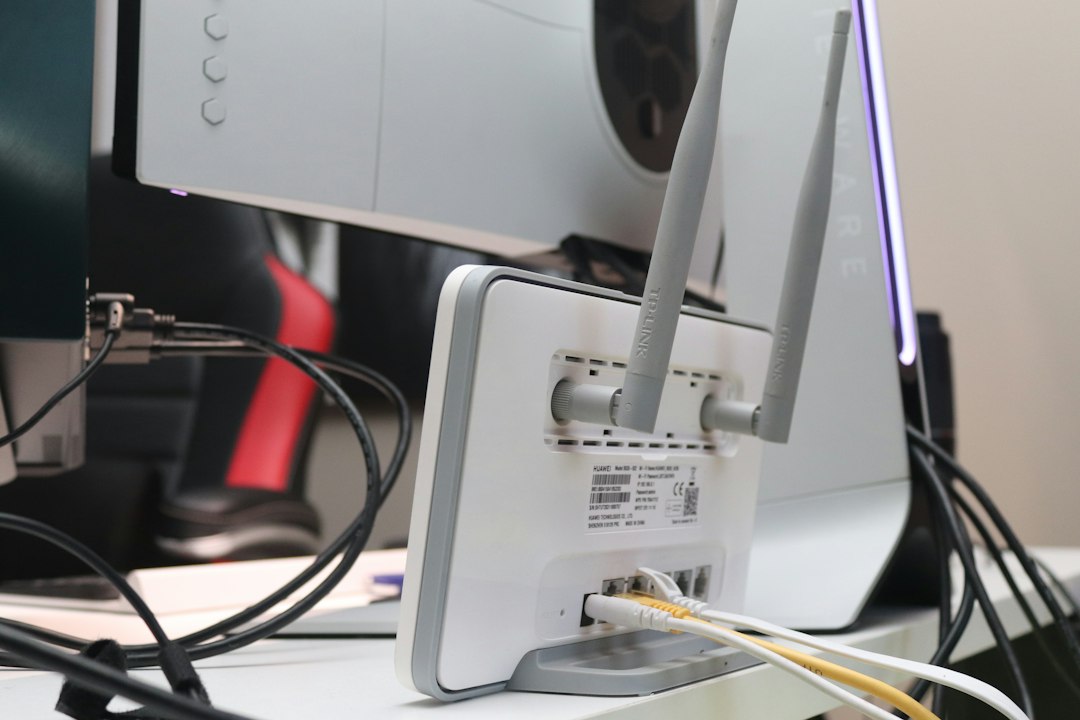
You can change DNS on one device or on your router.
- One device: best for testing.
- Router: best for the whole home.
- Phone private DNS: useful on Android.
- Browser DNS: works well in Chrome, Edge, Firefox, and Brave.
It drives me crazy that some routers hide DNS settings three menus deep. Expect to click around for a minute. Look under WAN, Internet, or DHCP.
Final pick
Cloudflare DNS is the speed champ for most people. It is easy, fast, and polished. Quad9 is the safer default pick when blocking bad domains matters more than shaving off a few milliseconds.
My simple advice? Use Cloudflare 1.1.1.1 on your own laptop if you want speed. Use Quad9 9.9.9.9 on a family router if you want fewer risky clicks turning into a bad day.